Page | 124
8.15.1 ESC & ENTER
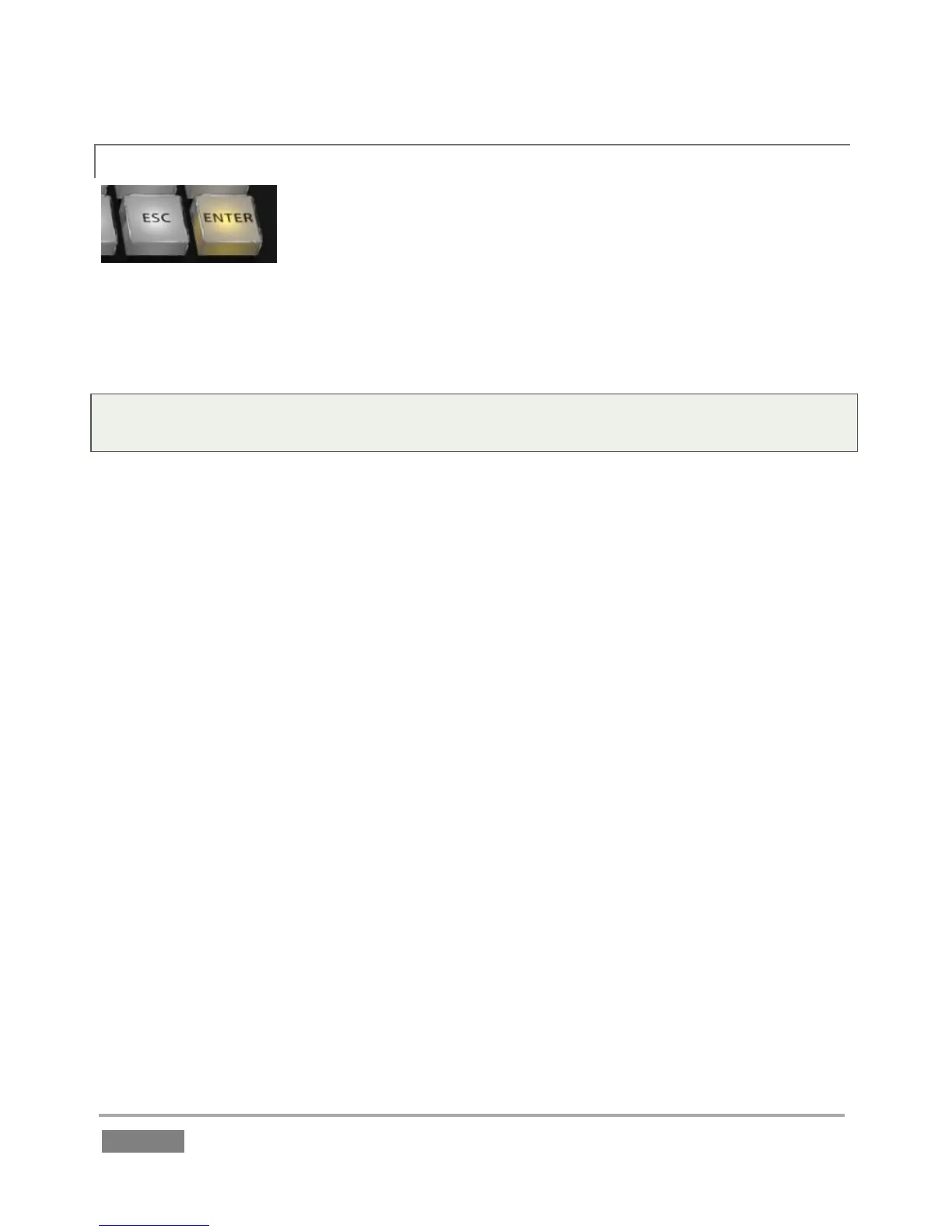
Pressing the Esc (Escape) button cancels a popup dialog, or exits from
text input without applying changes.
As you’d expect, pushing ENTER confirms or executes the current operation. When editing Memo
cells, pushing ENTER updates the cell using the current content of the dataview.
Tip: Hold down SHIFT when pressing ENTER to cause all Memo cells for the current event row to
take on the same value.








 To Next Page