Page | 8
Note: If the Control Surface is not available for any reason, its core functions can be accessed
using keyboard shortcuts.
2.4 STARTUP SCREEN
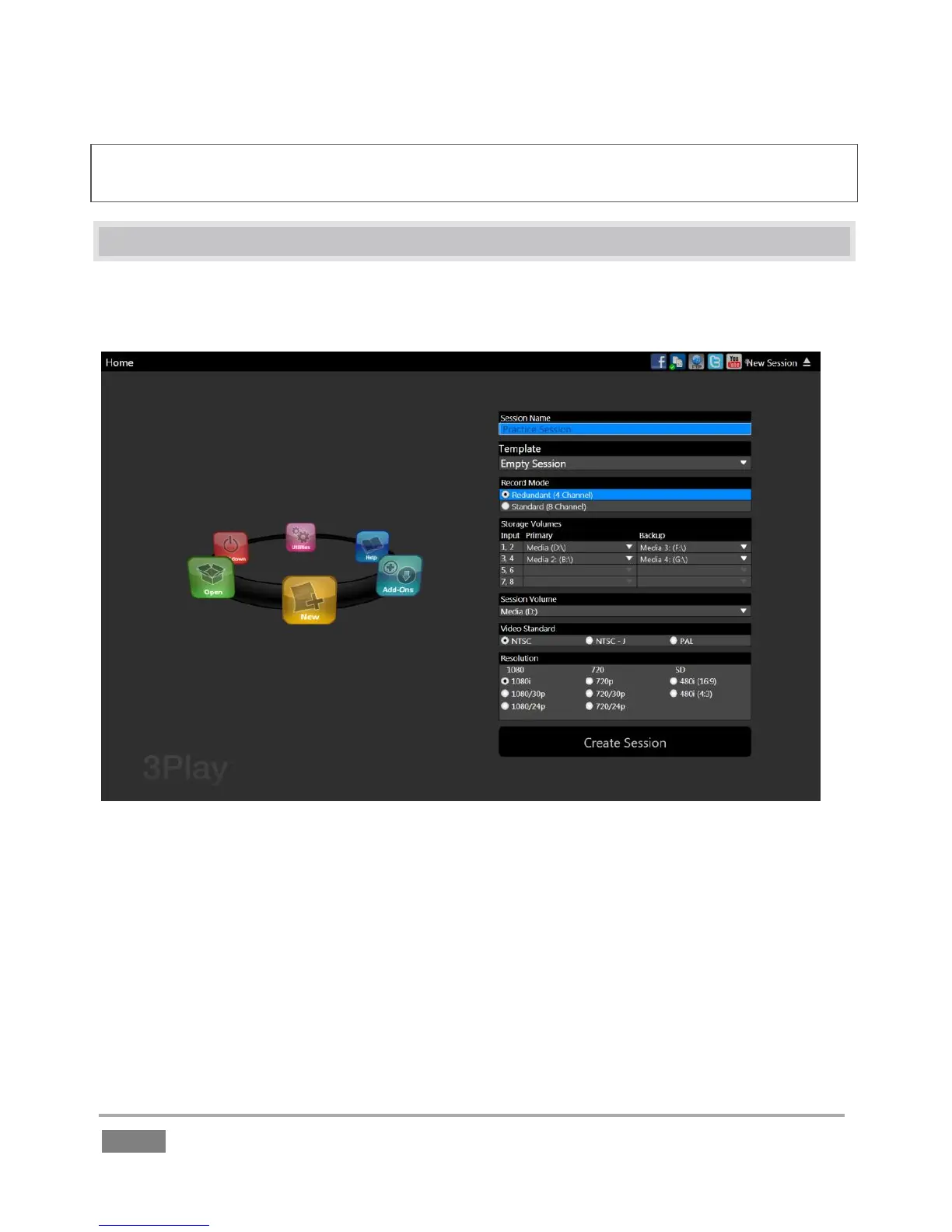
The Startup Screen appears when you power up your NewTek 3Play. This area offers initial
configuration options along with system management tools.
Figure 2 (3Play 4800 shown)
The Home page of the Startup Screen allows you to define and open sessions, essentially custom
presets for individual productions or other purposes. If you re-open a session on some later
occasion, all of its assets and settings are remembered.
After creating a session (or opening an existing one), you are taken to the Sessions page. Here
you can launch the Replay Desktop, or perhaps choose to Import Media for your session, or
Export Media from an earlier one.








 To Next Page