Page | 121
8.12 BOOK MARK
Bookmarks are timecode references that are independent of marked In or
Out points you may set for events. This is a very useful feature, enabling you
to quickly skip through your recorded video to specific points.
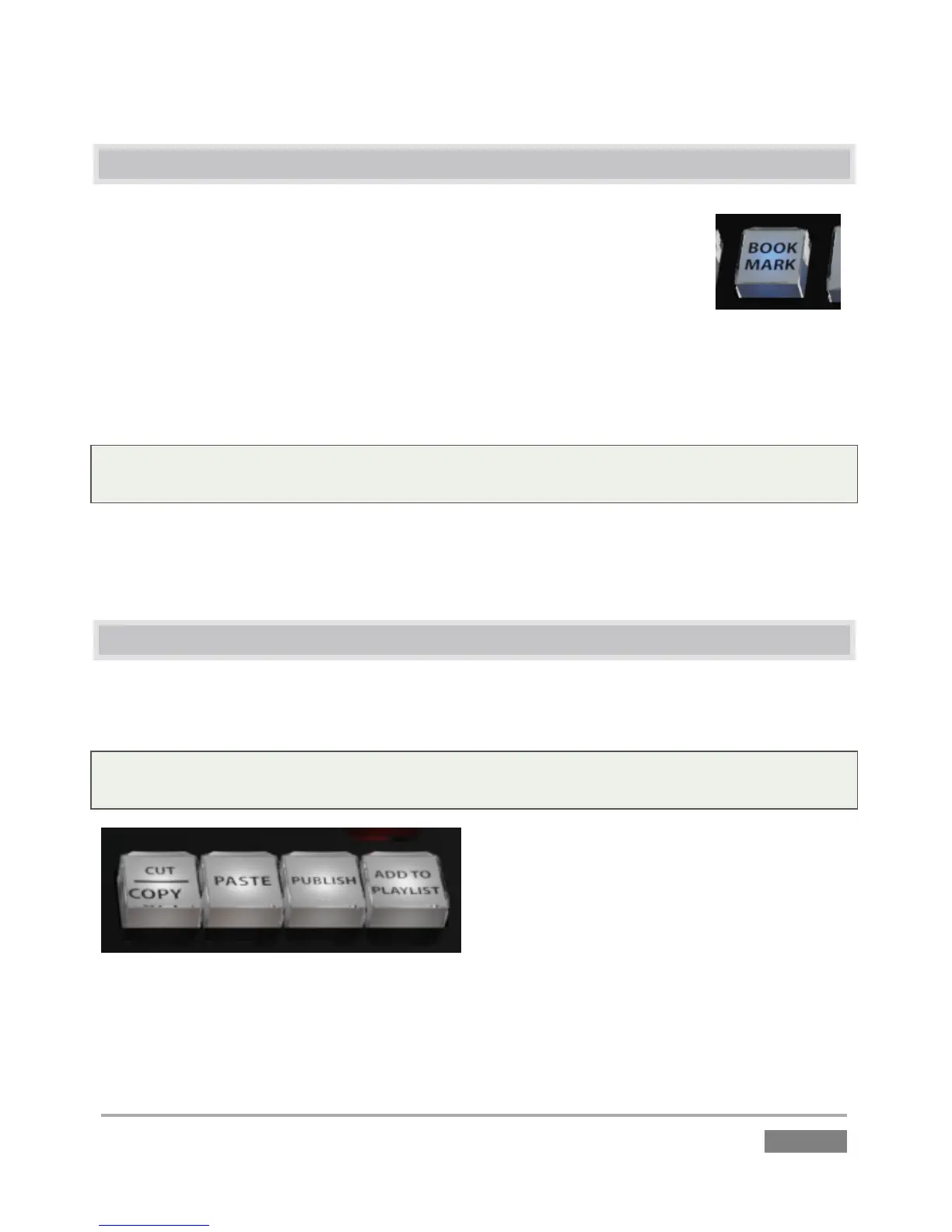
A bookmark is set at the current timecode every time you press the BOOK
MARK button (as long as recording is underway).
The maximum number of bookmarks never exceeds ten, so once the limit is reached, pressing
BOOK MARK again erases the ‘oldest’ bookmark and sets a new one.
Tip: Bookmarks reference the current (i.e., ‘live’) timecode when they are set. If recording is not
underway, pressing the BOOK MARK button has no effect.
Press SHIFT + BOOK MARK to jump the playhead back to the most nearest prior bookmark. Doing
so enough times will eventually ‘wrap around’ to the most recently set bookmark, and then work
backwards through them again.
8.13 UTILITY BUTTONS
A four-button group located at upper right provides a number of important media management
functions, as described next.
Tip: All of these functions operate on the current selection (clip or event) in the delegated list (i.e.,
the Clip or PLAY LIST). Generally they have no effect in Live or Delayed play modes.
Figure 106








 To Next Page