The word “monitor” comes from the Latin “monēre”, meaning ‘to
warn’. The word has taken on additional meaning since Roman
times.
As a verb, “to monitor” entails ‘keeping an eye’ on something, and
‘checking continually’, as when monitoring a process. As a noun,
we understand it to mean devices that permit one to do just that.
3Play’s ample monitoring features are described in this chapter.
Fittingly, NewTek 3Play provides monitoring features that are just what you need to prepare and
control video replays in your productions.
Note: A number of important controls and features are located in the monitoring section for
convenience. Among others, these include the Source Connection Type, Proc Amp, Genlock, and
Audio controls. To give these features their due, they were treated individually in Chapter 7,
which is entitled I/O Configuration. Likewise, transitions, text, tags and search tools are dealt
with elsewhere in this guide.
9.1 OVERLAY OPTIONS
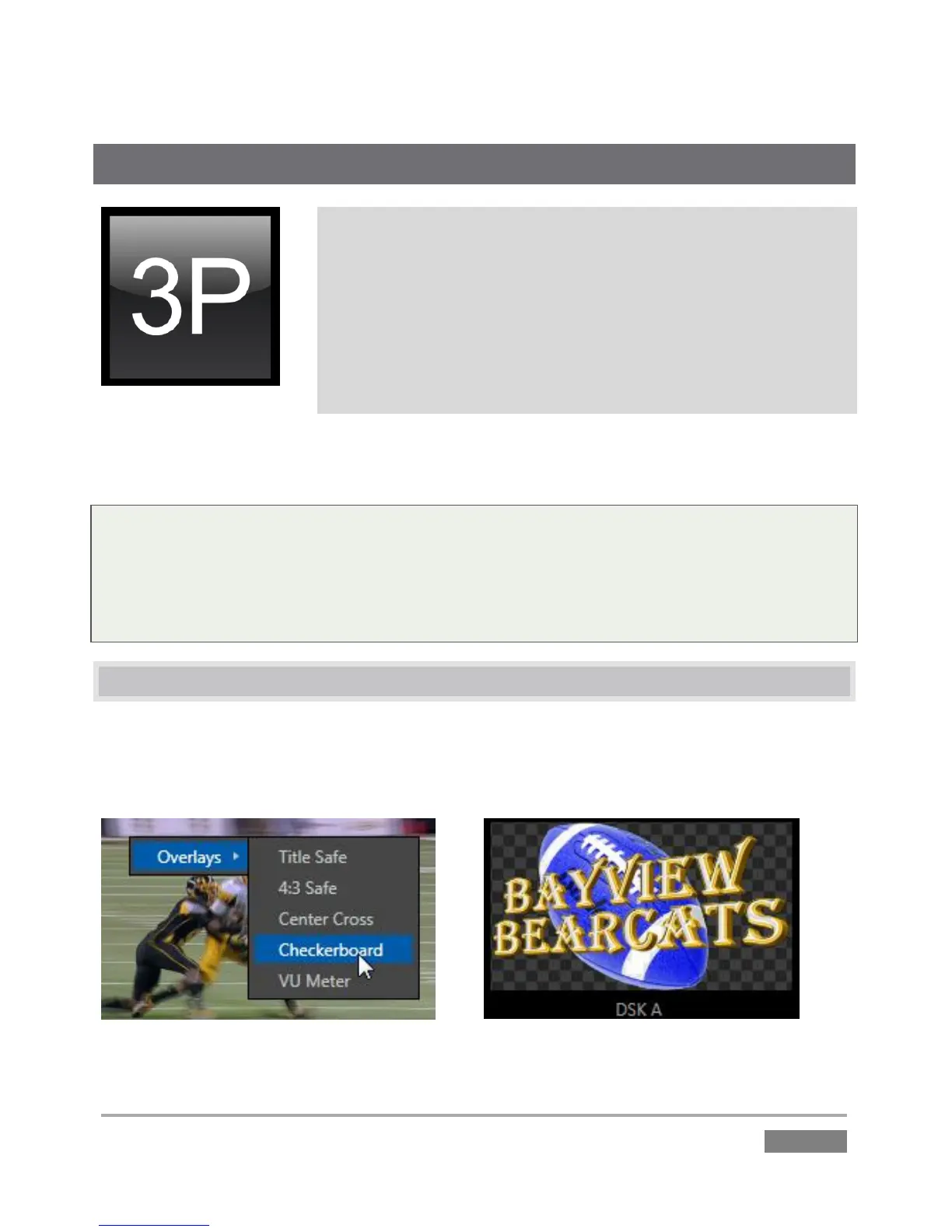
Not to be confused with DSKs (which allow you to overlay imagery system program output; see
Chapter 15) 3Play viewports have various overlay options which are provided for operator
reference purposes.








 To Next Page