Recording audio and video from its inputs for review, instant replay
or other purposes is the core function of your NewTek 3Play™
system. This section provides helpful information about recording
and storage volumes, as well as explaining how recording is
enabled and disabled.
Live, or previously recorded audio/video data, can be sent to 3Play’s outputs when Record is off,
but (like Bookmarks) event marking depends on recording being enabled.
10.1 RECORD CONFIGURATION
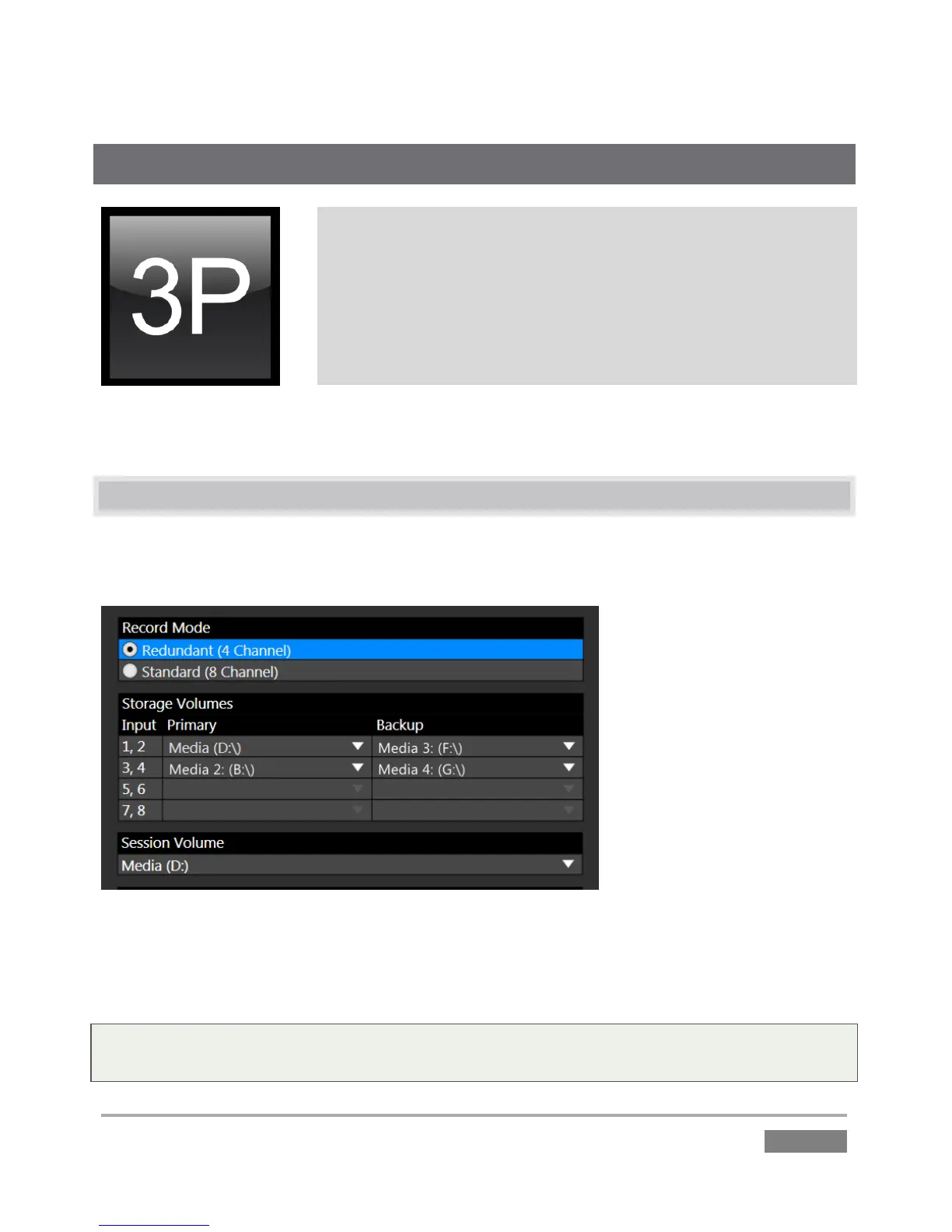
The first step toward recording is deciding which live inputs will be captured, and on which hard
drives the data from various inputs will be stored.
Figure 115 – 3Play 4800 shown
These important decisions are made in the Startup Screen at the time of first creating a new
session. We detailed all of the important aspects of session configuration back in Section 5.2.1.
Note: The Record Configuration options you choose are retained with the session, and cannot be
altered after launching it. To work with a different Record Configuration, create a new session.








 To Next Page