Page | 69
OPENING A SESSION
Just as you were able to select an icon on the ring using the left and right arrow keys, you can
highlight a name in the Session List using the keyboard Up and Down arrows – then press the
Enter key to open the session (or simply click the session name with the mouse to open it
immediately). Selecting a session takes you away from the Home page to the Session page.
Let’s look at the other Home page features briefly before we go on to open a session, though.
5.2.3 SHUTDOWN
This selection provides Restart 3Play, Shutdown 3Play, and Exit to Windows links in the right-
hand pane. Click a selection to perform the named action in the usual manner. (In the case of
the Exit to Windows function, you can return to the 3Play environment later by double-clicking
the 3Play desktop icon.)
5.2.4 UTILITIES
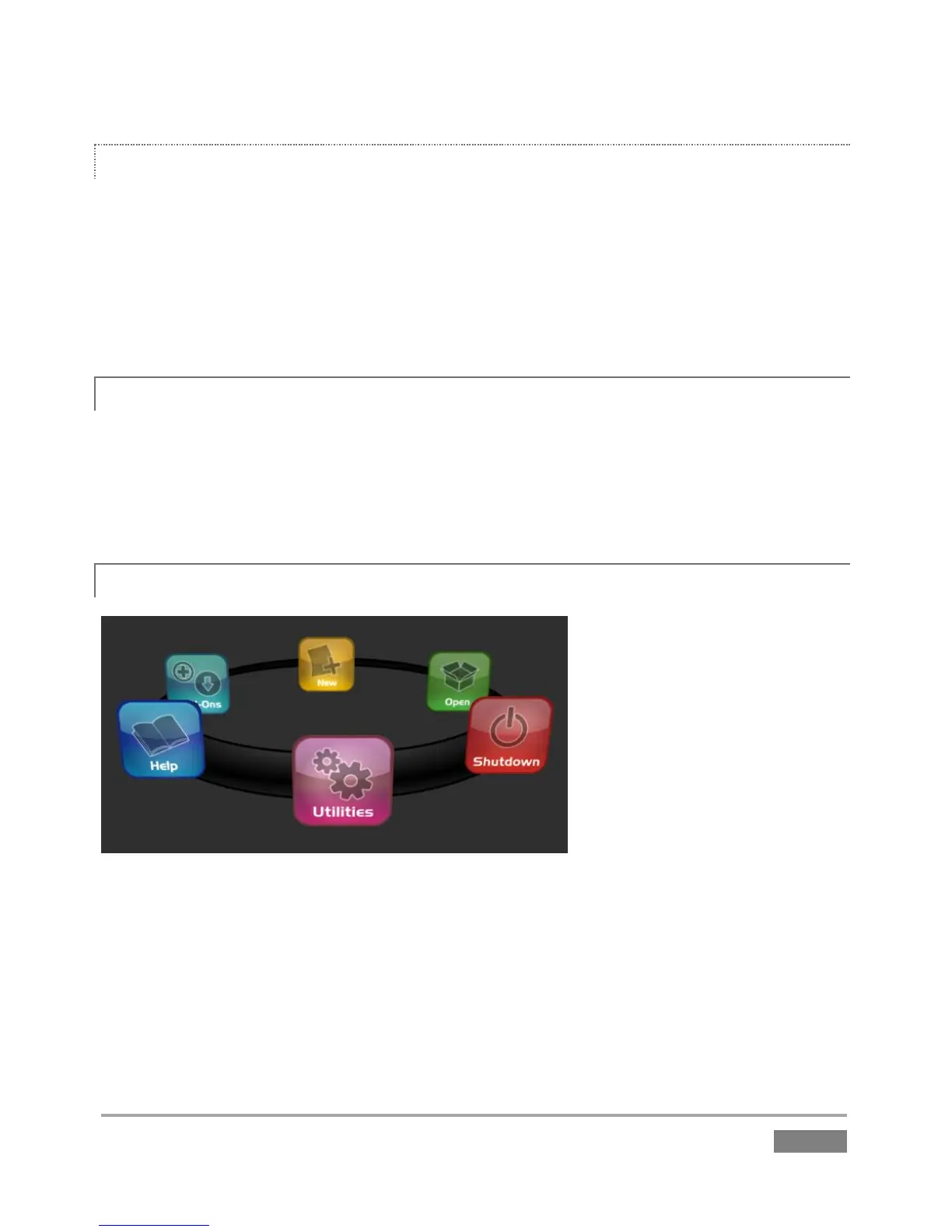
Figure 49
Selecting Utilities on the Home Page icon ring (Figure 49) presents a list of functions at right that
have to do with the 3Play system (Figure 50).








 To Next Page