Page | 126
Of these, perhaps only the Checkerboard option requires comment:
Certain source types for DSK overlays support embedded transparency. For example, a team
logo file in 32bit PNG format will allow the video it is applied over to appear behind transparent
regions of the image.
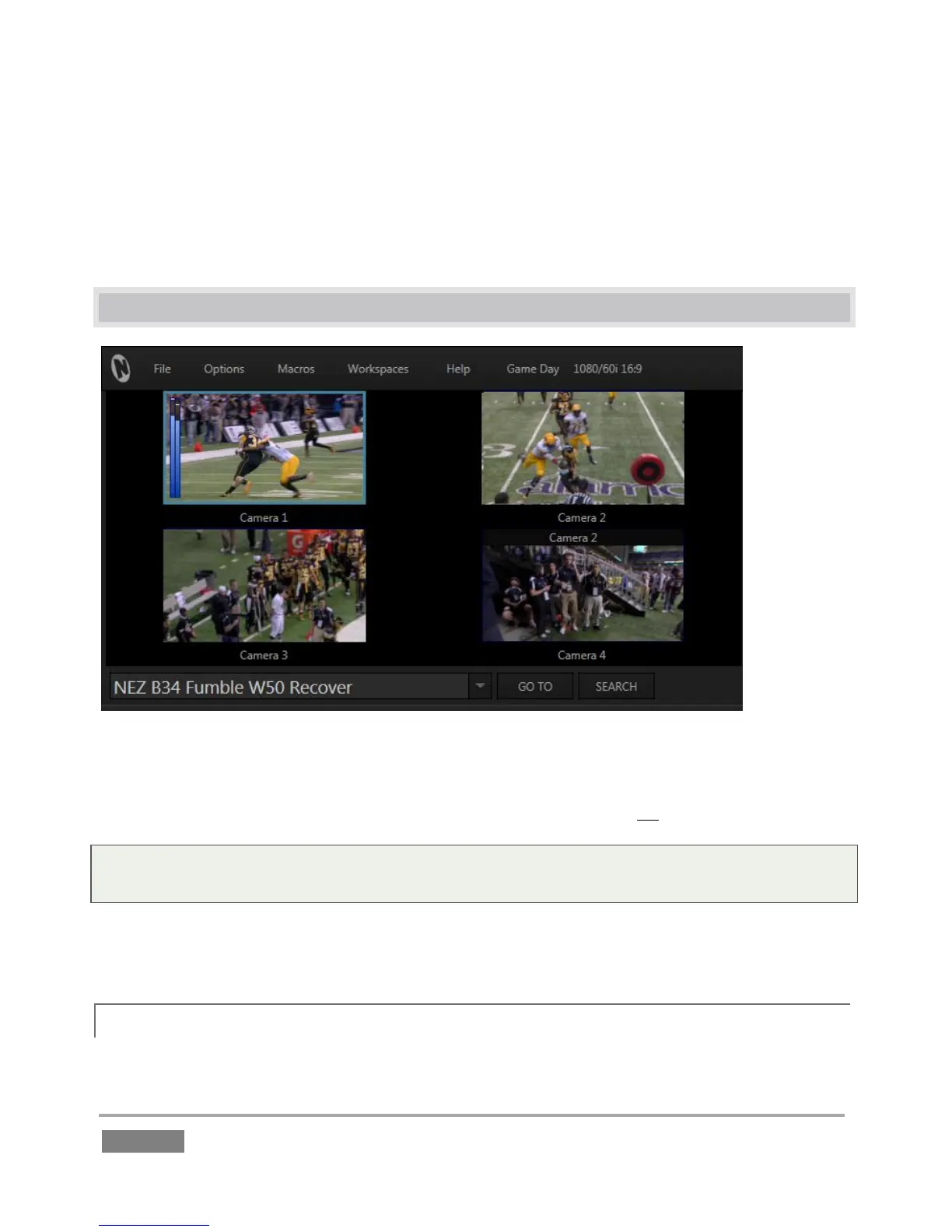
9.2 INPUT MONITORS
Figure 111
Live input monitors for all sources configured for recording in the session are shown at left near
the top of the screen. These previews are often referred to as ISO, or Isolation monitors.
Tip: Depending on your choice when creating the session, you may see either four or eight input
monitors.
When a source is selected as the live source for Channel B, it monitor viewport displays a thin
green border. If a green border is shown, the source is live on Channel A.
9.2.1 TITLEBAR FEATURES
Several other important features are associated with each Input Monitor.








 To Next Page