Page | 151
Figure 134
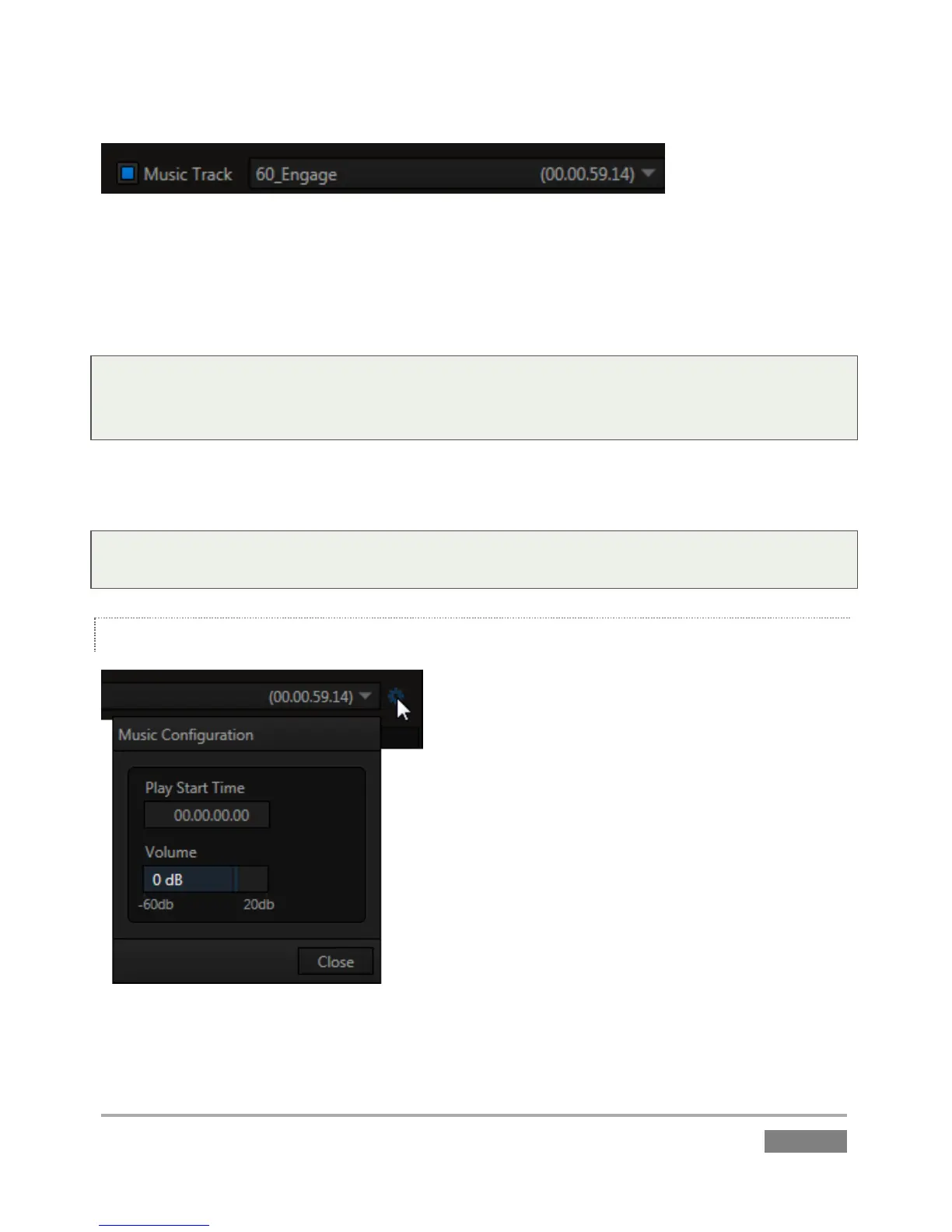
Enable the Music Track switch, and select Browse from the nearby drop-down menu to open the
custom Media Browser. (After use, the menu lists your most recent selections for convenience.)
The Media Browser was discussed back in Section 11.1.5, so we won’t review it again here.
Tip: One useful thing to note is that because the Media Browser is context sensitive, when opened
from the Music menu it automatically points to Audio locations in its left column (the Locations
List).
The switch at left (of the Music Track label) allows you to toggle playback of your selection on or
off. The duration of the file selected is shown at right.
Tip: Playback of files that are longer than the playlist duration will be automatically truncated
(and faded out) when PLAY LIST playback ends.
MUSIC CONFIGURATION
Figure 135
More elaborate controls are located in the Music Configuration dialog (Figure 135).








 To Next Page