Page | 212
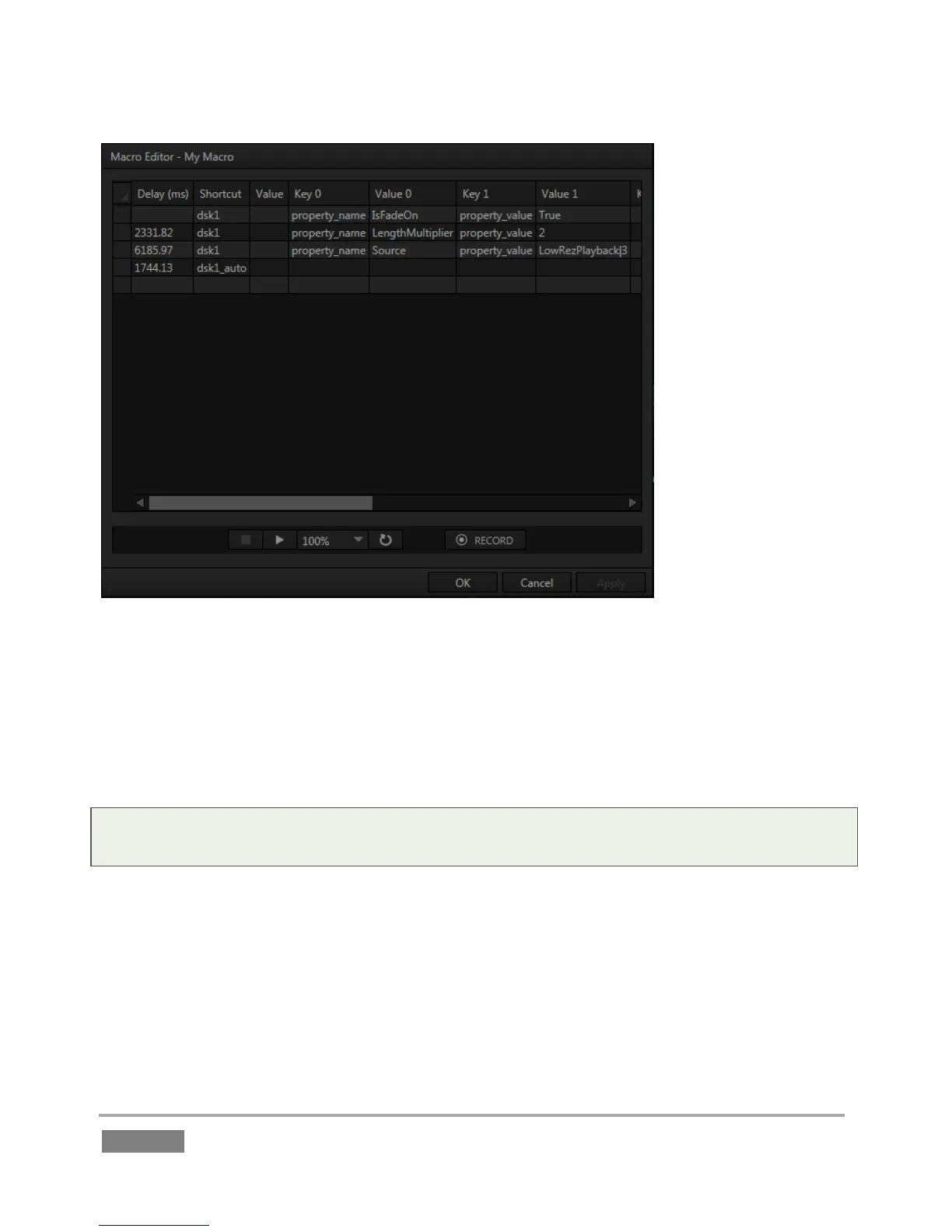
FIGURE 188
This deceptively simple editor presents the shortcut sequence your macro contains, along with
all of its values in a simple to comprehend ‘spreadsheet-style’ interface. Right-clicking opens the
editor’s context menu (the keyboard shortcut Ctrl + i also inserts a row). Standard copy and
paste keyboard shortcuts are supported as well. When done editing a macro, click Apply (or
Cancel, to close the editor without saving your changes).
Hint: Use the Record button in the footer of the Editor to insert newly recorded entries into the
current at the selected line.








 To Next Page