Page | 10
Figure 4
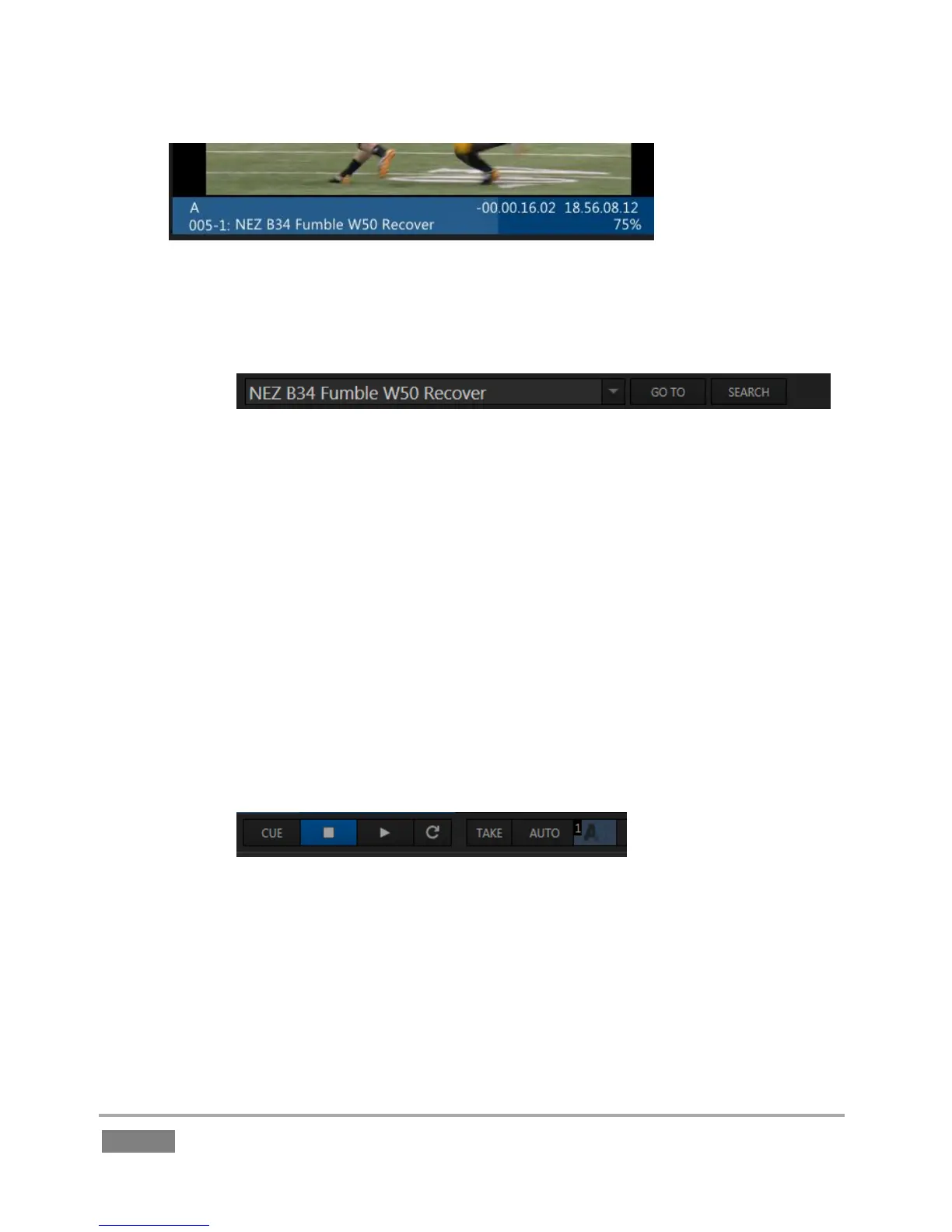
o A Channel Info pane immediately beneath each output monitor lists important
data about the video source displayed on that channel (Figure 4).
Figure 5
o Some very important features occupy prime visual real estate in small panes
just beneath the Channel Info displays.
A large, high-visibility field at left in this zone is referred to as the FastClip
toolbar (Figure 5).
Selecting a data field in the CLIP LIST or PLAY LIST snaps its content
(whether a Memo entry, Event ID, or time value) into the dataview
window in this pane. This value can then be modified by keyboard or
Control Surface operations.
Dataview content can also be used as criteria for the nearby Go To and
Search features (and corresponding Control Surface buttons).
Figure 6
o Also beneath the monitors are and Transport (Play, Stop, etc.) and Transition
controls (Figure 6).
The spreadsheet-like CLIP LIST is centrally located (Figure 3). Its multiple tabs (including
the Search results tab) and columns help you identify, locate, manage and replay the
huge amount of audio-visual data 3Play captures.








 To Next Page