Page | 32
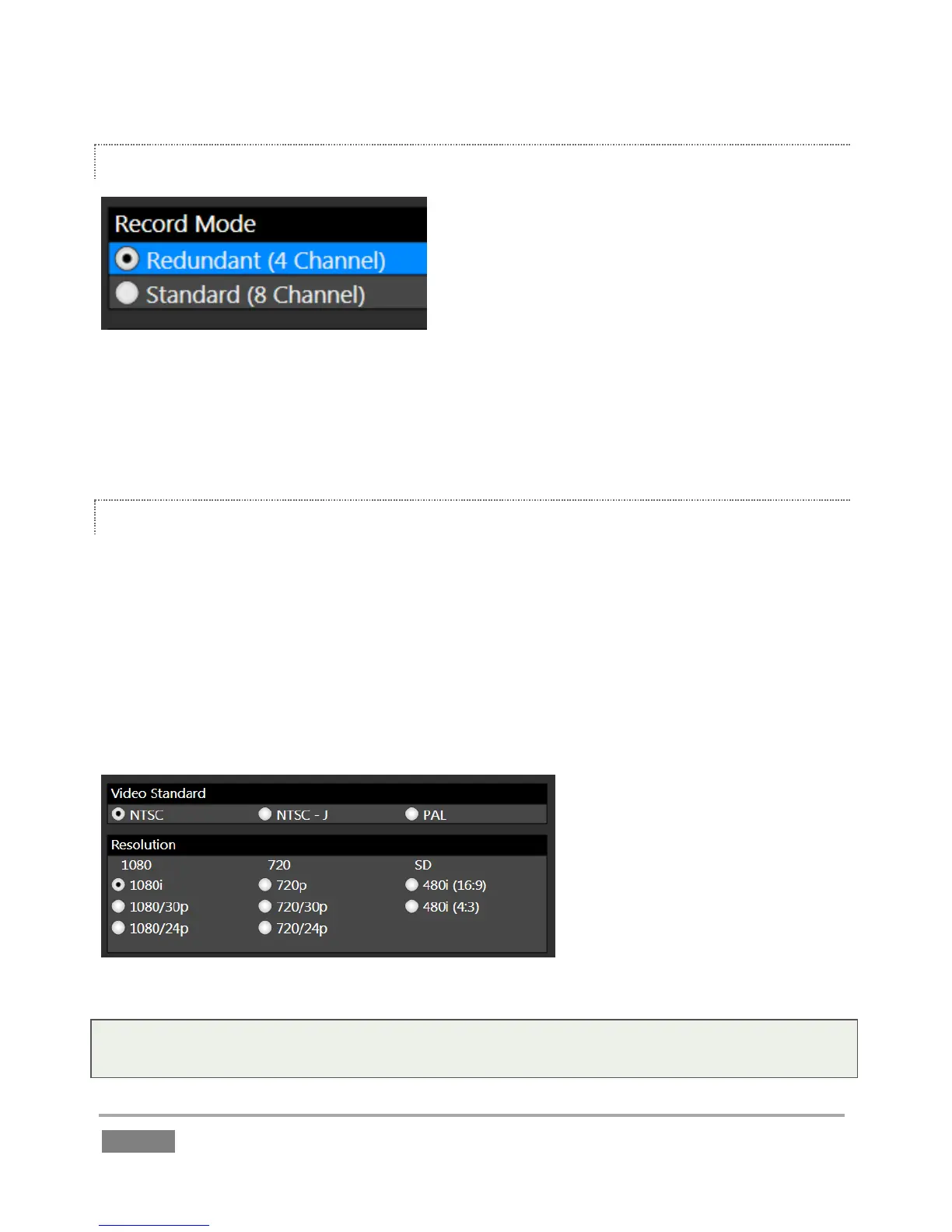
RECORD MODE (3PLAY 4800)
Figure 23
For 3Play 4800 only, continue with session creation by selecting a Record Mode (see Section 5.2.1
for an explanation of these options). Then assign drives to pairs of cameras you intend to
recording controls in the Storage Volumes control group.
STORAGE VOLUMES AND SESSION VOLUME
Qualified storage volumes connected to 3Play or mounted in its removable drive bay are listed in
the Drives column of the Storage Volumes control group. Use the drop-down menus in the
Primary column assign to hard drives to different input pairs. For Redundant recording mode,
continue to assign drives in the Backup column.
The hard drives assigned here can be thought of as comprising a ‘drive set’ for the session. The
Session Volume menu allows you to designate the primary member of the session drive set (see
Section 5.2.1 for more detail).
Figure 24
Tip: The Storage Volume configuration tools are designed to encourage you to record no more
than two live inputs to any single volume.








 To Next Page