29
7
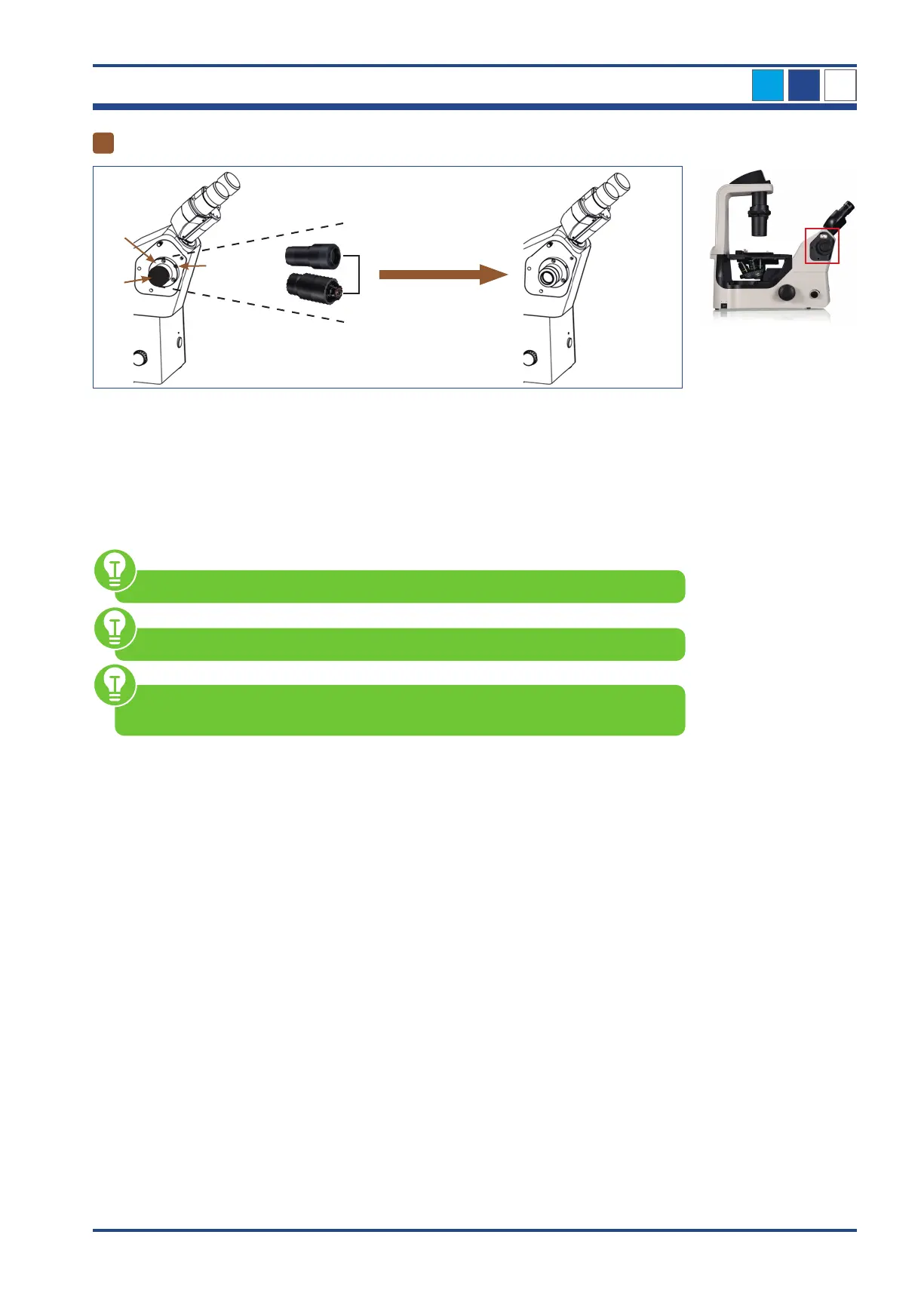
OPTIONAL - Using the photo adapters
I
III
II
0,5x C-mount
1x C-mount
Illustration 009: NIB610/NIB620 - Using the photo adapters.
Remove the black protective cap (I) from the photo adapter holder (II) on the left side of the
microscope by unscrewing the set screw (III) with a suitable hexagonal screwdriver.
Place the C-mount adapter (0,5x or 1x - depending on the camera type) in the port of the
photo adapter holder.
Fix both elements by tightening the set screw.
1x C-mount adapter is included in delivery.
0.5x C-mount adapter is not included in delivery but you can order it as an accessory.
When installing the camera, please always make sure that you hold it firmly in place
to protect it from damage due to dropping.
NIB610/NIB620
3



 To Next Page