HOME
TitleShort-Hidden -69
©
National Instruments Corporation
PCI-GPIB and PCI-GPIB+ Installation
Previous
Step
69
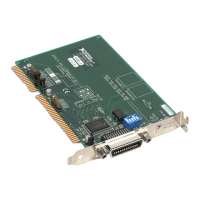
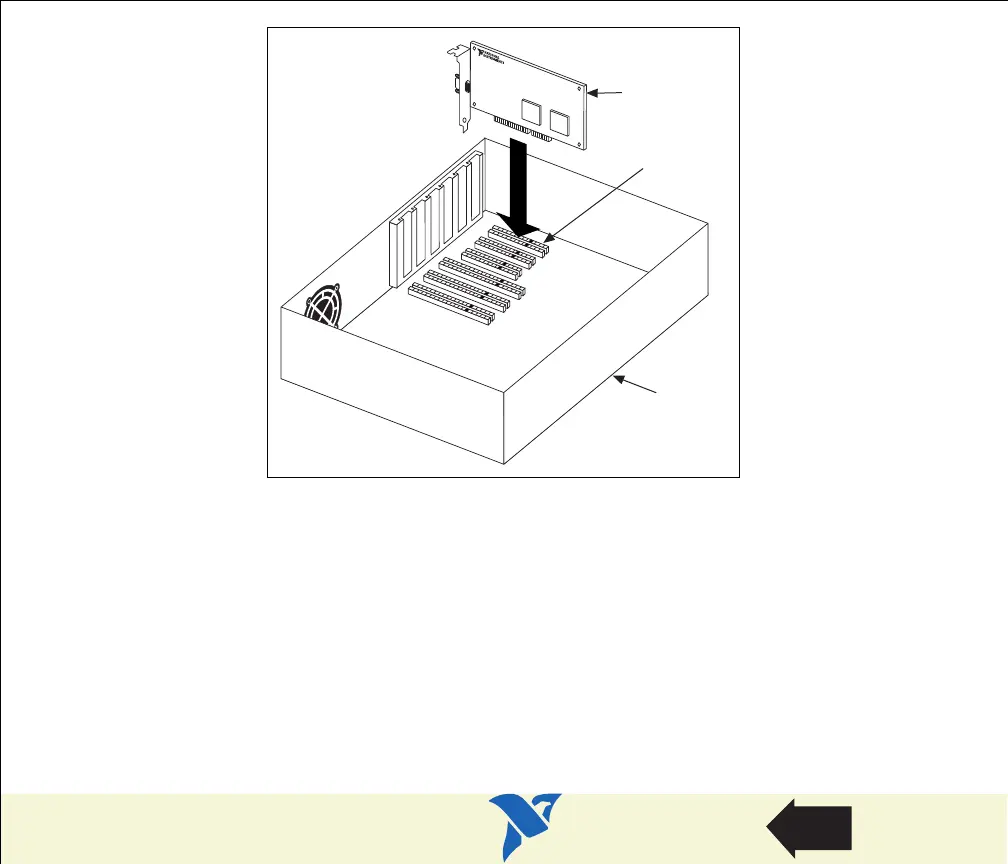
Figure 16. Installing the PCI-GPIB
6. Screw the mounting bracket of the GPIB board to the back panel rail of the computer.
7. Replace the top cover (or the access panel to the expansion slot).
8. Power on your computer and start Windows.
The GPIB hardware installation is now complete.
Personal
Computer
PCI Board
PCI Slot


 To Next Page
 Loading...