28
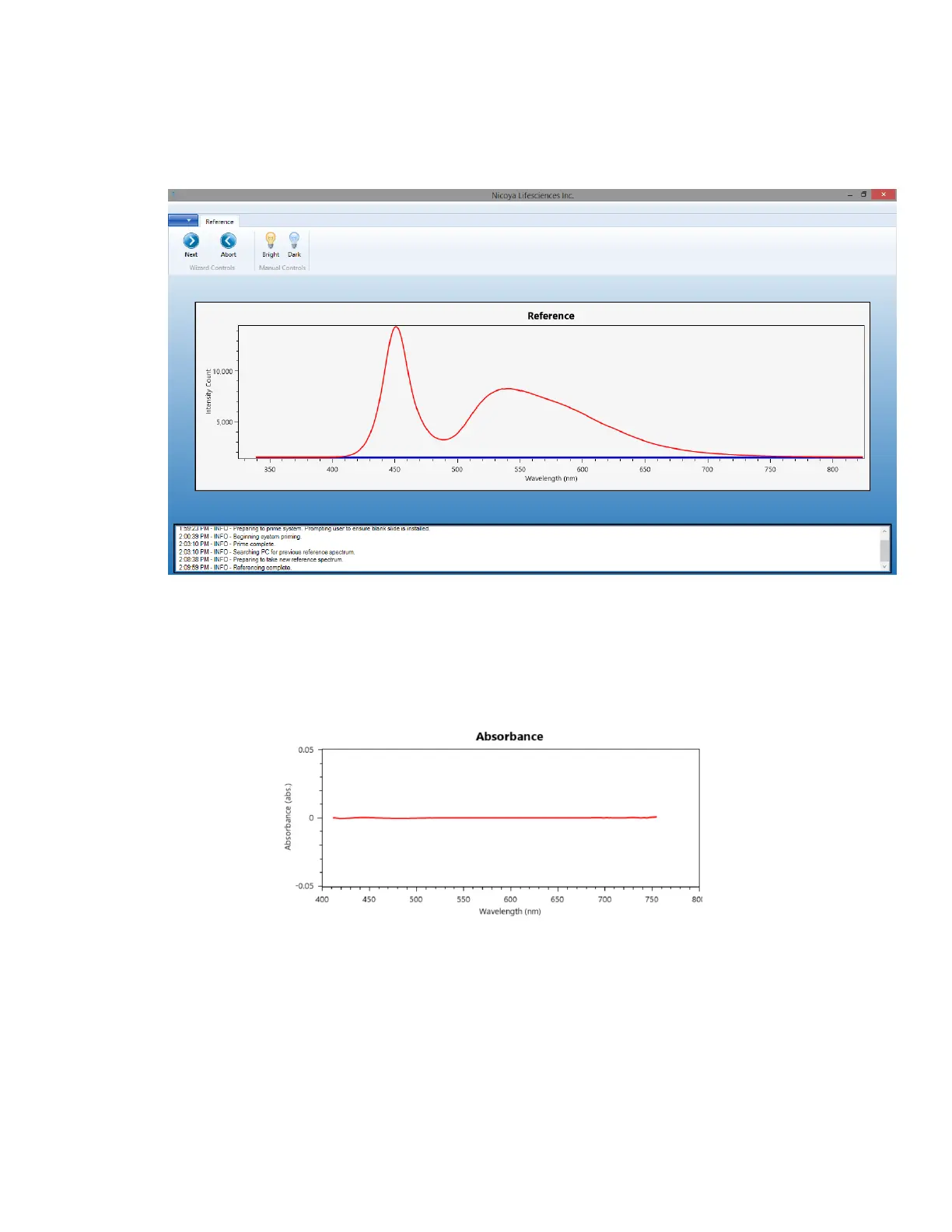
5. Once the LED is stable, the software will capture the bright reference. You should now see a
red and blue line in the main Reference graph on the screen similar to that shown in Figure
2.5. The Red line is the Bright reference and the blue line is the Dark Reference.
Figure 2.5 - Reference window: Red line is the bright reference, blue line is the dark reference.
6. Once the references have been taken, or a previous reference has been loaded, click the
“Next” button located in the top left corner.
7. The next screen will show an Absorbance graph. Without a Sensor Chip loaded, the
absorbance spectrum should be a flat line at an absorbance of zero [Figure 2.6].
Figure 2.6 - Absorbance graph without a Sensor Chip loaded. A flat line should be displayed.
If this graph does not display a flat line and the “Reference” graph looked good, retake
the Bright Reference by selecting the “Back” button in the upper left corner to go back to
the Reference page, then click the “Bright” icon.



 To Next Page