56
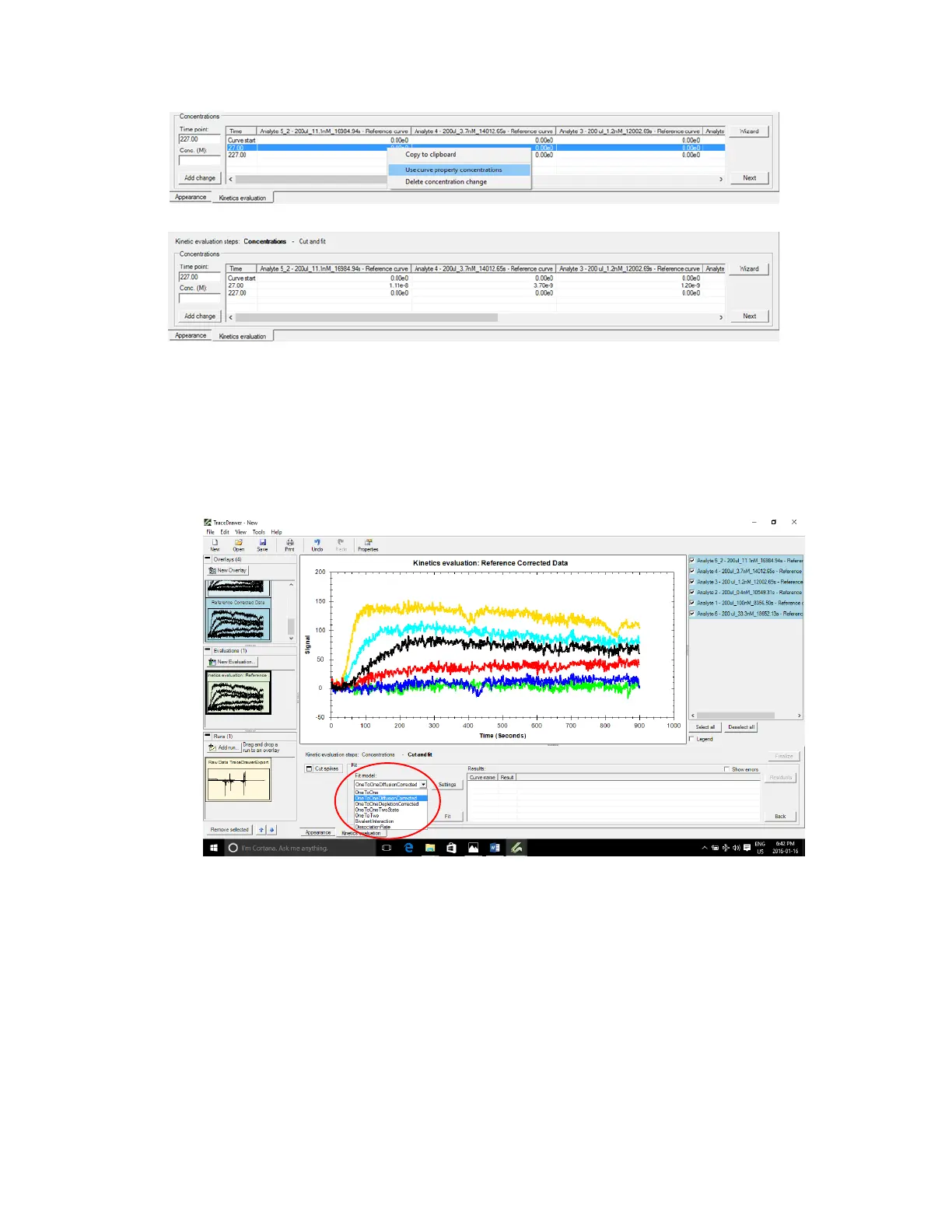
Figure 3.19 - Add sample concentrations at initial concentration using the curve properties (top) or manually entering the values.
The start time should have the sample concentrations and the end time should be at zero.
Press Next.
12. Fit model
Select model from the Fit model drop down list.
Figure 3.20 - Select the model type from the Fit model drop down menu.
The OneToOneDiffusionCorrected model is most commonly used. Press Settings and make sure
k
a
, k
d
and k
t
under Scope are set to Global.



 To Next Page