I can’t use the microphone /
My voice isn’t recognised
•
Does this software title or section of it use the microphone?
The microphone is only usable in software titles or sections of software titles that support it.
•
Is the microphone working properly?
Select MIC TEST in System Settings to conrm that the microphone is functioning properly
(page 65).
•
Are voices other than your own, such as those of family and friends, recognised
correctly?
There are individual dierences in speech recognition rates. Some voices are more dicult to
recognise than others.
•
Is a headset with microphone attached?
Try removing the headset with microphone and using the system microphone instead.
The microphone reacts
unexpectedly / There is feedback*
coming from the speaker
•
Is the system being used in a noisy environment, or in a place where the volume
is very high?
The microphone may be reacting to audio output from the speaker or ambient noise. Try to
move away from the source of the noise, reduce the speaker volume, use headphones or try
to prevent any background noises.
* What is “feedback”?
Feedback is the term used to refer to the high-pitched screeching sound caused by a loop being
created when sounds picked up by the microphone are played back through the speaker and are
then picked up again by the microphone.
•
Is a headset with microphone attached?
Headsets with microphones can sometimes cause feedback. Try removing the headset with
microphone.
My steps aren’t being counted
•
Is the system in Sleep Mode?
Your steps will only be counted if Sleep Mode is enabled.
•
Is the system in a loosely-hanging bag, or is it hanging from a wrist strap?
There may be cases where the system cannot correctly count your steps. If it is put in a loosely-
hanging bag while walking, step data may not be counted accurately. If you want to put the
system in a bag while carrying it around, use a tight-tting bag such as a belt pouch.
Note:
•
Depending on the conditions, the step count might be higher or lower than the number of actual
steps taken.
•
Do not put the system into your back pocket. Subjecting the system and LCD screens to excessive
force, for example sitting on them, can damage them and lead to injury or malfunction.
•
Are you continuing to use the system while a Nintendo DS / Nintendo DSi software
title is in use?
If Nintendo DS / Nintendo DSi software titles aren’t closed for a period of, or exceeding, seven
consecutive days, only steps for the initial seven days will be recorded. After saving your game,
turn the software o.
My SD card is not responding
•
Has the SD card been correctly inserted into the system?
Insert the SD card gently but rmly until it clicks into place in the SD card slot on the side of
the system (page 28).
•
Is the SD card broken?
Use a computer or digital camera to conrm that you can correctly see les on the SD card.
I can’t view the photos stored on
the SD card
•
Are there photos on the SD card that can be displayed using Nintendo 3DS Camera?
Nintendo 3DS Camera can only display photos taken on the Nintendo 2DS system. Photos taken
on a digital camera or mobile phone cannot be displayed.
Even though a Game Card has
been inserted, the icon for the
software title does not appear
and the HOME Menu displays:
“There is nothing inserted into
the Game Card slot.”
•
Is the Game Card inserted properly?
Remove the Game Card and properly reinsert it until it clicks into place. If this doesn’t work,
try reinserting it a few more times (page 40).
•
Are you using a software title from a dierent region?
Only Nintendo 3DS and Nintendo DSi software titles matching the region of the system will
work. Software titles from dierent regions may not function.
I can’t play my game
•
Are Parental Controls set to restrict the use of software based software ratings?
Enter the PIN and disable Parental Controls temporarily, or disable the Parental Controls option
that restricts the use of software based on software ratings (page 61).
This message appears while playing
Nintendo DS / Nintendo DSi
software: “An error has occurred.
Press and hold the POWER Button to
turn the system o. Please refer to
the Operations Manual for details.”
Turn o the power, then turn it back on and try again, carrying out the same procedure as
before. If the error message still appears, there may be a fault with your system. Please contact
the Nintendo Customer Support for assistance (pages 90 – 91).
I can’t connect to the internet
•
Is the security type for your access point set to WEP (page 60)?
If your access point uses WEP, you will not be able to connect to the internet using
Wi-Fi Protected Setup.
•
Does an error code appear?
An error message and error code will appear if the internet connection settings are incorrect or
if the connection test fails. Follow the instructions given in the on-screen error message. For error
codes that appear when setting up Nintendo DS Connections or when playing Nintendo DS or
Nintendo DSi software, please read the following.
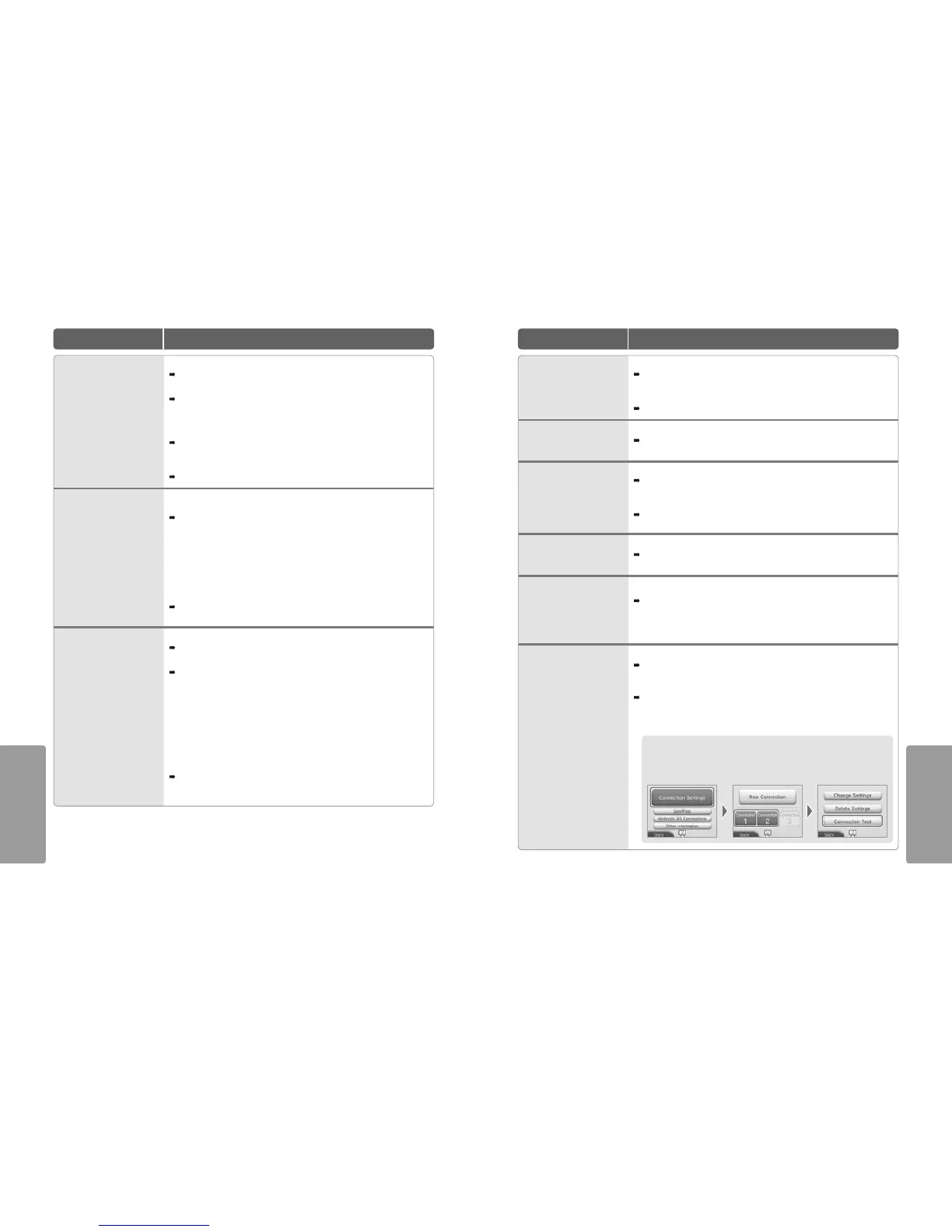
For error codes that appear when playing Nintendo DSi software
The internet connection congured for the Nintendo 2DS system may not be correct.
Select CONNECTION TEST from Internet Settings to start the connection test, then follow
the instructions given in the error message.



 To Next Page