3 Display
BU 0800 en-4521 43
3 Display
3.1 LEDs
The LEDs of the Ethernet connections M1 and M2 indicate the operating states of the respective slave
when used for bus communication. The meaning of the display depends on the bus protocol in use.
In case initiators or actuators are used, the LEDs of the digital inputs M4 and M5 indicate the
corresponding signal states.
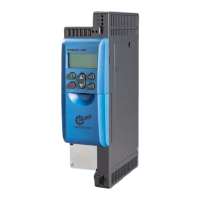
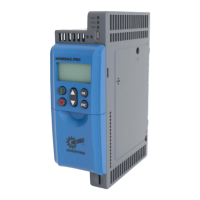
LEDs for Size 1 LEDs for Size 2
3.1.1 Display of M1 and M2 when using EtherCAT
LED Labelling Display Meaning
(Link activity)
Connection is established, data is being transmitted
Connection is established, no data transmission
MS
RUN = Ethernet state
No communication of process data and parameters
Parameter communication active, no process data communication
Parameter communication active
Restricted process data communication,
No restrictions to actual values,
Setpoints not evaluated
Parameter communication active,
Unrestricted process data communication


 To Next Page
 Loading...