2-5
2. QC
Instructions for Use Manual 2 QC
NOTE: Result is displayed with either PASS or FAIL; or only
PASS or FAIL is displayed without the result.
WARNING: Do not test patient sample until a control
solution test result is within expected range.
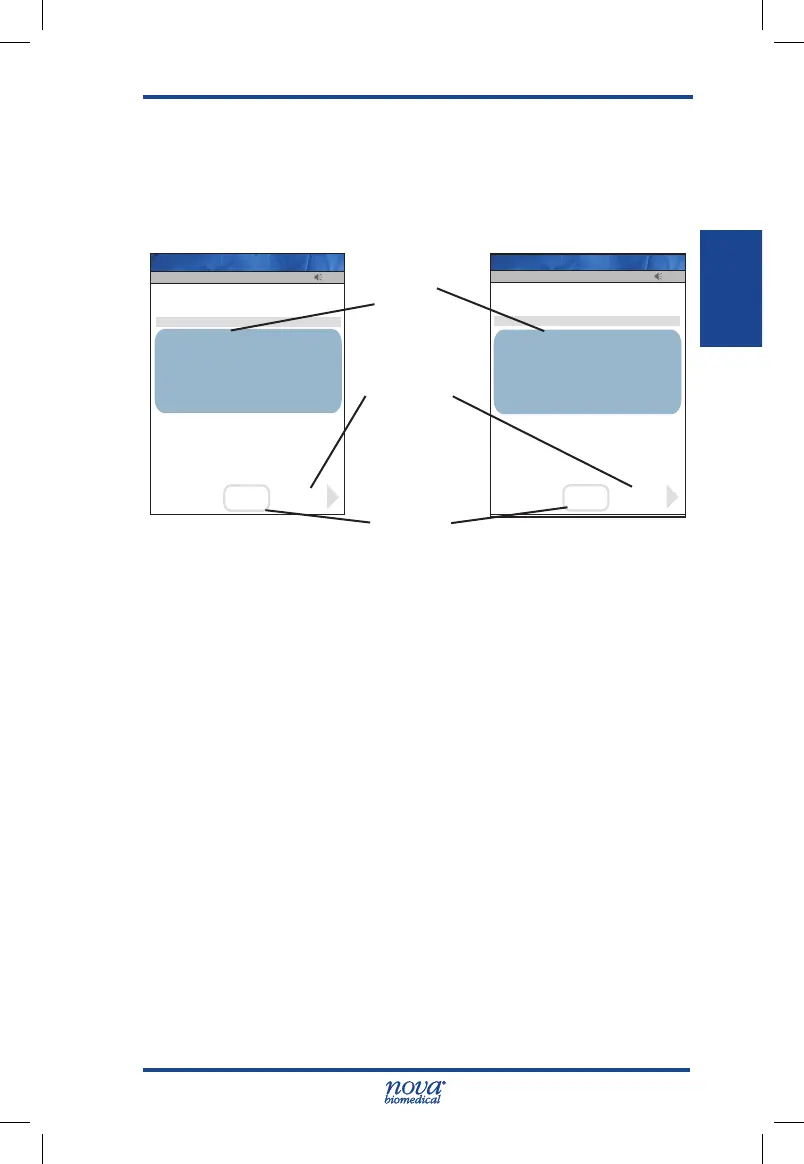
Figure 2.5 QC Result Screen
14. To add a comment to the result, press the Comment
soft key.
15. To accept the result, press the Accept soft key.
NOTE: Acceptable control assay ranges are printed on the
Glucose Control Solutions vial label. If a QC test
does not fall within the specied range, verify that
the StatStrip Glucose Hospital Meter Test Strips
and Control Solutions are not past their expiration
dates. Repeat the test with a new strip. If the second
test fails, inspect and clean the meter according to
Section 6.3, Cleaning the Meter. If the third test fails,
contact Nova Biomedical Technical Support toll free
at 1-800-545-NOVA.
Glucose
Result
Accept
Soft Key
Comment
Soft Key
13:42
Glu
4.4
mmol/L
QC Lot: 0213806081
Level: 1
Range 4.0-4.8
PASS
OK
Accept
Strip Lot: 0206806099
Comment
Op: ****
Patient
07/19 06:19
Pending
Name: A Unit-1
13:42
Glu
80
mg/dL
QC Lot: 0213806081
Level: 1
Range 72-86
PASS
OK
Accept
Strip Lot: 0206806099
Comment
Op: ****
QC
07/19 06:19
Pending
Name: A Unit-1
StatStrip Glu IFU 1.86 PN55848E EN 510K.indd 5 9/13/18 8:29 AM



 To Next Page