5-2
StatStrip Glucose Hospital Meter
5. The Enter Linearity Lot screen displays. Enter the
Linearity lot number, select from the Linearity Lot
List screen (press the List soft button), or scan the
barcode. To scan the barcode, press the Scan soft
key.
NOTE: If the Linearity Lot Number is invalid, the screen dis-
plays the invalid number with "is not a valid Linearity
Lot # Try again."
6. Press the Accept soft key if the lot number is correct.
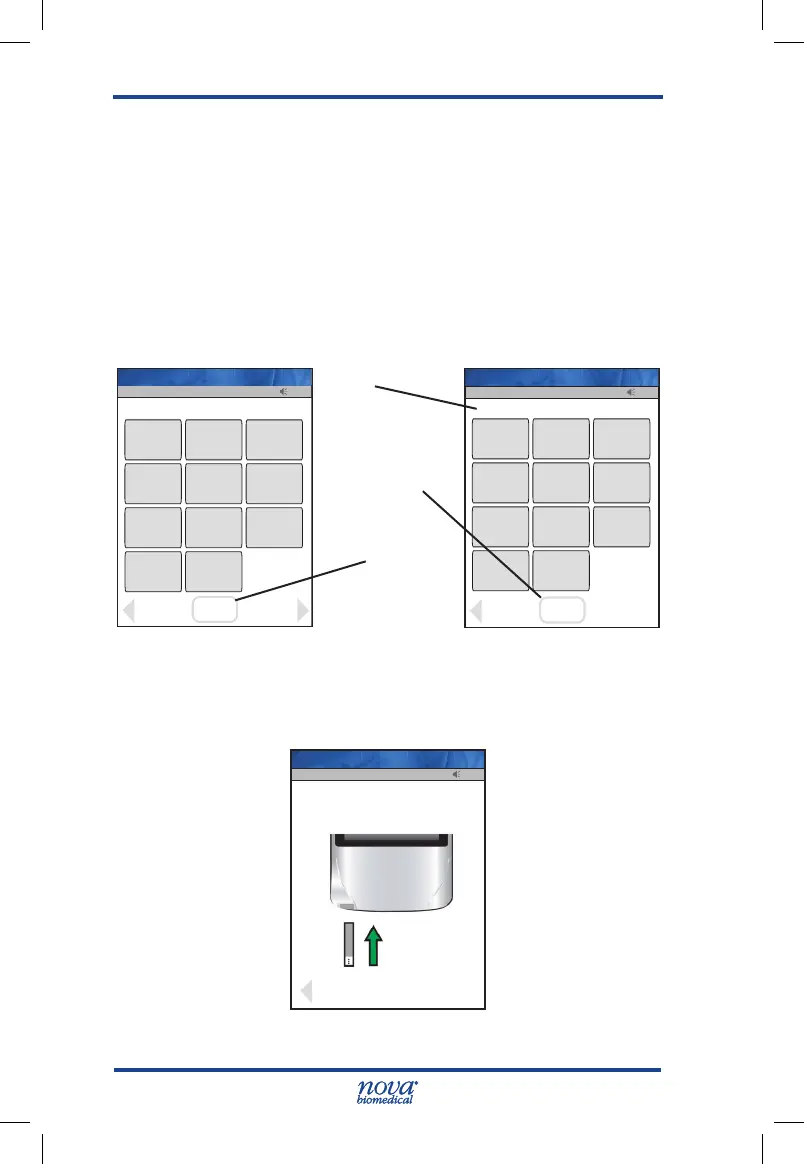
Figure 5.2 Enter Linearity Lot Screens
7. The Insert Strip screen displays. Insert a Test Strip
as shown on the screen.
Figure 5.3 Insert Strip Screen
Op: 8636
13:42
Meter Name: NICU-1
Insert Test Strip in meter
Cancel
13:42
Insert Test Strip in meter
Cancel
Op: ****
Name: A Unit-1
13:42
OK
Back
1
2
3
4
5
6
7
8
9
0
Scan
Scan
List
________________________
Op: ****
Name: A Unit-1
13:42
OK
_________________________
Clear
1
2
3
4
5
6
7
8
9
0
Erase
Accept
0506406084
Op: ****
Name: A Unit-1
Accept Soft Key
Scan Soft Key
Data Entry
Field
StatStrip Glu IFU 1.86 PN55848E EN 510K.indd 2 9/13/18 8:29 AM



 To Next Page