Print Controller User’s Guide 3-21
Chapter 3 Printer Driver Functions
Features - Combination
The settings you can select are as follows:
[None], [Booklet], [2-in-1] or [2-in-1 Repeat]
Default is [None].
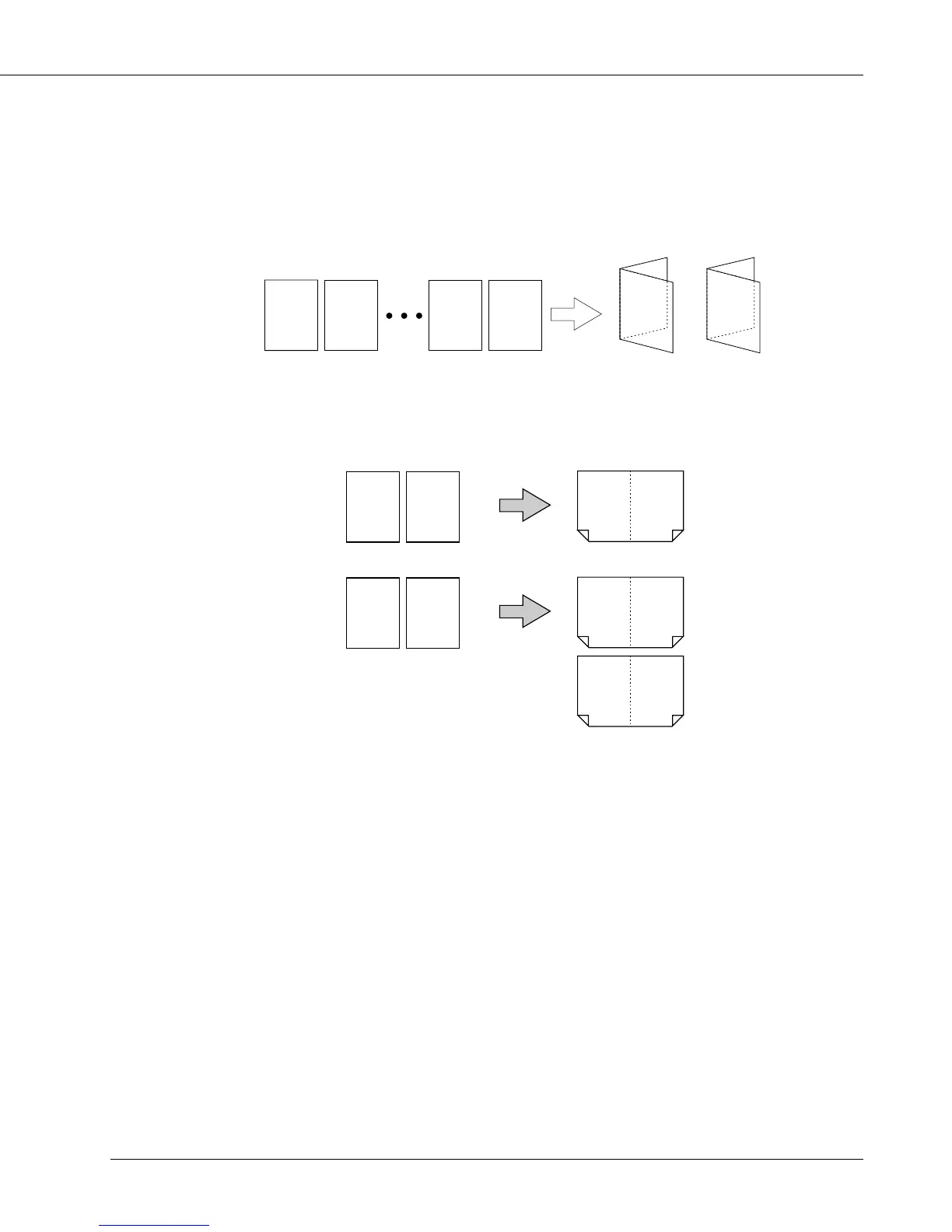
[Booklet] prints paper so that booklets are made when it is folded into two.
1 2 7 8
7
A4/B5/A5 A3/B4/A4 A3/B4/A4
1
2
8
5
3
4
6
[2-in-1] setting is available which prints out two page data on one sheet of paper. Two
page data is printed out on a sheet of paper twice as large as the selected size of
paper.
1 212
e.g., 2 pages of A4-size paper
Prints 2 pages onto a A3-size paper
2-in-1
1 112
e.g., 2 pages of A4-size paper
Prints a page twice onto a A3-size paper
22
2-in-1
Repeat
[Combination] can not be selected in the following cases:
• When [Collate] is not selected in [Copies]
• When [8.5” x 14”], [11” x 17”], [A3], [A6], [B4], [B6], [F4], [8K],[K16], [11” x 17” W],
[A3W], or [B4W] is selected in [Paper size]
• When [OHP-Interleave (Blank)] or [OHP-Interleave (Print)] is selected in [Media Type]
• When settings other than [None] are selected in [Duplex]
[Booklet] can not be performed in the following cases:
• When settings other than [None] are selected in [Features] - [Staple]
• When [Back Cover] and/or [Sheet Insertion] are/is selected in [Cover] tab
• When [OHP (Transparency)], [OHP-Interleave (Blank)], [OHP-Interleave (Print)] or
[Tab sheet] is selected in [Media Type]
• When [On] is selected in [Features]-[Offset]
[2-in-1] or [2-in-1 Repeat] can not be performed in the following cases:
• When [Back Cover], [Front Cover] and/or [Sheet Insertion] are/is selected in [Cover] tab



 To Next Page