Print Controller User’s Guide 3-31
Chapter 3 Printer Driver Functions
[Options] Tab
Layout
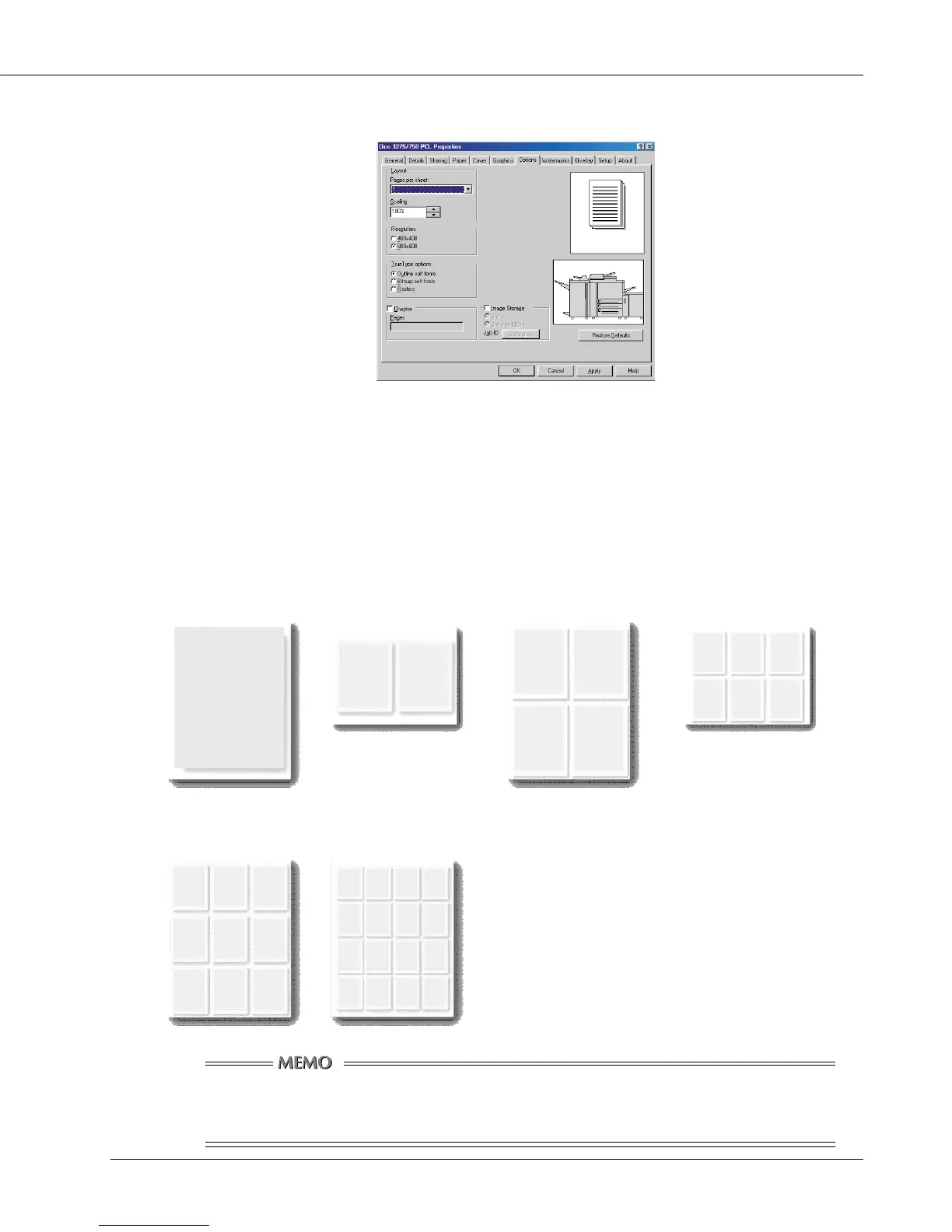
Pages per sheet
You can select the number of document pages to be printed on one piece of paper.
Select [1], [2], [4], [6], [9] or [16] from the list shown by clicking the [▼] button.
Default for [Pages per sheet] is [1].
[1] [2] [4] [6]
[9] [16]
At the Pages per sheet print time, an automatic reduction is activated so
that all information is printed within the printable area on the page.



 To Next Page