Printer supplies and maintenance 113
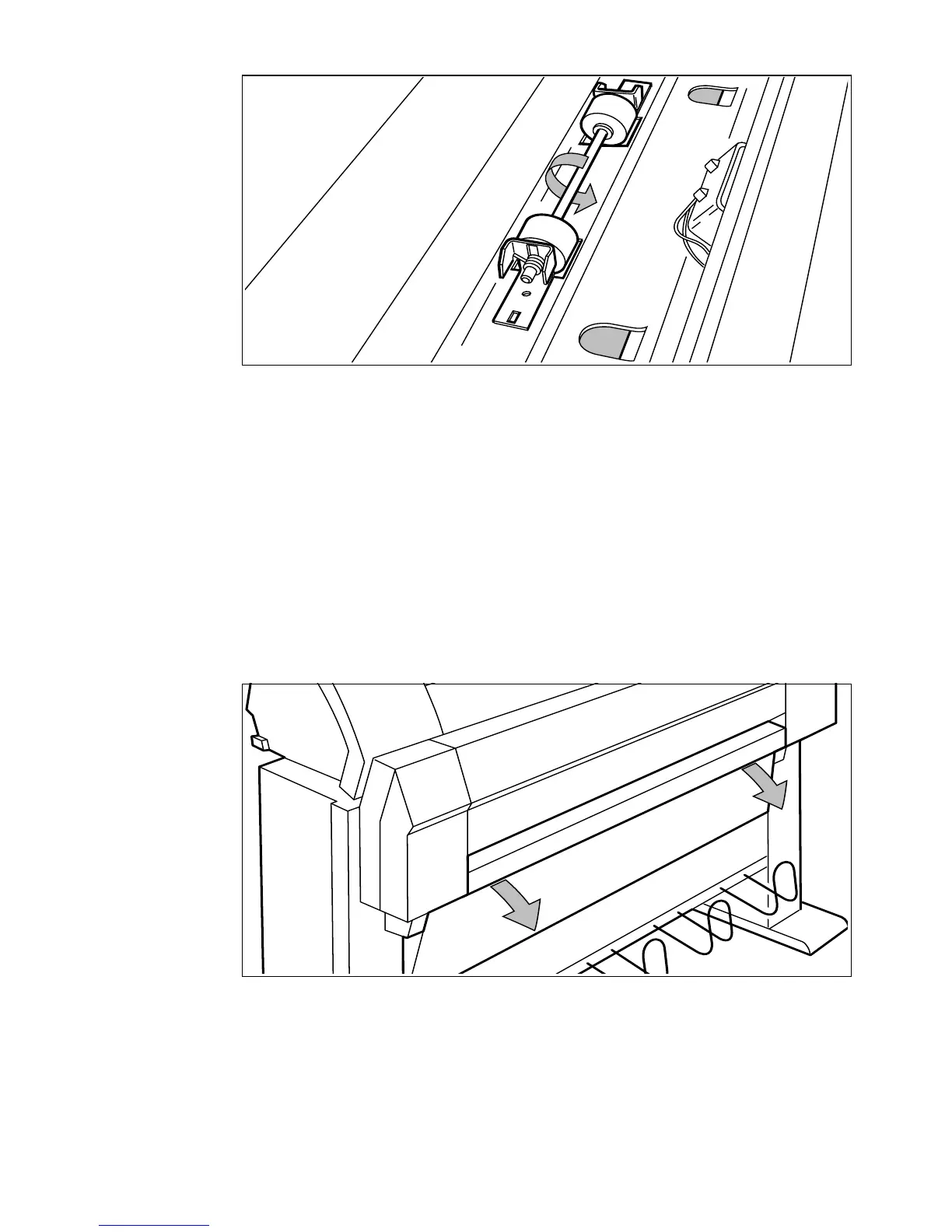
[46] Feed the material
9 If you have inserted a roll with another material or with a different width, you
have to program the correct width and material type (refer to
‘Media type and
size on the printer’ on page 23).
If you want to cut the paper to get a straight leading strip refer to ‘Cut media’
on page 26.
Otherwise continue with the next step.
10 Close the drawer.
11 Press the On-line key.
▼ How to load roll 2
1 Open the cover to get access to roll 2 (see figure 47).
[47] Open the lower paper drawer
2 Remove the roll holder (see figure 48).



 To Next Page