114 Océ TDS320 User Manual
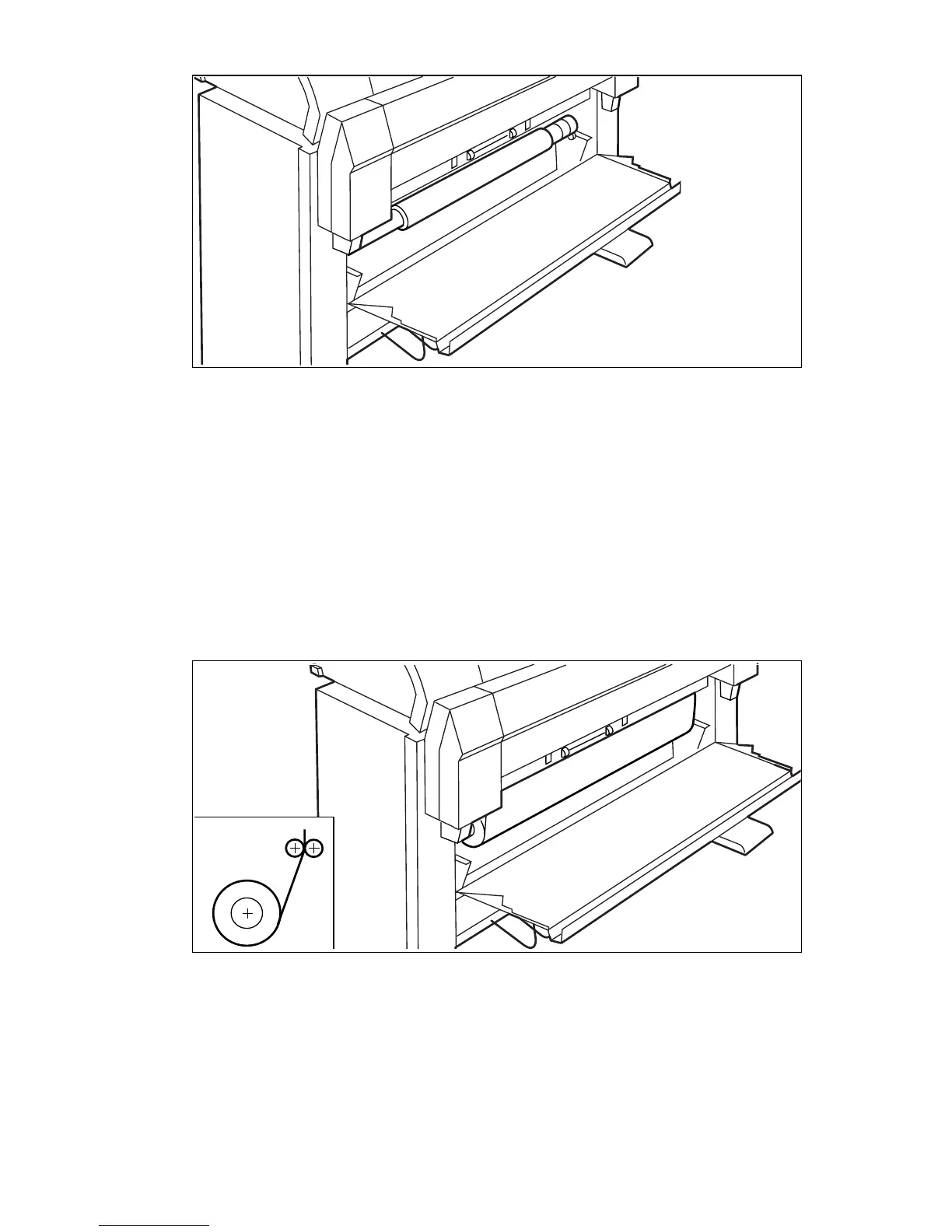
[48] Remove the roll holder from the lower paper drawer
3 Remove the empty core from the roll holder while pressing the knob (see
figure 44 on page 112).
4 Slide the roll holder in the roll of print material while pressing the knob (see
figure 44 on page 112).
It is important to have the knob at the right hand side and the paper as shown
in figure
44.
5 Align the roll with the appropriate lines on the roll holder while you press the
knob.
Place the roll holder with the material in the lower paper compartment (see
figure 49).
da
[49] Reposition the roll in the lower paper drawer
6 Feed the material between the input guide plates against the rollers.Turn the
rollers until the material is visible
(see figure 50). Also refer to the sticker
inside the drawer.



 To Next Page