Wireless configuration for Macintosh using the Océ installer application
68
5
Note
• "SETUP" is the default SSID of the machine. Do not choose this SSID.
• If the list is blank, check that the access point has power and is broadcasting the SSID, and then see if the
machine and the access point are within range for wireless communication. Then, click Refresh.
• If your access point is set to not broadcast the SSID you can manually add it by clicking the Add button.
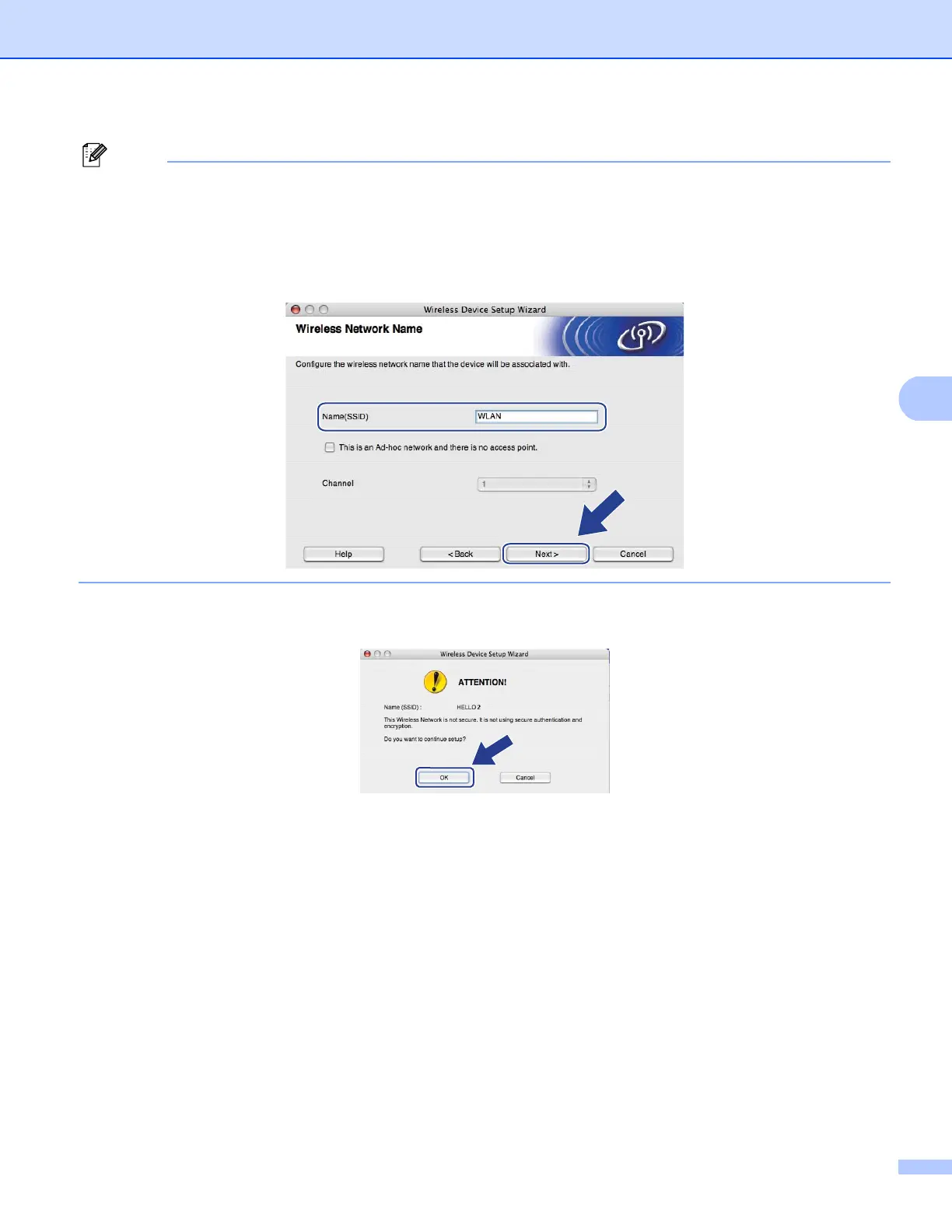
Follow the on-screen instructions for entering the Name (SSID), and then click Next.
k If your network is not configured for Authentication and Encryption, the following screen will appear. To
continue configuration, click OK and go to step m.














 To Next Page