APPENDIX D - FIRMWARE UPGRADE VIA USB
Explorer
®
Series Service Manual 77 Ohaus Corporation www.ohaus.com
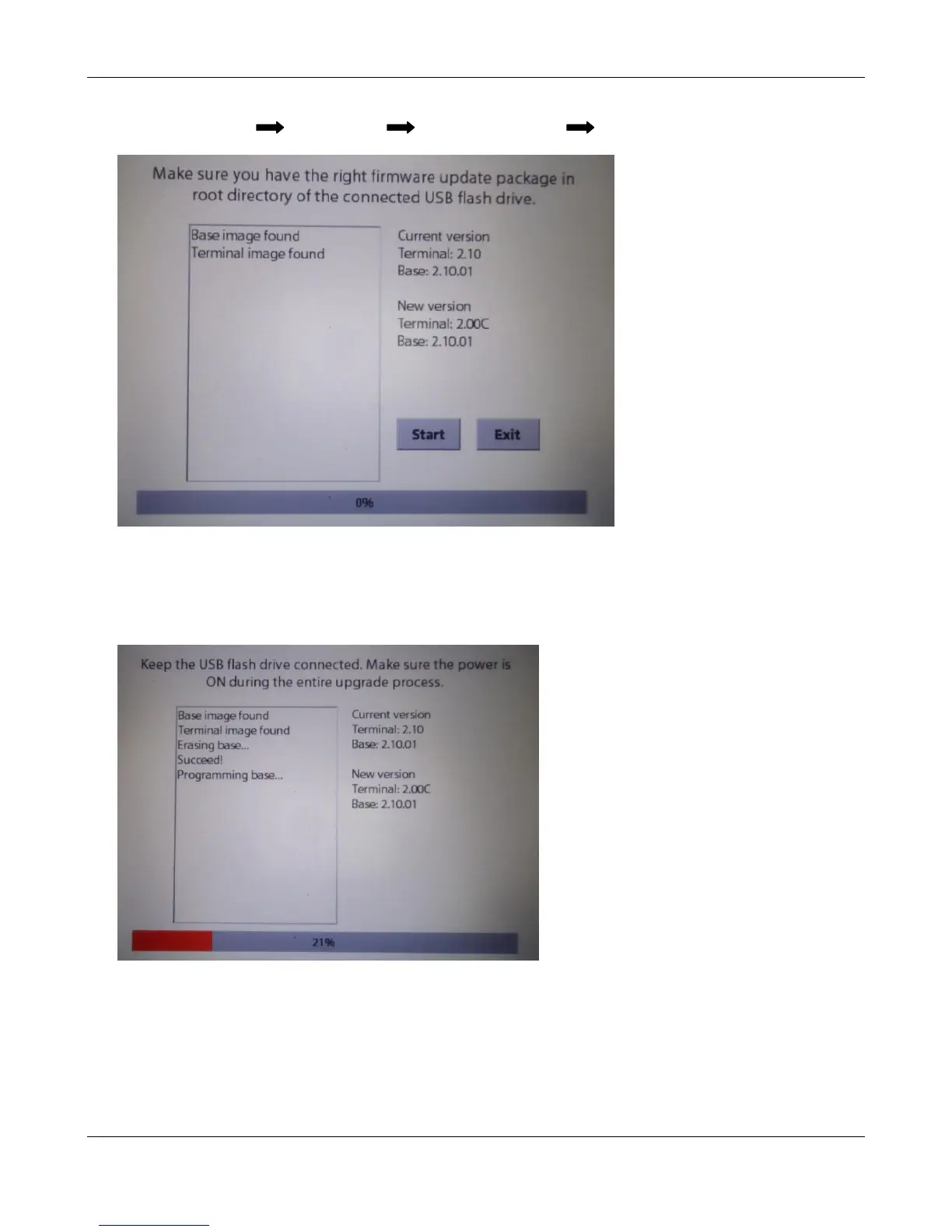
3. Go to User Menu Diagnostics Data Maintenance Software update
4. Press [Start] button to start the upgrade process.
Note: Keep the USB flash drive connected and make sure the power is balance power is ON
during the entire upgrade process.













 To Next Page