Getting Started E-5
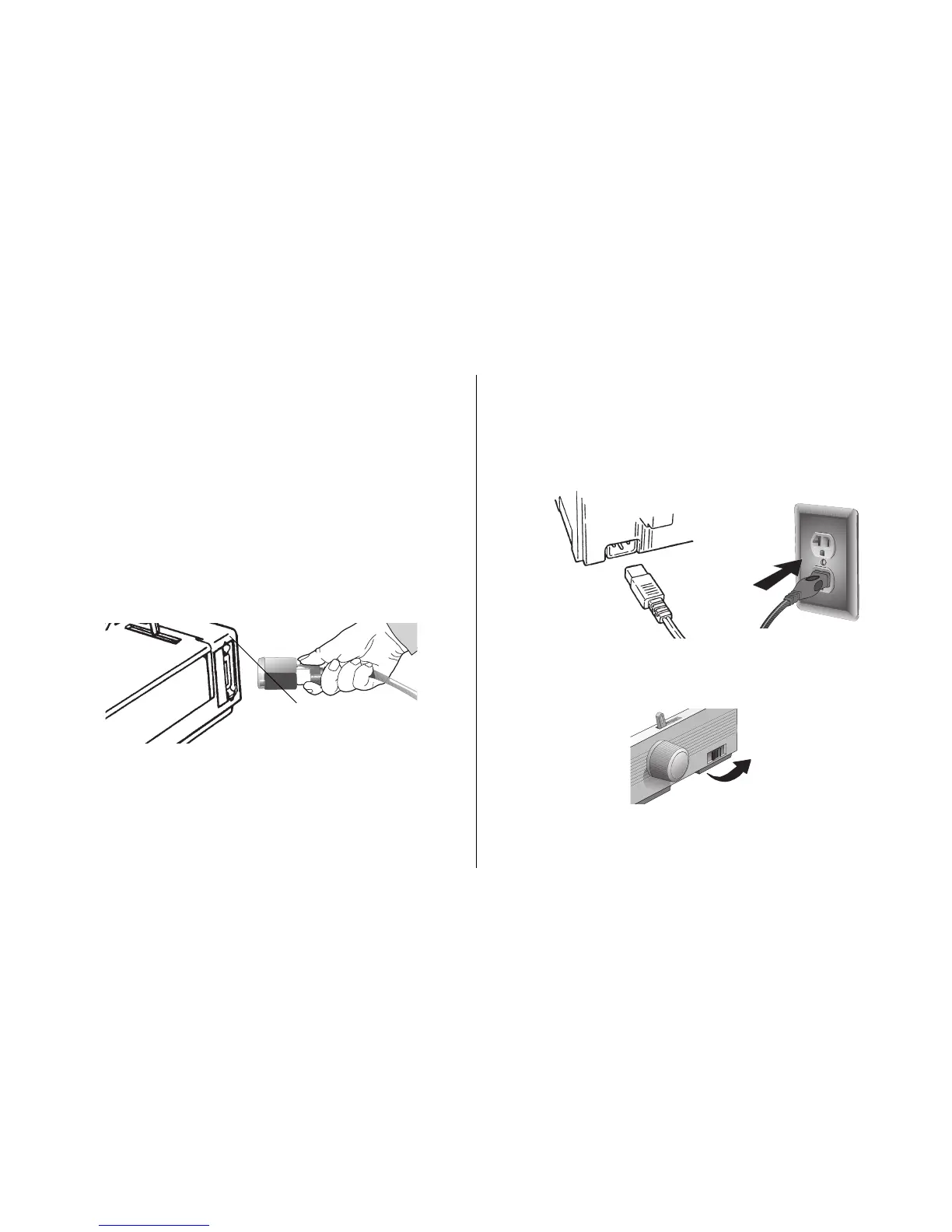
Connecting to the Power
1. Make sure both the printer and the computer are OFF.
2. Plug the power cord into the back of the printer (➊),
then into a grounded outlet (➋).
3. Turn the printer on.
Connecting to the Computer
Note: FCC regulations require the use of a shielded cable
no longer than 6 ft. (1.8 m).
An IEE 1284-compatible parallel cable is needed for
bi-directional communications.
If you purchased the Serial Interface accessory, see
the instruction sheet provided with it.
1. Plug the interface cable into the parallel port (➊) and
secure it with the wire loops.
2. Attach the other end of the cable to your computer.
➋
➊
➊



 To Next Page