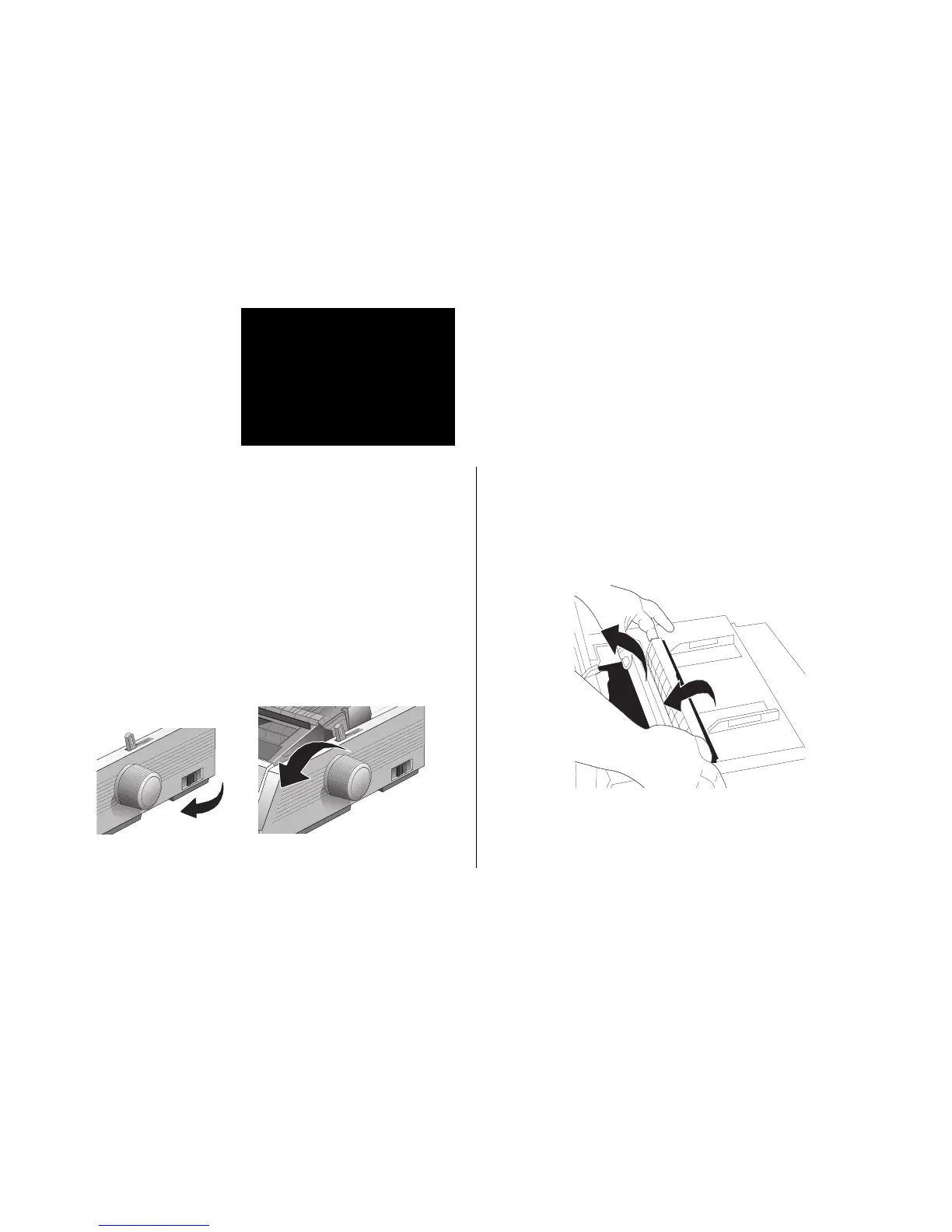
2. Open the access cover, and remove the pull-up roller
assembly.
Note: Make sure the printer is turned off before you
open the access cover.
3. Remove any torn pieces of paper.
Replacing the Ribbon Cartridge
To replace the ribbon cartridge, see “Installing/Replacing
the Ribbon Cartridge” in Section 1. For the best results, use
genuine OKIDATA ribbons, Part. No. 52102001.
Clearing Paper Jams
Rear-Feed Jams
1. Turn the printer OFF and use the platen knob to back the
paper all the way out.



 To Next Page