English
Using Your Printer E-21
Selecting the Print Quality
Important!
Front panel settings for print quality and character pitch
are overridden by software commands. The lights will
always reflect the printer's state.
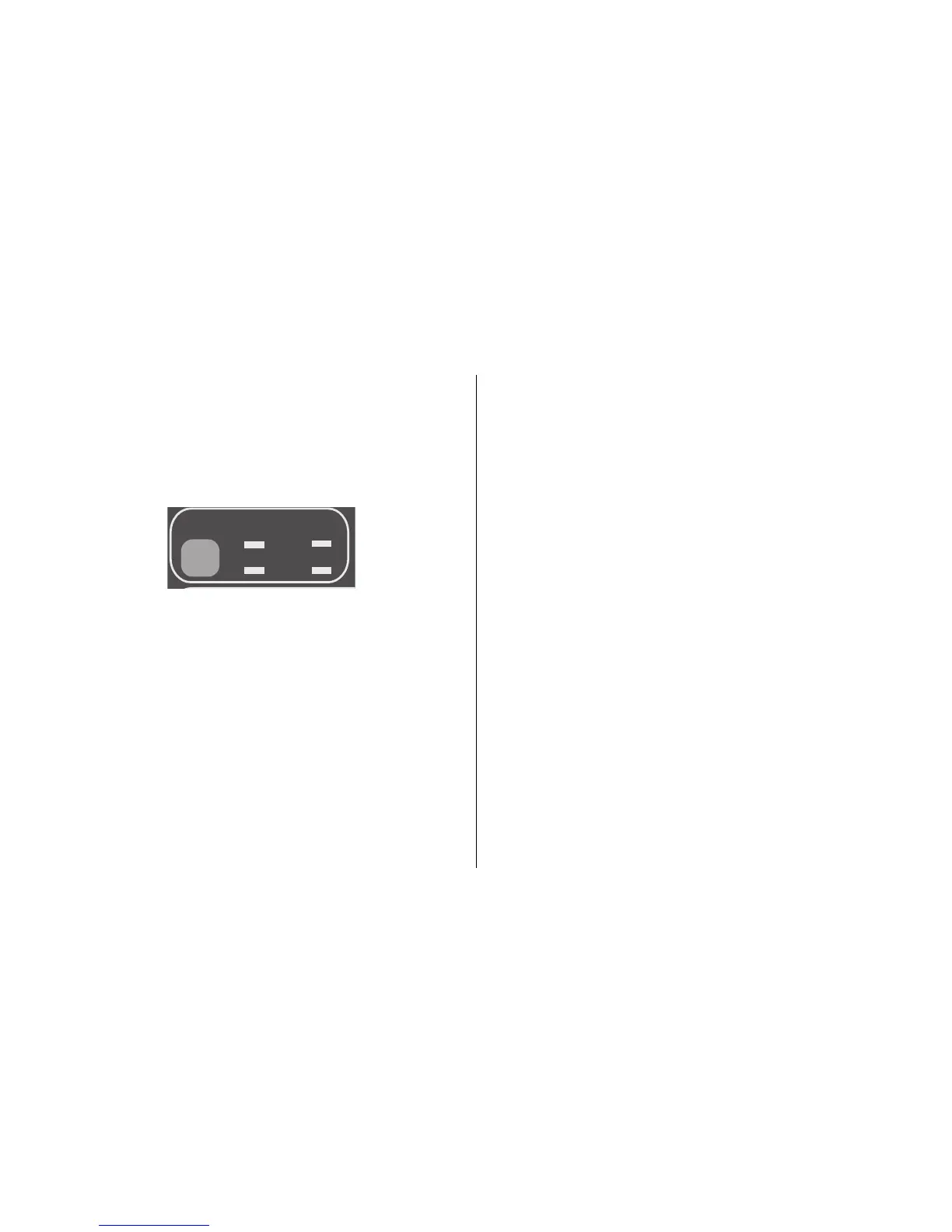
PRINT QUALITY
HSD
NLQ
UTL
SSD
Press PRINT QUALITY to select:
NLQ: Near Letter Quality
• Highest quality, slowest speed
• Courier or Gothic fonts
• Recommended for correspondence
UTL: Utility
• Medium quality, medium speed
• Gothic font only
• Recommended for internal documents and
high-volume data.
HSD: High Speed Draft
• Lower quality, faster speed
• Gothic font only
• Recommended for drafts.
SSD: Super Speed Draft
• Lowest quality (12 cpi only), fastest speed
• Gothic font only
• Recommended for fastest output of drafts.
Using Super Speed Draft
To use Super Speed Draft (SSD), enter the Menu Mode
and make changes as follows:
1. Press
SHIFT + SEL.
2. Press
GROUP twice.
3. Press
SET until DRAFT prints as the setting for the
Print Mode.
4. Press
ITEM.
5. Press
SET (SSD prints).
6. Press
SHIFT + SEL to exit Menu Mode and save your
changes.



 To Next Page