English
Service E-39
Replacement Parts
Replacement Part Order No.
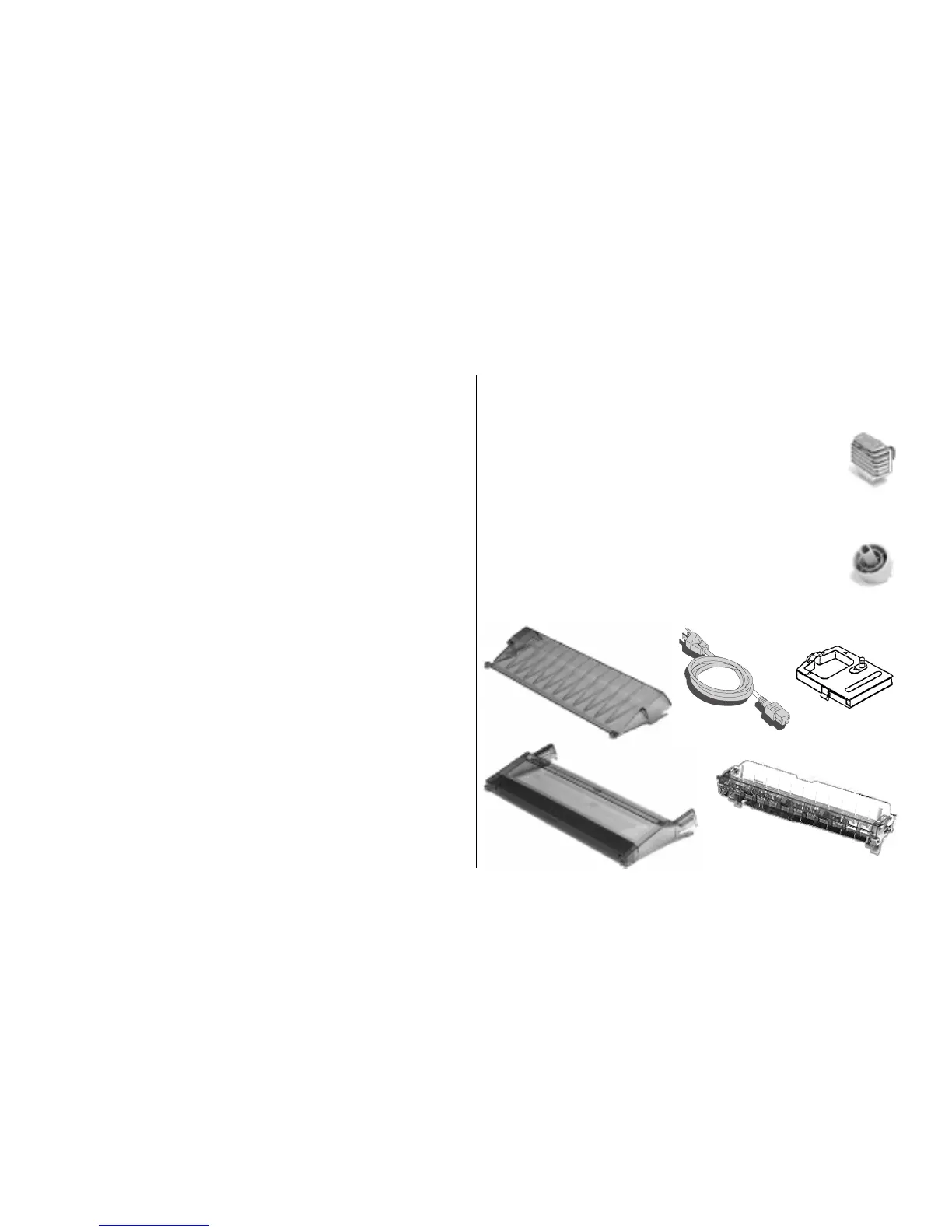
Access Cover, ML320T (➊) ...................... 53076701
Access Cover, ML321T (➊) ...................... 53076801
Acoustic Cover, ML320T (➋).................... 53076901
Acoustic Cover, ML321T (➋).................... 53077001
Platen Knob (➌) ........................................ 51902220
Power Cord (➍) ......................................... 56609701
Printhead (➎)............................................. 50114601
Pull-Up Roller Assembly, ML320T (➏)..... 50411001
Pull-Up Roller Assembly, ML321T (➏)..... 50411101
Ribbon Cartridge (➐)................................. 52102001
Purchasing Replacement Parts &
Accessories
Before you order, know your printer model number (see the
front of the printer) and have the correct part number and
description of the item.
Ways to Purchase
• Consult the dealer where your purchased your printer.
• Consult an Okidata Authorized Sales or Service Dealer.
Call 1-800-OKIDATA for the nearest Authorized Sales
and Service location. Have your ZIP code ready for our
Customer Support Representatives.
• Order toll-free by phone at 1-800-OKIDATA, using
VISA, MasterCard, or American Express.
• Check office supply catalogs or your local stationery
store. Most carry Okidata brand ribbons. Be sure to ask
for genuine Okidata ribbons!
• In Canada, call 905-602-6400 to order parts: VISA and
American Express are accepted.
➊
➋
➌
➍
➎
➐
➏



 To Next Page