English
Using Your Printer E-29
Using the Printer's Features
Tear Feature
QUIETPARKTEAR
FF/LOAD
LF
SEL
SEL
POWER ALARM
MENU
GROUPEXIT
ITEM SET
PRINT
MENU
SHIFT TOF
Micro Feed
Up
Micro Feed
Down
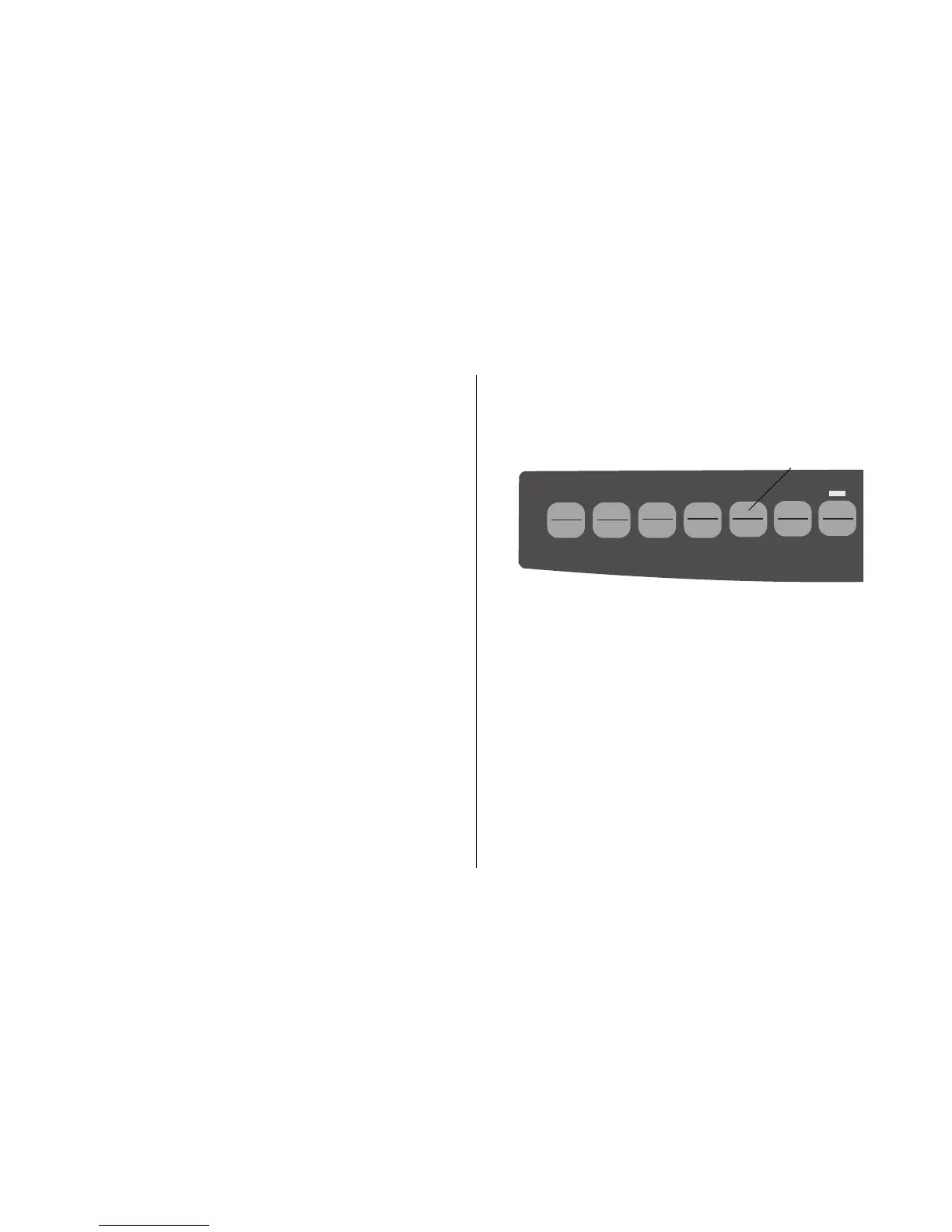
Use this feature to advance continuous-form paper up to the
tear position by simply pressing
TEAR (➊).
Note: The Tear Feature can not be used when the optional
pull tractor is engaged.
Skip Over Perforation. Change to Yes if you want the
printer to go to the next page when it comes within 1" (25
mm) of the bottom of the page. Keep it set to No if your
software has its own page formatting controls.
Style. Change to italics if you want the printed characters
to be slanted.
Time Out Print. If your software spends a long time
processing between portions of data it feeds to the printer,
change the setting to Invalid to keep your printer from
dumping the received data while it is waiting for more.
Wait Time. Sets the amount of time the printer will wait
for more data before moving to the form tear-off position.
Zero Character. If you do not want the printer to use a
slash to distinguish the number zero from the capital letter
O, change the setting to Unslashed.
➊



 To Next Page