E-22 Section 3
Selecting the Character Pitch
Press CHARACTER PITCH/RESET to select the width of
characters in characters per inch, or Proportional:
CHARACTER PITCH
10 12 15
17
20 PROP
10 cpi
• Recommended for standard text
• Not available for SSD
12 cpi
• Recommended for standard text.
• Yields more text per page.
17.1 cpi, 20 cpi
• Recommended for spreadsheets
• Smallest print
• Not available for SSD.
PROP
• Recommended for a more polished appearance.
• Proportional spacing
• NLQ and Utility only.
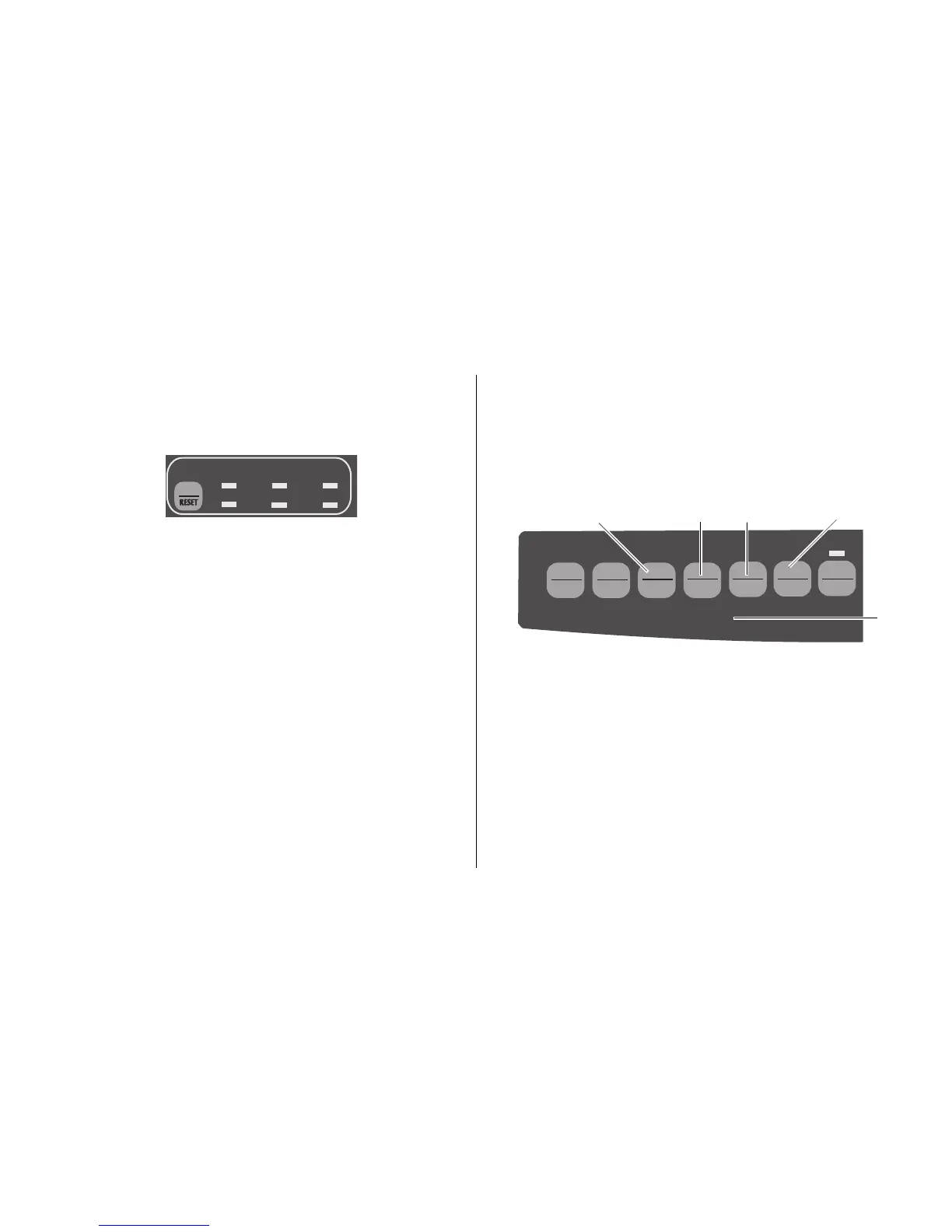
Menu Mode: Control Panel
In the Menu mode, you can use the front panel buttons to
change the defaults for the printer parameters. The changes
you make in the Menu mode are automatically saved when
you exit the Menu mode and are retained even if you turn
the printer off.
QUIETPARKTEAR
FF/LOAD
LF
SEL
SEL
POWER ALARM
MENU
GROUPEXIT
ITEM SET
PRINT
MENU
SHIFT TOF
Micro Feed
Up
Micro Feed
Down
➊ GROUP: Prints the next Group in the Menu. With the
SHIFT
key, prints the previous Group.
➋
ITEM
: Prints next Item in the Group. With the
SHIFT
key, prints previous Item in the Group.
➌
SET
: Prints next Setting for an Item. With the
SHIFT
key, prints previous Setting for an Item.
➍
PRINT
: Prints a copy of all the Menu settings. With
the
SHIFT
key, prints the current settings for the
Group selected.
➎
MENU
light: Glows when the printer is in the Menu Mode.
➊
➌
➍
➎
➋



 To Next Page