E-18 Section 2
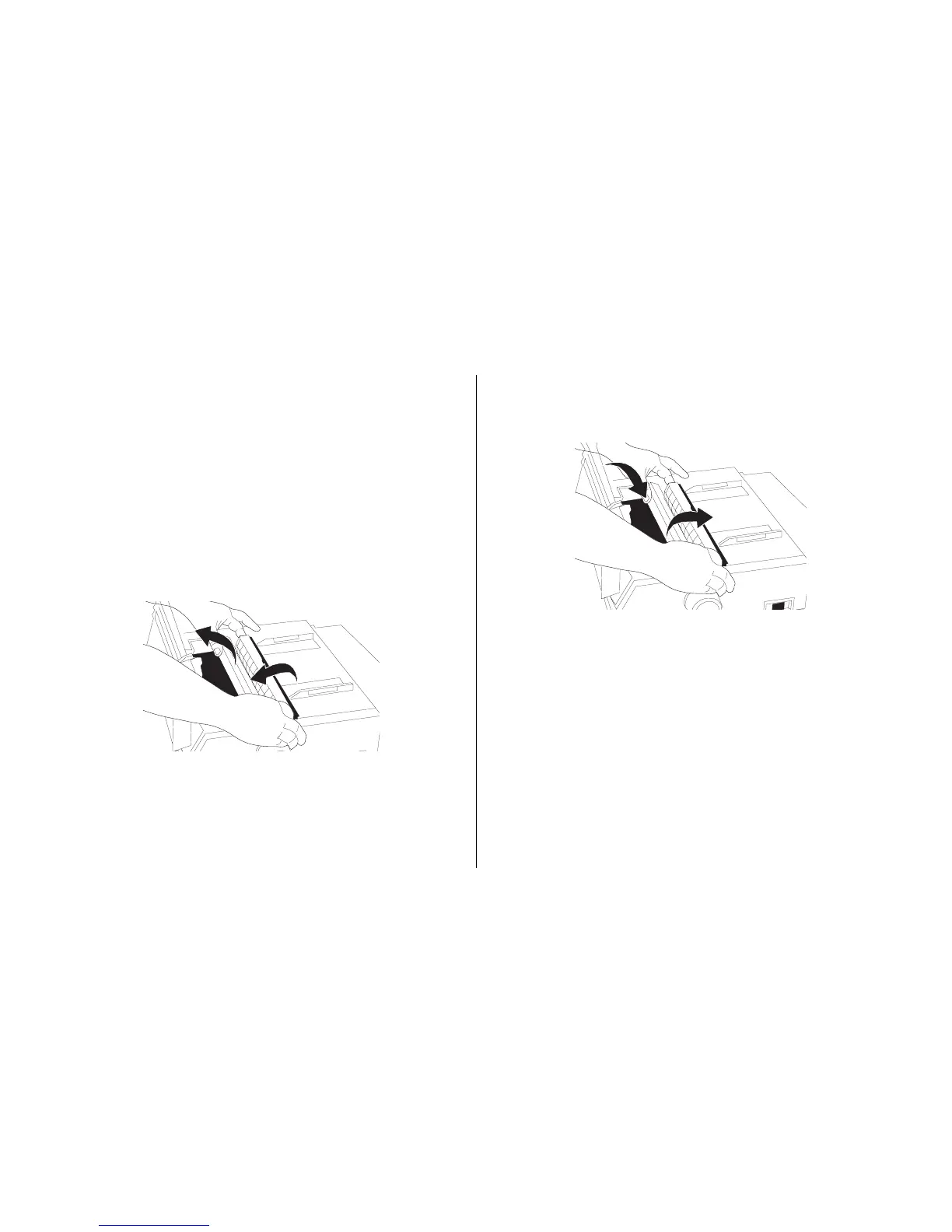
4. Reinstall the pull-up roller assembly, and close the
access cover.
Cleaning the Housing
You should clean the printer every six months (or after
about 300 hours of operation).
Note: Never use solvents or strong detergents on the
cabinet: they could damage the housing.
1. Turn the printer off, and remove any paper from the path.
2. Open the access cover, remove the pull-up roller assem-
bly.
3. Use a clean, dry cloth to dust around the carriage shaft
and platen. Remove any loose bits of paper.



 To Next Page