E-30 Section 3
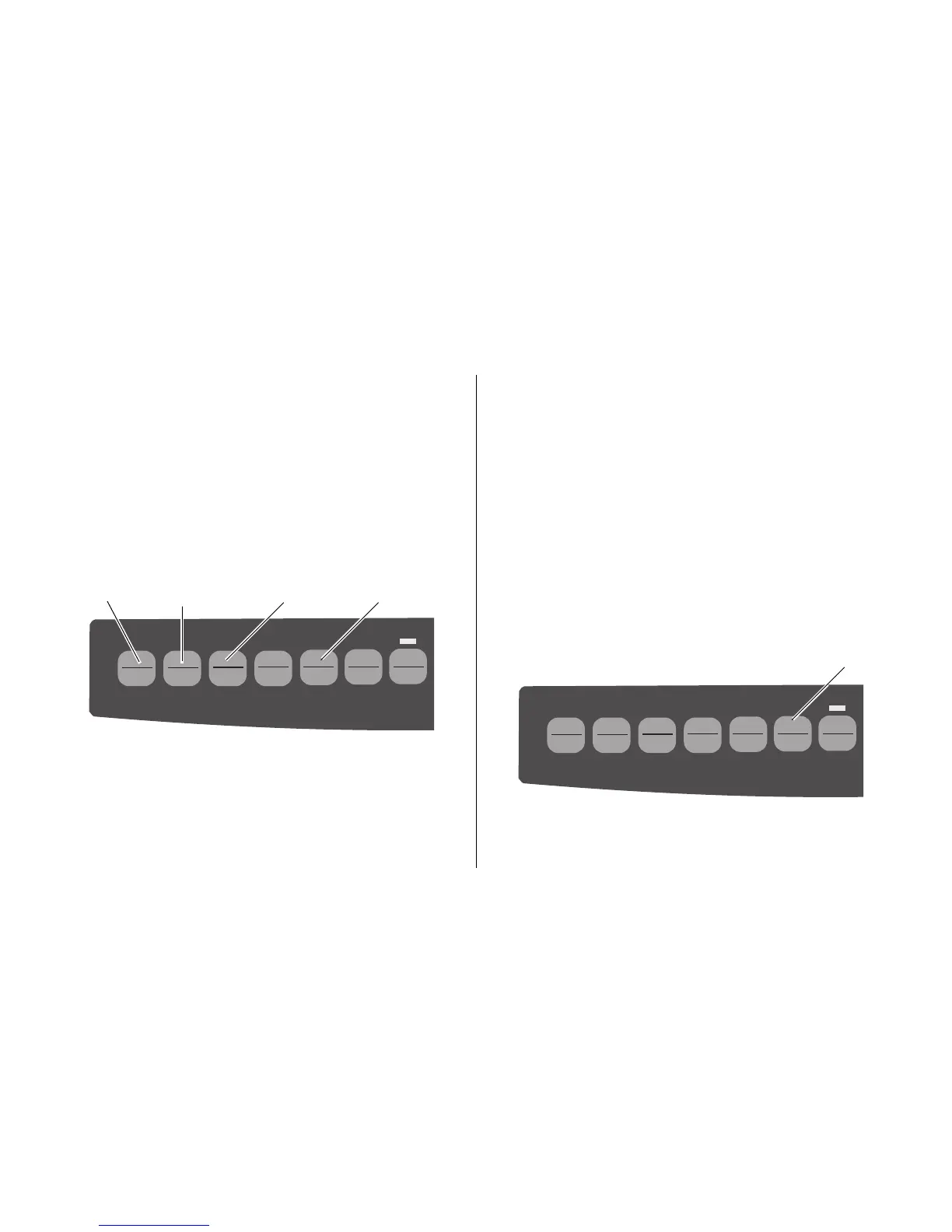
3. Press SET (➍) until the time interval you wish to select
appears in the third column.
4. Press
SHIFT (➋) + SEL (➊) to exit Menu Mode and save
the setting.
Note: Some programs pause occasionally while sending
data. If the pause is too long, the paper will advance
to the tear-off position until more data is received.
This extra paper movement can cause uneven print
registration in graphics. If you have this problem,
use the menu to turn off this feature.
Paper Park Feature
QUIETPARKTEAR
FF/LOAD
LF
SEL
SEL
POWER ALARM
MENU
GROUPEXIT
ITEM SET
PRINT
MENU
SHIFT TOF
Micro Feed
Up
Micro Feed
Down
To retract rear-feed paper form the paper path, press PARK
(➊).
Forms Tear-Off Feature
Important! Never engage Forms Tear-Off when printing on
labels!
The Forms Tear-Off feature automatically moves
continuous-form paper up to the tear position after the
interval you select, then moves it back down again for
printing when the printer receives more data.
This feature is normally turned off. To activate it:
QUIETPARKTEAR
FF/LOAD
LF
SEL
SEL
POWER ALARM
MENU
GROUPEXIT
ITEM SET
PRINT
MENU
SHIFT TOF
Micro Feed
Up
Micro Feed
Down
1. Press SHIFT (➋) + SEL (➊).
2. Press
GROUP (➌) until one of the following lines
appears, depending on which paper feed you are using:
REAR FEED Form Tear-Off OFF
BOTTOM FEED Form Tear-OFF OFF
➋
➌➊➍
➊



 To Next Page