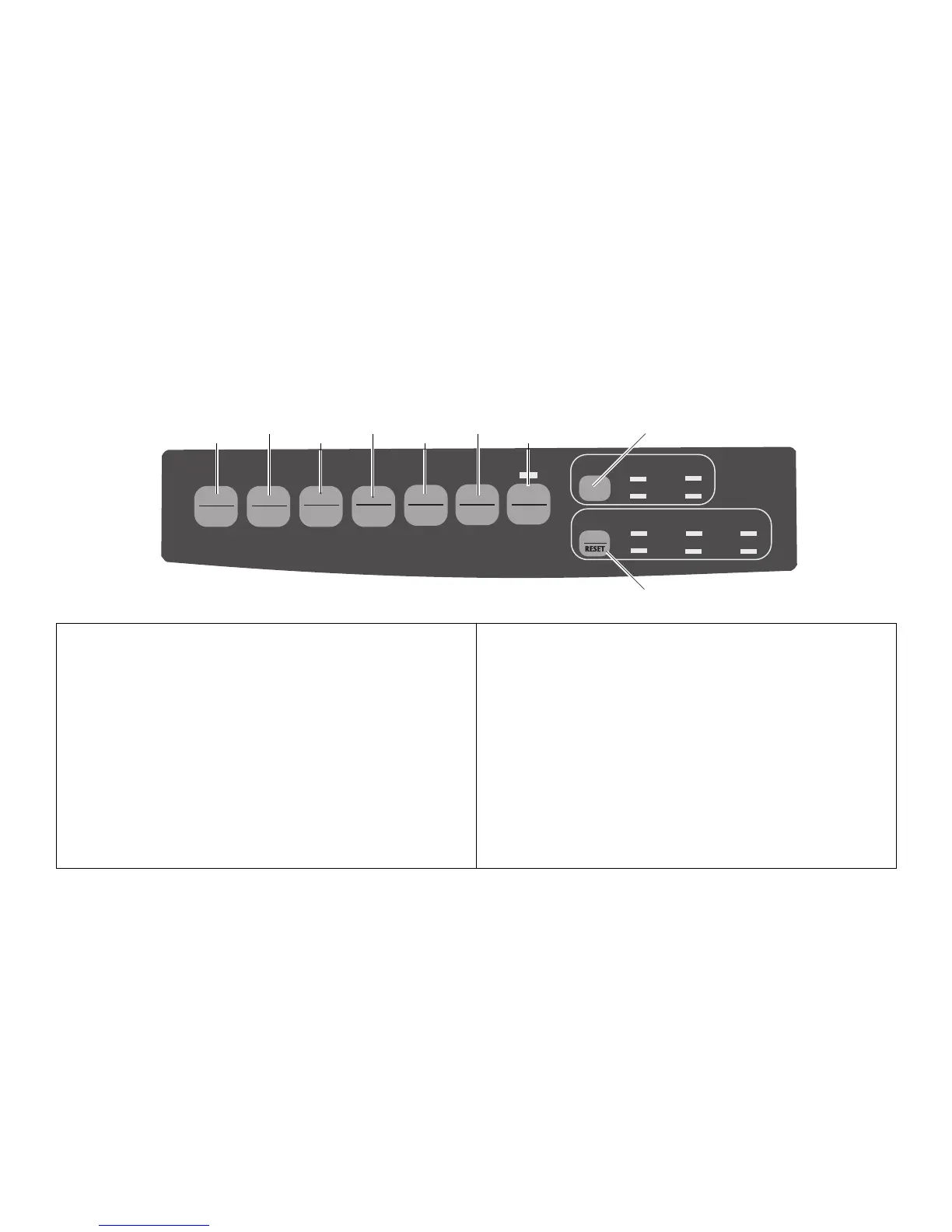
Print Mode: Control Panel Keys
➊➊
➊➊
➊
SEL
: Selects/deselects printer. When held on power
up, or with SHIFT key, engages Menu Mode:
see page 22.
➋➋
➋➋
➋
SHIFT
: Press and hold while pressing another switch to
engage the alternate function for that switch
(e.g., “Micro Feed Down” for LF key).
➌➌
➌➌
➌
LF
: Moves paper up one line: press and hold for
repetitive line feeds. When held on power up,
activates Font Test.
➍➍
➍➍
➍
QUIET
: Turns Quiet Mode on and off. When held on
power up, activates Rolling ASCII Test.
E-20 Section 3
QUIETPARKTEAR
FF/LOAD
LF
SEL
SEL
POWER ALARM
MENU
GROUPEXIT
ITEM SET
PRINT
MENU
SHIFT TOF
Micro Feed
Up
Micro Feed
Down
PRINT QUALITY
CHARACTER PITCH
HSD
NLQ
UTL
SSD
10 12 15
17
20 PROP
➒
➎➎
➎➎
➎
PRINT QUALITY
: Selects print quality and font.
➏➏
➏➏
➏
FF/LOAD
: Loads/ejects single sheet of paper;
loads continuous-form paper or feeds
it to next page.
➐➐
➐➐
➐
TEAR
: Moves continuous-form paper up for
tear-off or back down for printing.
➑➑
➑➑
➑
PARK
: Retracts continuous-form paper from
the path
➒➒
➒➒
➒
CHARACTER PITCH
: Selects the character pitch. Used with
SHIFT key to reset the printer
and clear the buffer.
➋
➌➊
➏
➐
➑
➎
➍



 To Next Page