➎
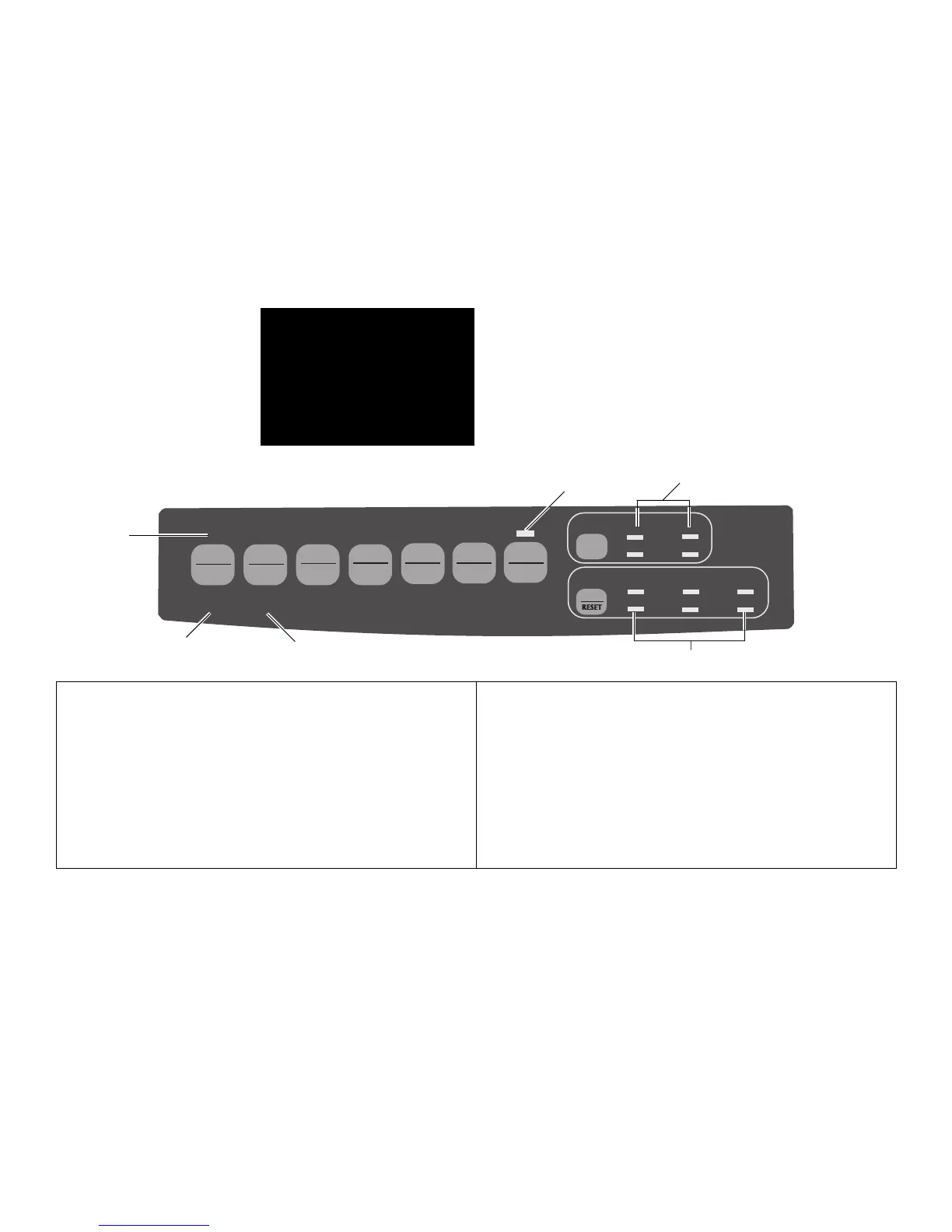
ALARM
: Glows = error condition exists:
➤ out of paper (no other lights blinking)
➤ paper jam if 15 cpi light is also blinking
➤ paper lever is set to wrong position if 10 cpi
light is also blinking.
Blinks = error condition. Turn printer off, then
on; if light still flashes, contact service dealer.
➏
10/12/15/17/20/PROP
: Indicate character pitch
selected.
Print Mode: Indicator Lights
➊
SEL
: Glows = printer selected, ready to receive data
Flashes = printer in Print Suppress Mode
Not lit = printer deselected (cannot receive data)
➋
QUIET
: Glows to indicate that printer is in Quiet state.
➌
HSD / UTL / NLQ / SSD
: Indicate print quality selected.
➍
POWER
: Glows when printer is turned on.
E-19
Section 3:
Using Your Printer
➏
QUIETPARKTEAR
FF/LOAD
LF
SEL
SEL
POWER ALARM
MENU
GROUPEXIT
ITEM SET
PRINT
MENU
SHIFT TOF
Micro Feed
Up
Micro Feed
Down
PRINT QUALITY
CHARACTER PITCH
HSD
NLQ
UTL
SSD
10 12 15
17
20 PROP
➋
➊
➌
➎
➍



 To Next Page