E-8 Section 1
4. Make sure the wire feed
guide (➊) is secured
in the sheet guide.
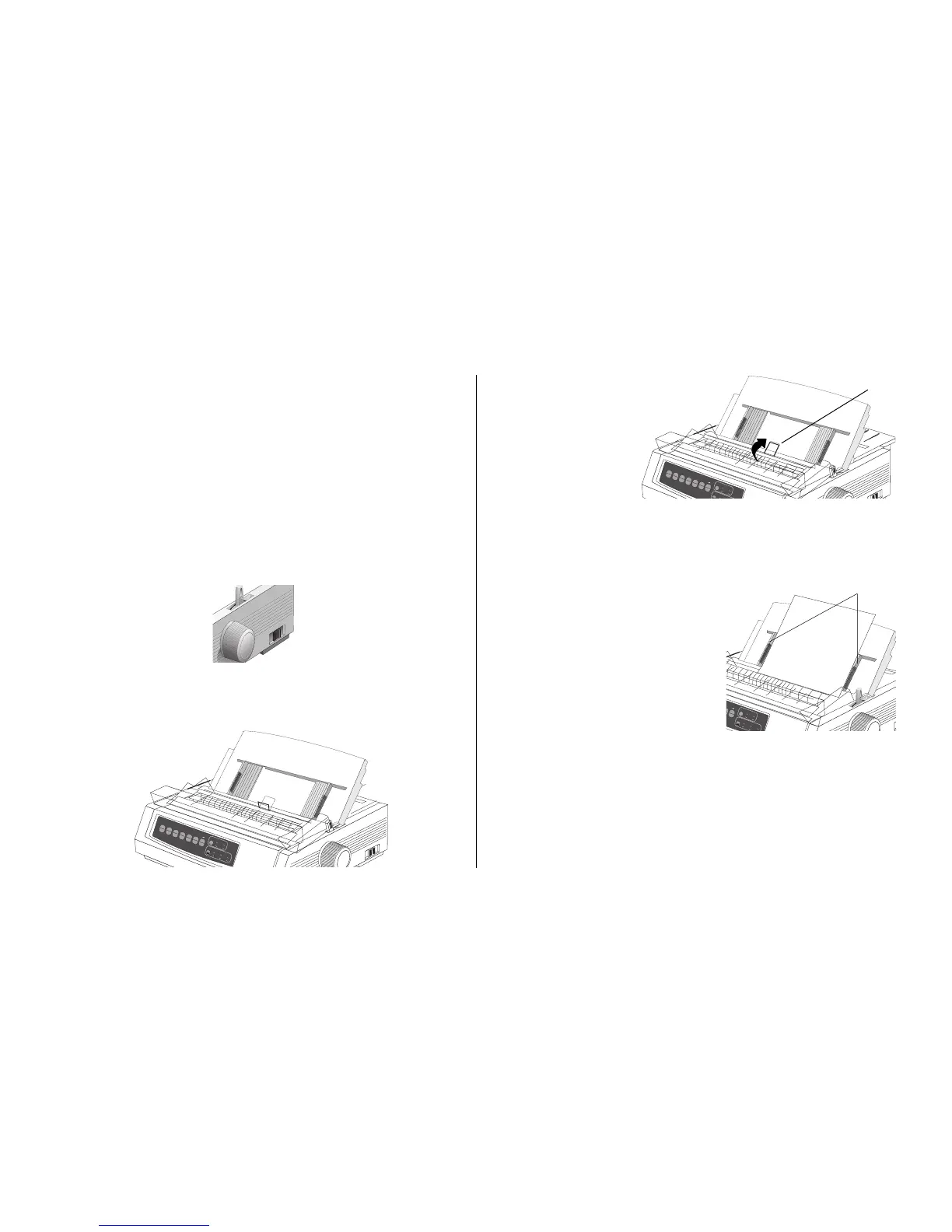
5. Adjust the paper feed guides (➊) for the width of the
paper and place a sheet of paper in the separator. The
paper will feed into the printer.
Note: The standard setting for the Top of Form (where the
printing begins) is 1-inch down from the top of the
page. To change the setting, see page 9.
Loading Single Sheets (Top Feed)
Use the single-sheet path for letterhead stationary, memos,
and individual envelopes.
Note: If you have continuous-form paper in the path, press
PARK
to remove it before loading single sheets.
1. Make sure the printer is on and deselected (SEL light
off).
2. Place the paper lever in the position marked “TOP.”
3. Open the carriage cover and lift the paper separator to
the single-sheet position.
QUIETPARKTEAR
FF/LOAD
LF
SEL
SEL
POWER ALARM
MENU
GROUPEXIT
ITEM SET
PRINT
MENU
SHIFT TOF
Micro Feed
Up
Micro Feed
Down
PRINT QUALITY
CHARACTER PITCH
HSD
NLQ
UTL
SSD
10 12 15
17
20 PROP
➊
QUIETPARKTEAR
FF/LOAD
LF
SEL
SEL
POWER ALARM
MENU
GROUPEXIT
ITEM SET
PRINT
MENU
SHIFT TOF
Micro Feed
Up
Micro Feed
Down
PRINT QUALITY
CHARACTER PITCH
HSD
NLQ
UTL
SSD
10
➊
Important!
If the paper does not feed
in, remove it. Check the
paper lever position. Make
sure the ALARM light is
on: if it is flashing, hold the
SHIFT key and press the
CHARACTER PITCH
(RESET) key. Reload the
sheet of paper.



 To Next Page