Getting Started E-3
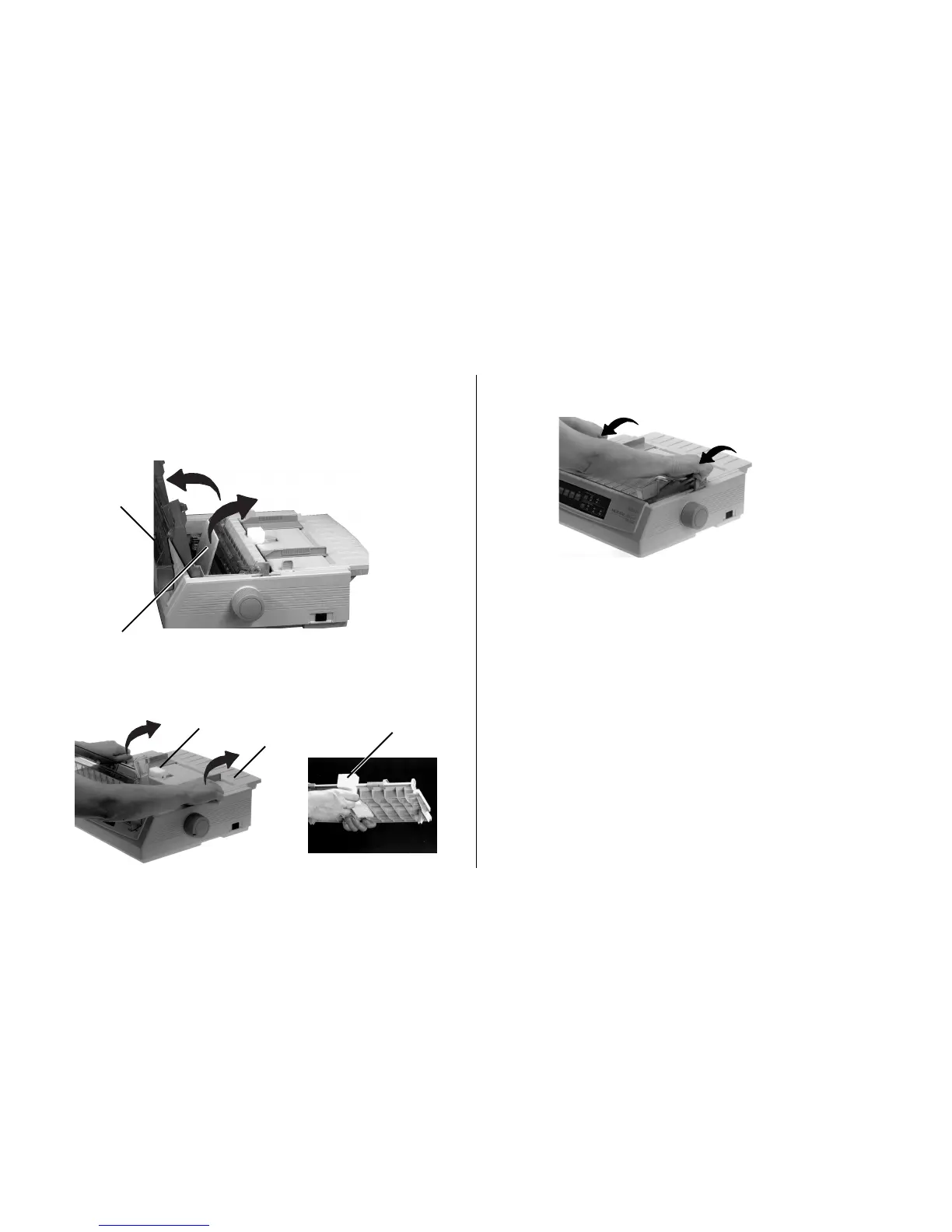
3. Replace the paper separator .
Note: Save the shipping retainers and the packing material
in case you ever need to ship the printer.
Removing the Shipping Restraints
1. Open the access cover (➊) and remove the printhead
shipping retainer (➋).
2. Grasp the tabs on the paper separator (➊), lift it off and
remove the shipping retainer (➋).
➋
➊
➊
➋
➋



 To Next Page