20 Data transfer via bluetooth
4.1 Installation of bluetooth software
In the first section of this chapter it will be explained how to install the bluetooth software. Please note
that the represented figures do not necessarily correspond to the current version of your operating
system or the version of usb installation.
4.1.1 Install software and driver
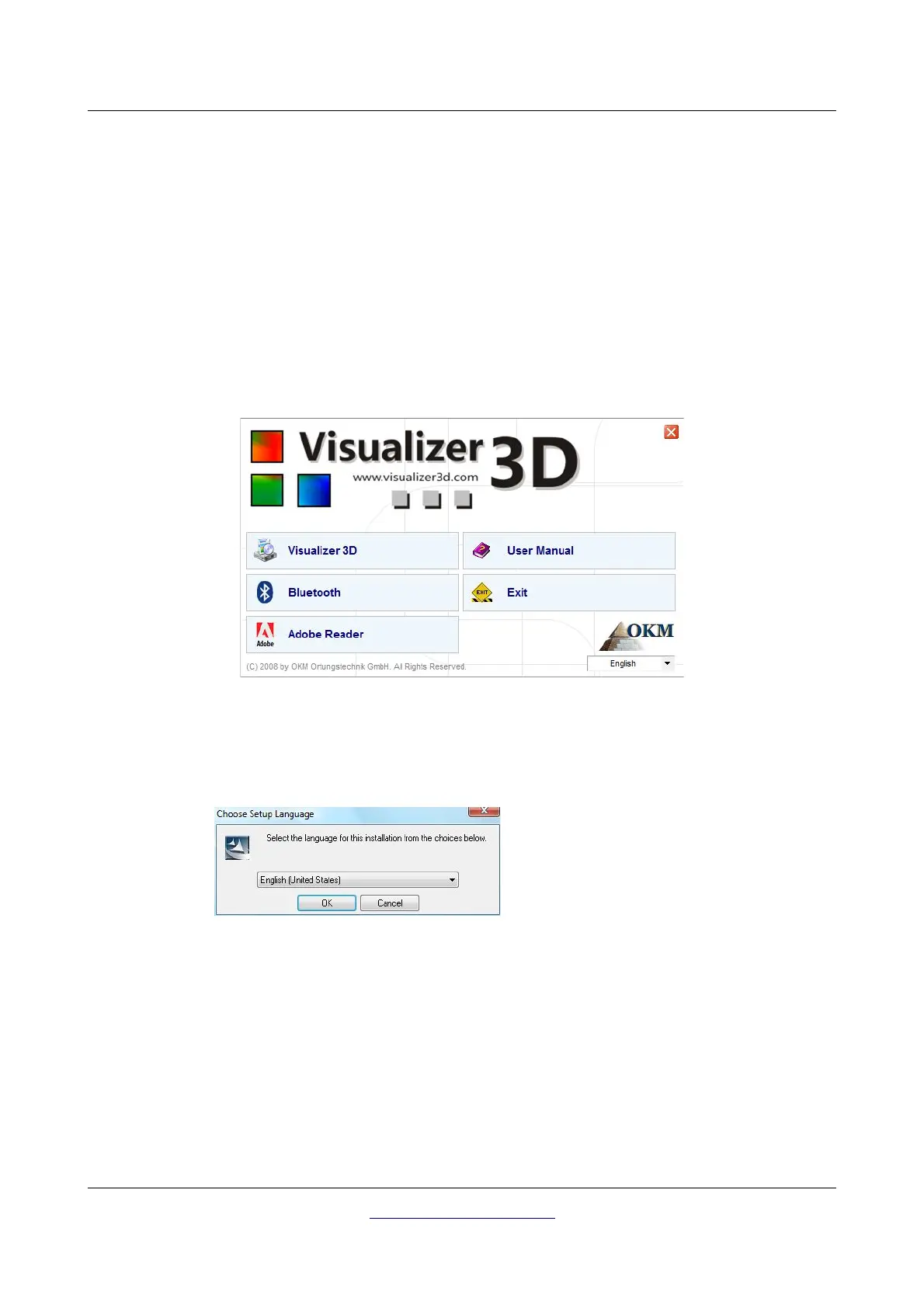
The bluetooth software is situated on the software CD which is included in the scope of delivery. Place
the CD inside the CD Rom drive of your computer and wait until a window like shown in figure 4.1
appears.
Click on the entry
Bluetooth
, to start the installation of the bluetooth software and follow the
instructions on the screen of your computer, like it is explained in the following steps.
OKM GmbH
www.okmmetaldetectors.com



 To Next Page