54 Operating modes
7.5 Settings
In this section you will learn how to adjust different settings of your 3D Ground Navigator metal
detector. Please be careful while changing these settings.
7.5.1 Headphones
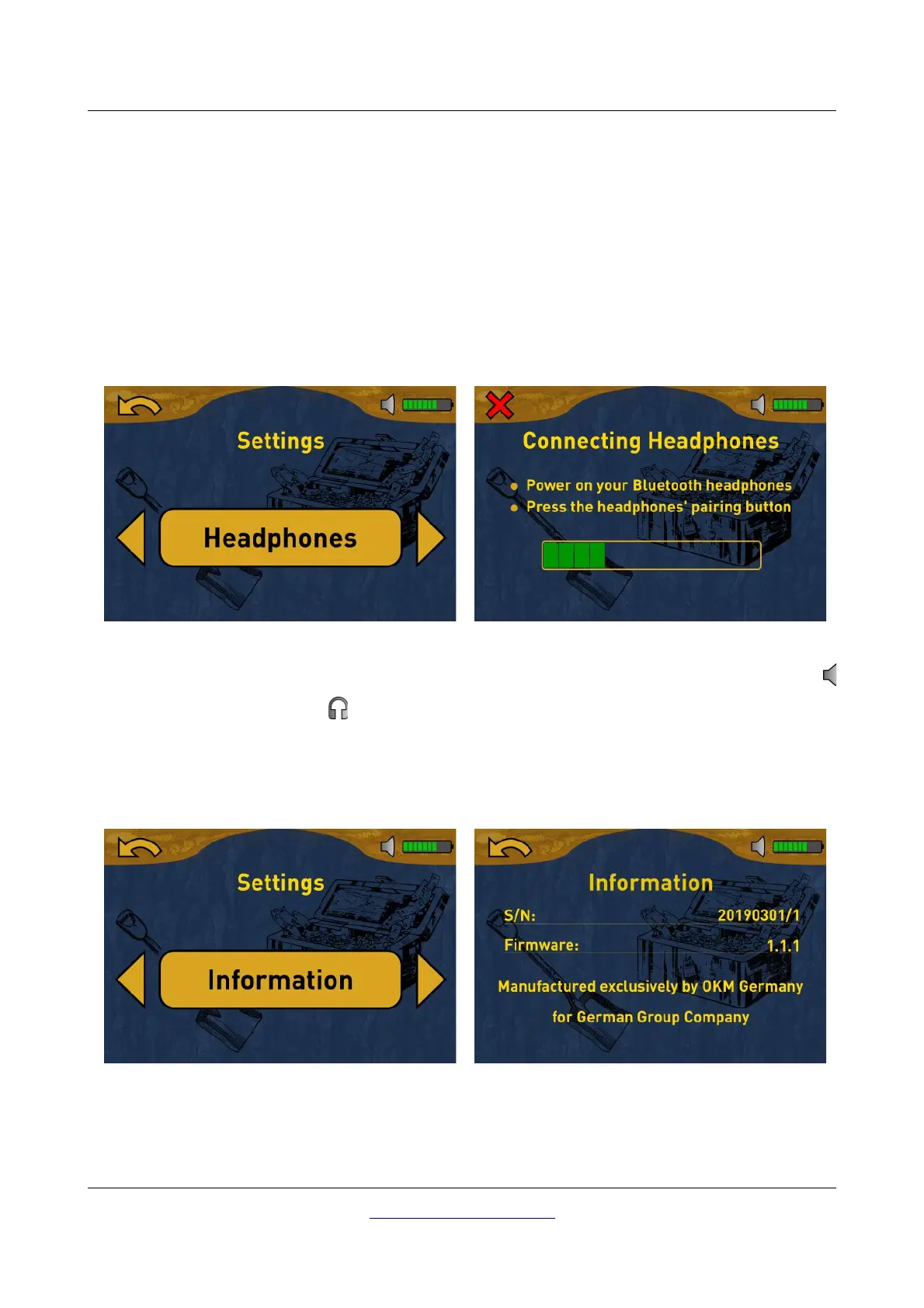
This option allows you to connect Bluetooth headphones with your 3D Ground Navigator. After activating
this option with the OK button, you need to power on your headphones and push the headphones' pairing
button. The actual pairing process can be different from headphone to headphone.
The program will wait 60 seconds to connect to the headphones. If it is successful the speaker icon
will change to a headphones icon .
7.5.2 Information
This option displays information concerning the device's serial number and firmware version.
Those information may be useful if you are contacting your distributor for additional support requests.
OKM GmbH
www.okmmetaldetectors.com



 To Next Page