22 Data transfer via bluetooth
Restart your computer after finishing the installation, to agree to the changes on your system!
4.1.2 Configurate bluetooth dongle
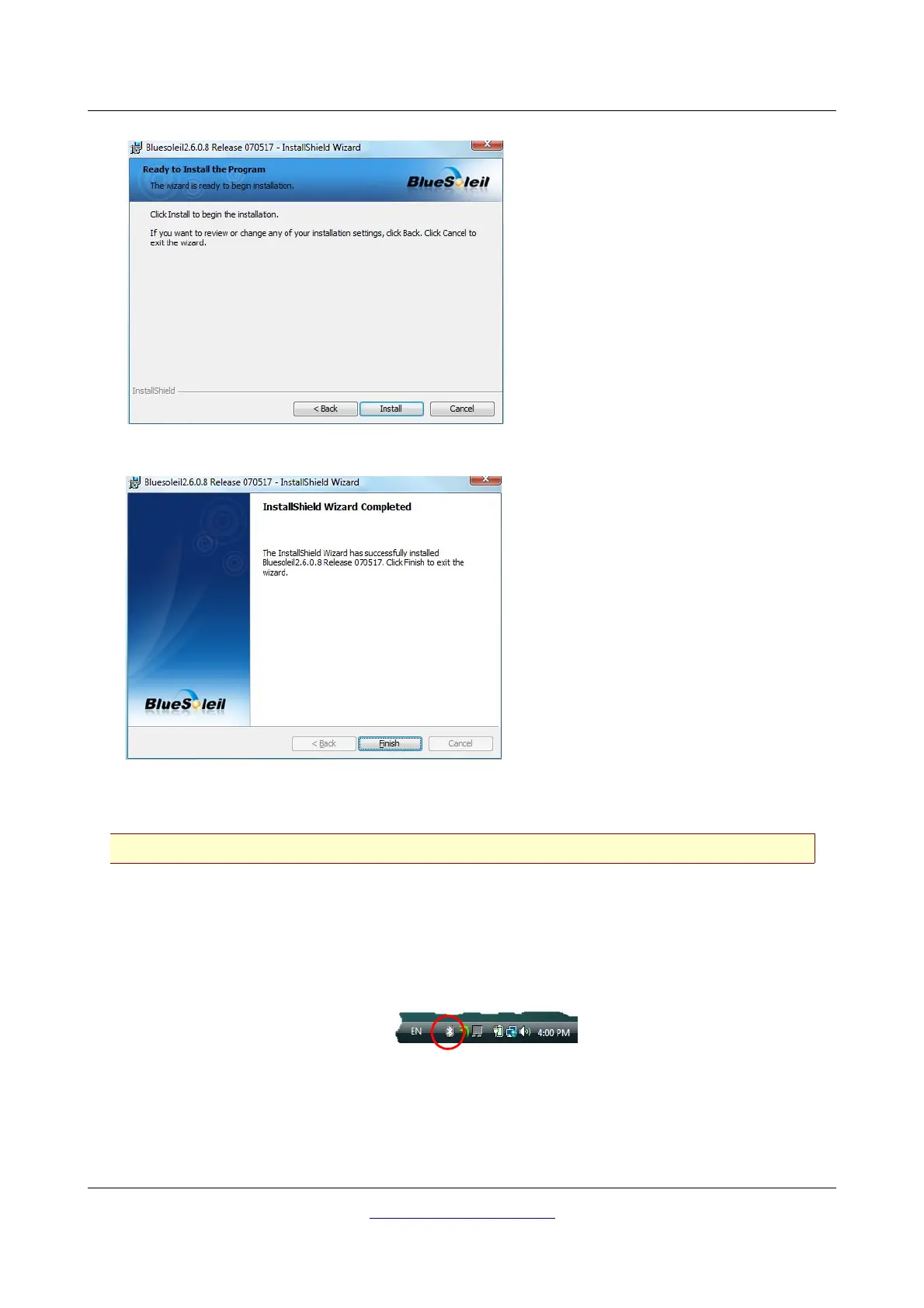
After restarting your computer the bluetooth software should open automatically. Check if you can find
the bluetooth icon (grey/white) on the down right side of the task bar.
If you do not find this symbol there, you should start the bluetooth software manually. In this case just
click on the bluetooth symbol, which has been created on your desktop during the installation.
OKM GmbH
www.okmmetaldetectors.com



 To Next Page