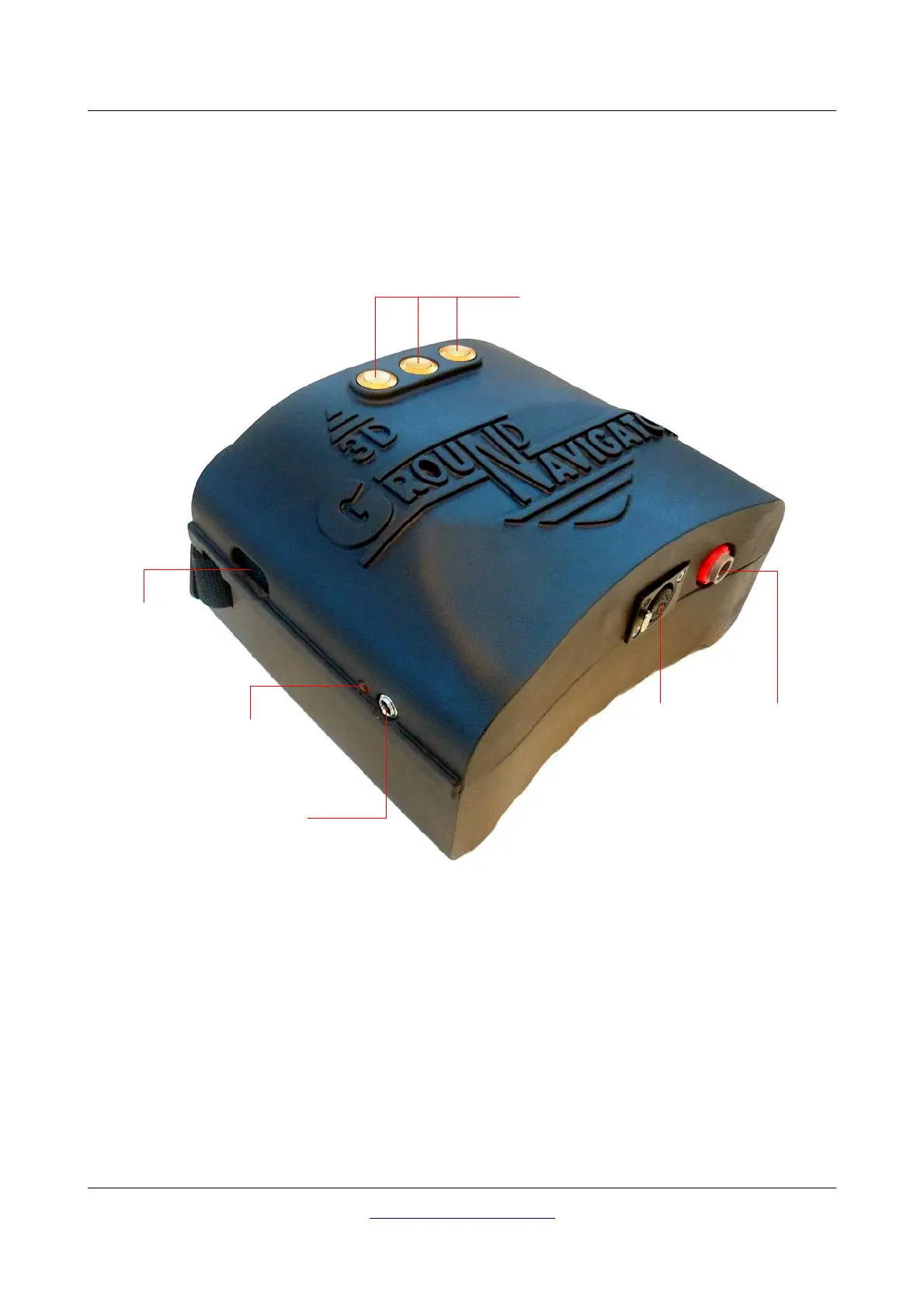
30 Control elements
Start button: Primarily the start button is used to start a measurement and to release every single
impulse in the manual impulse mode. There is an alternative start button built-in into the Super Sensor.
5.2.2 Bottom View
Figure 5.3 shows all control elements on the bottom side of the Control Unit.
Charger socket: The charger socket is used to recharge the internal battery. While charging the
battery, the Charge-LED is shining “orange”. See section 5.2.4 “Charging the internal battery” on page
32 for more details about charging the control unit!
Socket for power pack: Additional to the internal battery, it is possible to connect OKM's optional
Power Pack. By using this Power Pack you can extend your operating time by another 48 hours.
Socket for probe: At this socket you should connect the Super Sensor. Without probe there is no
measurement possible.
OKM GmbH
www.okmmetaldetectors.com



 To Next Page