Operating modes 45
Figure 7.2 shows the display which indicates that the first scanning path has begun and 5 impulses have
been measured up to now. In total there will be 20 measure points per scanning path. The device is
waiting for the user to press the start button to begin recording the measurement.
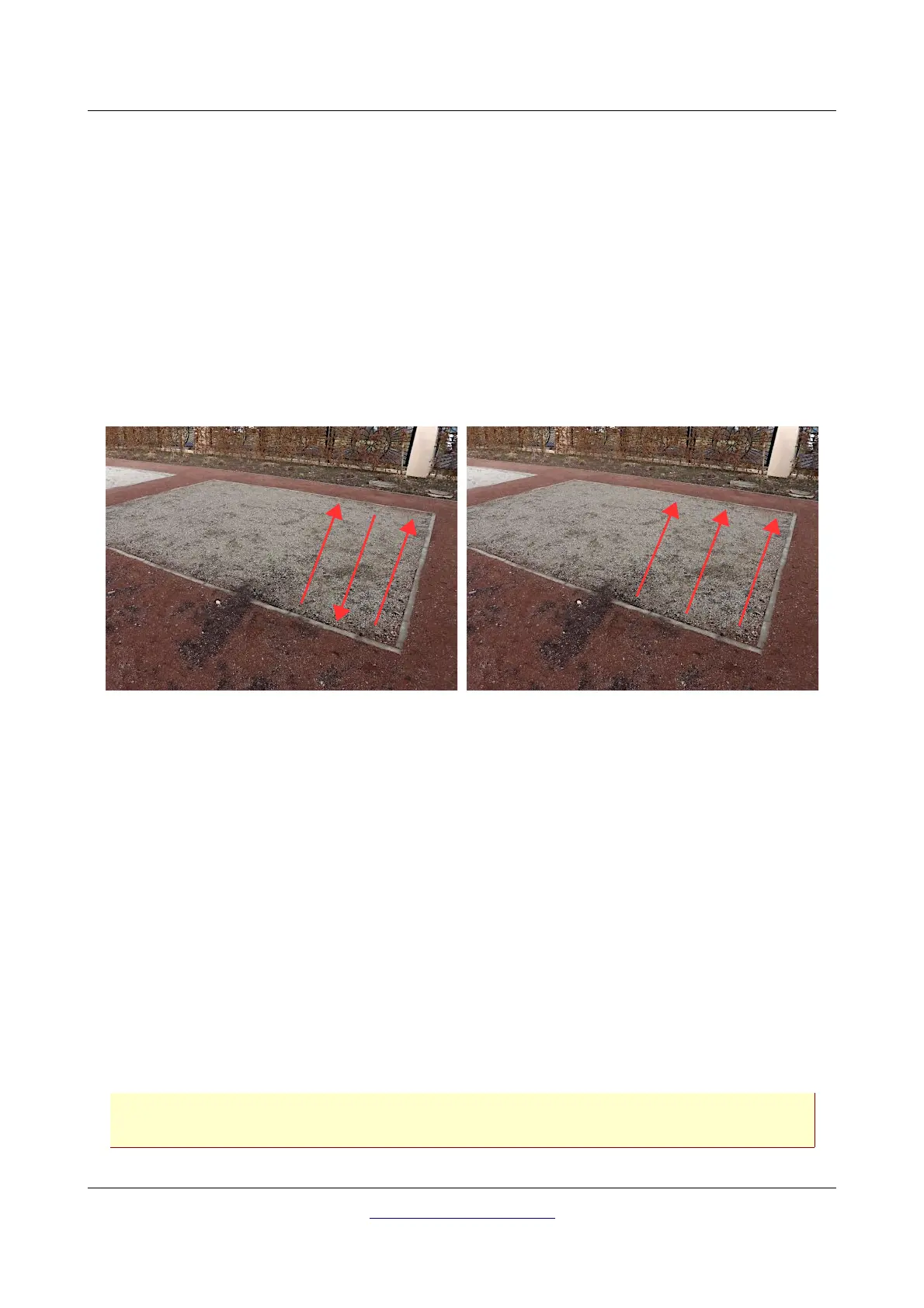
After setting all parameters you can start recording measure values. So go to your start position of the
first scanning path and press the start button.
a) If you have selected the impulse mode "Automatic" just keep going slowly until you reach the
end of the first scanning path. When you already have defined the number of impulses, the
device will stop automatically at the end of the line, otherwise – if selected “Automatic” - you
should press the OK button now. Then you go to the start position of the next scanning path and
press the start button again. The device will stop automatically by itself at the end of the
scanning path.
b) If you have selected the impulse mode "Manual" you should press the start button to start your
measurement. You must release each single measure impulse manually one by one with the start
button. The impulses will not be sent out automatically. Now you should do a little step forward
and press the start button again, to measure the second measure point. The device stops and
you should again walk a little step forward and press the start button once more. Now continue
in this way until you have reached the end of the first scanning path. If you already have defined
the number of impulses per line, the device will automatically signalize the end of the scanning
path, otherwise you should press the OK button when you like to finish the first line. Now go to
the start position of your next scanning path and push the start button again. Go another step
forward and repeat the measurement in the same way like you recorded the first scanning path.
The device will now signalize automatically the end of the next scanning path.
Continue to measure all further scanning paths until you have recorded the complete measure area. To
finish the operating mode "Ground Scan" and return back to the main menu you simply push one of the
arrow buttons or .
Information about the scanning procedure in general you will read in chapter 8 “Field
procedure” on page 57 of this user's manual.
OKM GmbH
www.okmmetaldetectors.com



 To Next Page