32 Control elements
More information on how to connect Bluetooth headphones is available in section 7.5.1 "Headphones" on
page 54!
Battery: The battery icon indicates the current charge state of the internal battery. If the charge is too
low ( ), you have to recharge it by using the appropriate charger.
5.2.4 Charging the internal battery
Switch off the detector, connect the original charger to the charge socket of the 3D Ground Navigator
and plug the charger into a power socket. Now the Charge-LED will shine orange until the battery has
been charged completely. After the battery is fully charged, the Charge-LED turns off.
Only use original OKM chargers for recharging the internal battery!
Otherwise the battery may be damaged or explode.
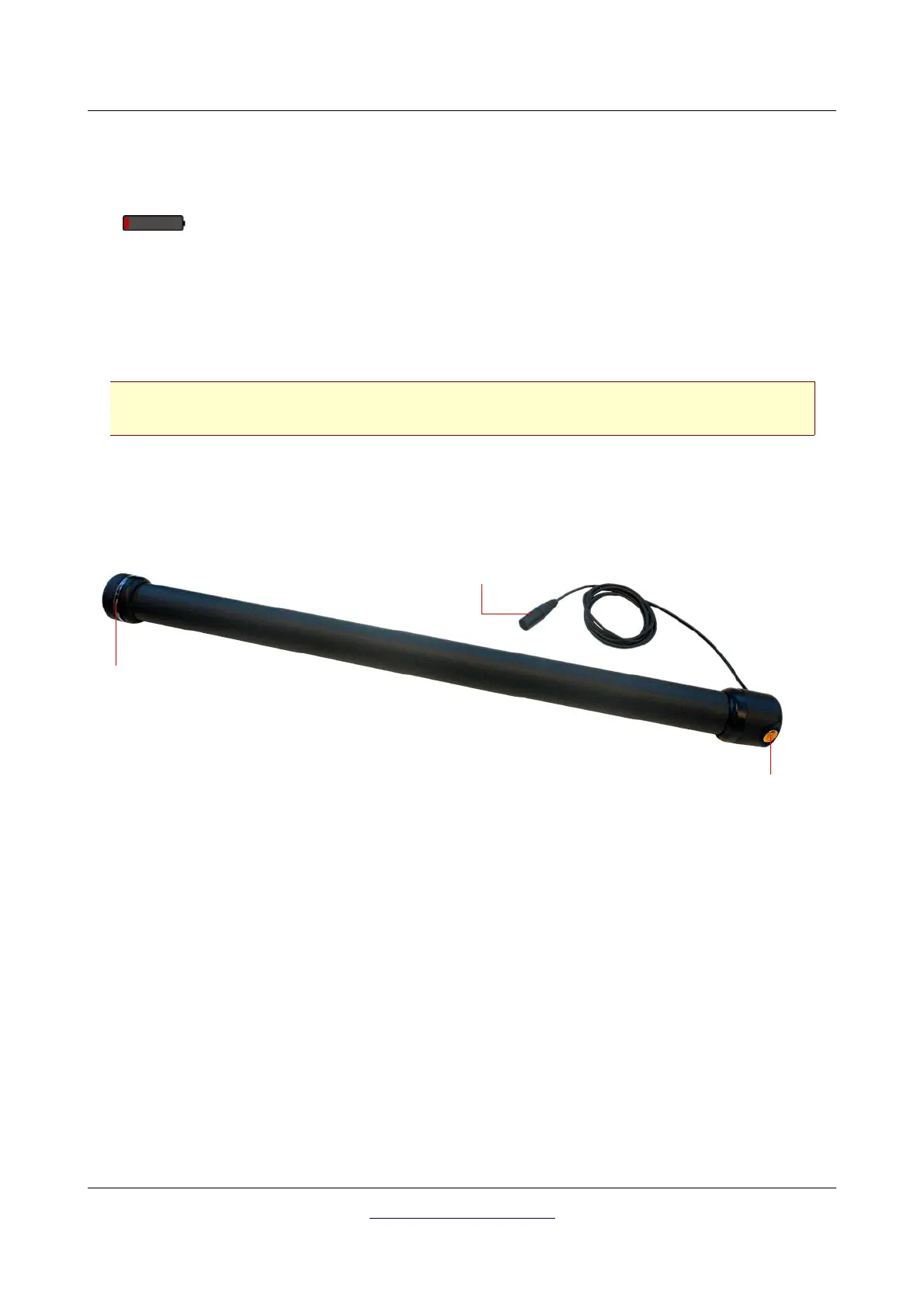
5.3 Super Sensor with LED orbit
The Super Sensor is equipped with a light sphere called "LED orbit", that can indicate the measured
values visually during the scanning process.
Start button: This button has exactly the same functionality like the start button of the control unit. You
may use it to start a measurement and to release every single impulse in the manual impulse mode.
Connector: The connector is used to connect the Super Sensor with the probe socket of the control
unit.
OKM GmbH
www.okmmetaldetectors.com



 To Next Page