Assembly 37
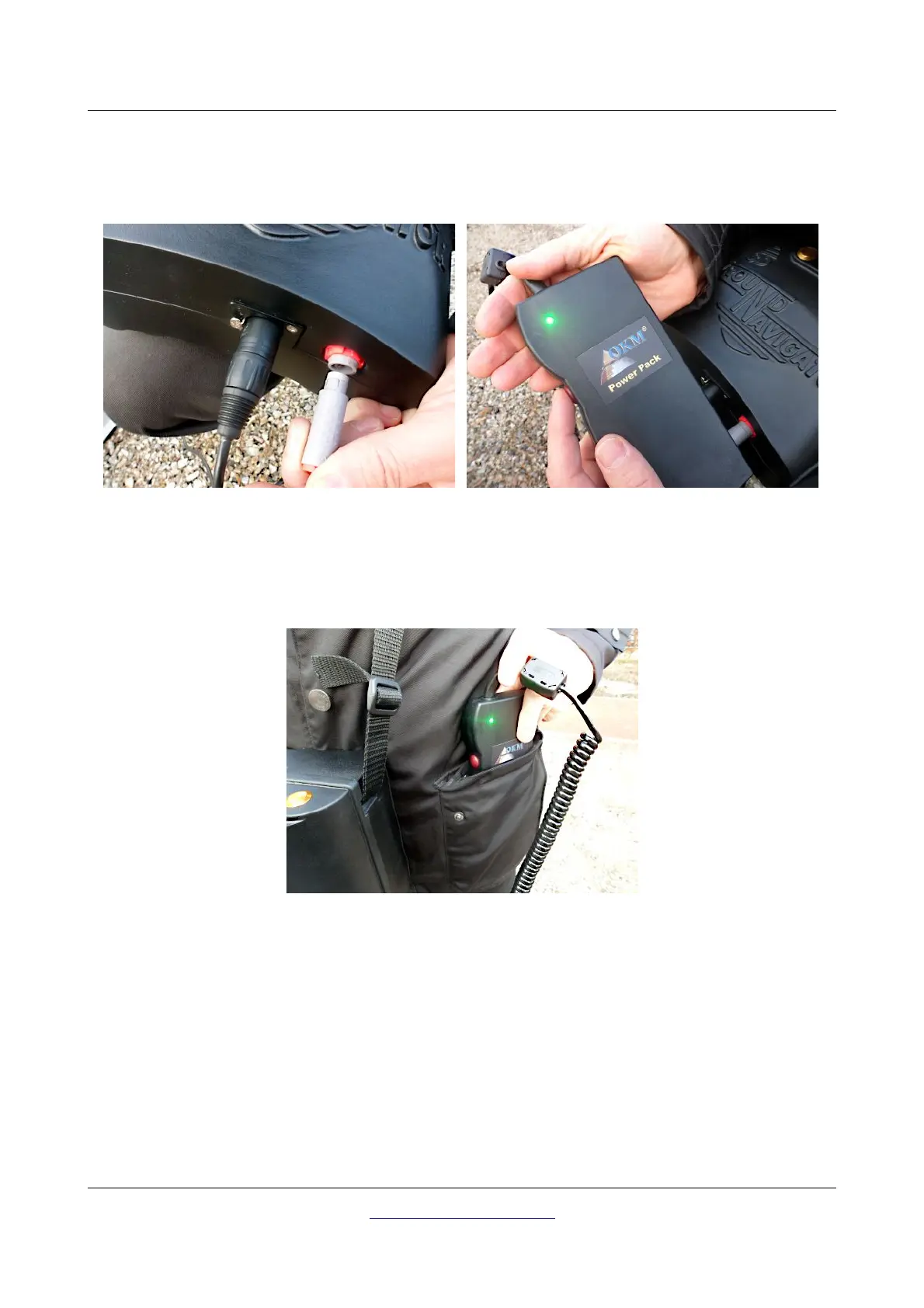
To supply the device with additional power, you can also connect the optional Power Pack. Plug in the
connector of the Power Pack into the designated socket and turn it to left or right until it locks into place
(when you pull on the connector, it will be detached from the socket).
Now switch on the Power Pack. The LED indicator will shine green. Please refer to the user's manual of
the Power Pack for further information concerning its use!
After connecting and switching on the Power Pack you can simply put it in any of your pockets.
OKM GmbH
www.okmmetaldetectors.com



 To Next Page