Control elements 33
5.4 Bluetooth Headphones
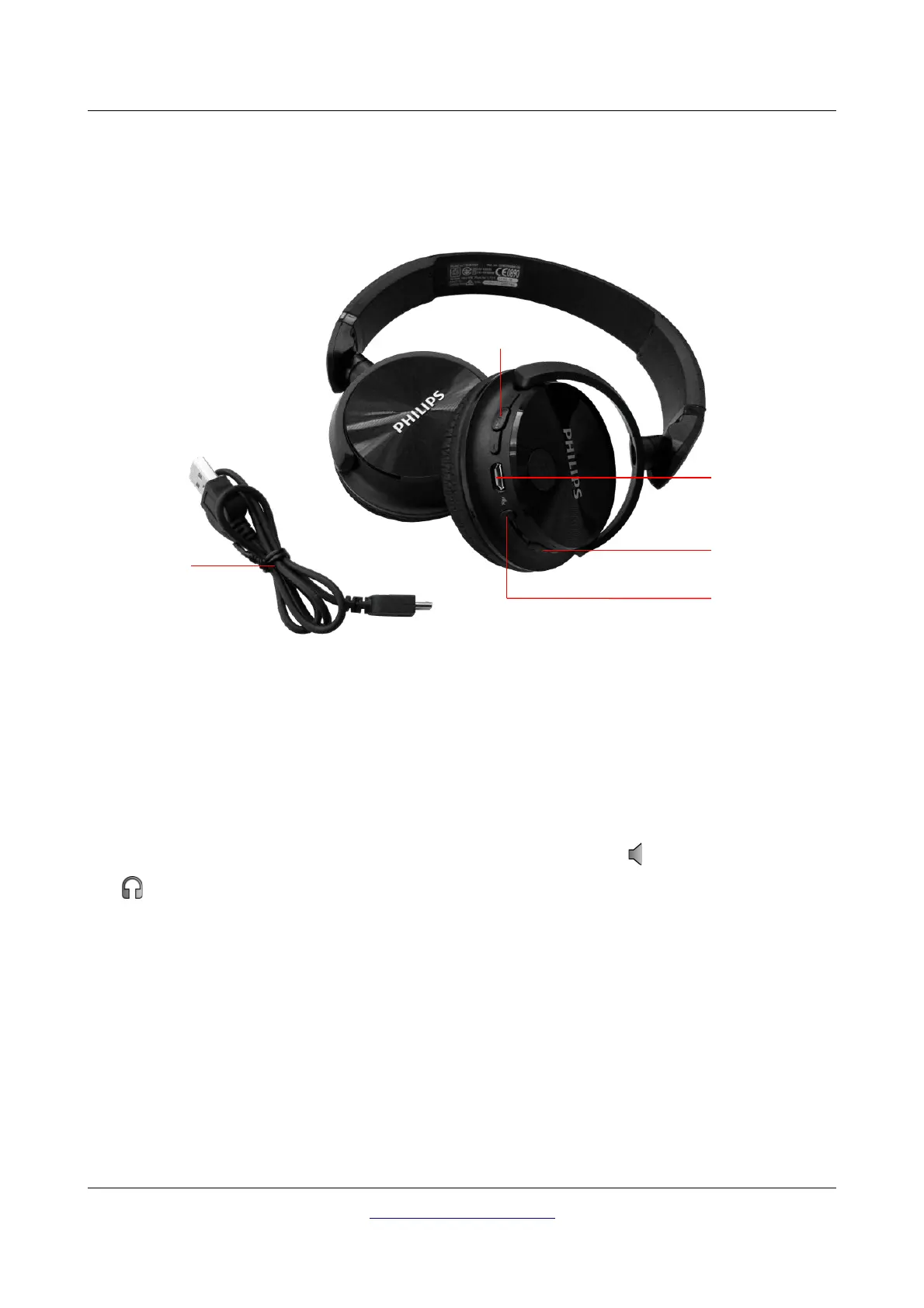
The 3D Ground Navigator can be operated with any Bluetooth headphone available on the market. Your
detector already comes with Bluetooth headphones similar to figure 5.6.
To use the headphones with your metal detector, please follow these simple steps:
1. Select “Settings” from your main menu
2. Now select “Headphones”
3. Power on your Bluetooth headphones and push the pairing button
The 3D Ground Navigator tries connecting for 60 seconds. If the Bluetooth connection between
headphones and device can be established successfully, the speaker icon switches to a headphones
icon . Otherwise you should try again.
See also section 7.5.1 “Headphones” on page 54 for more detailed information regarding connecting the
Bluetooth headphones.
OKM GmbH
www.okmmetaldetectors.com



 To Next Page