36 Assembly
Before you can use 3D Ground Navigator for a field measurement you should do some preparations.
Please pay attention to the following steps!
6.1 Charging the control unit
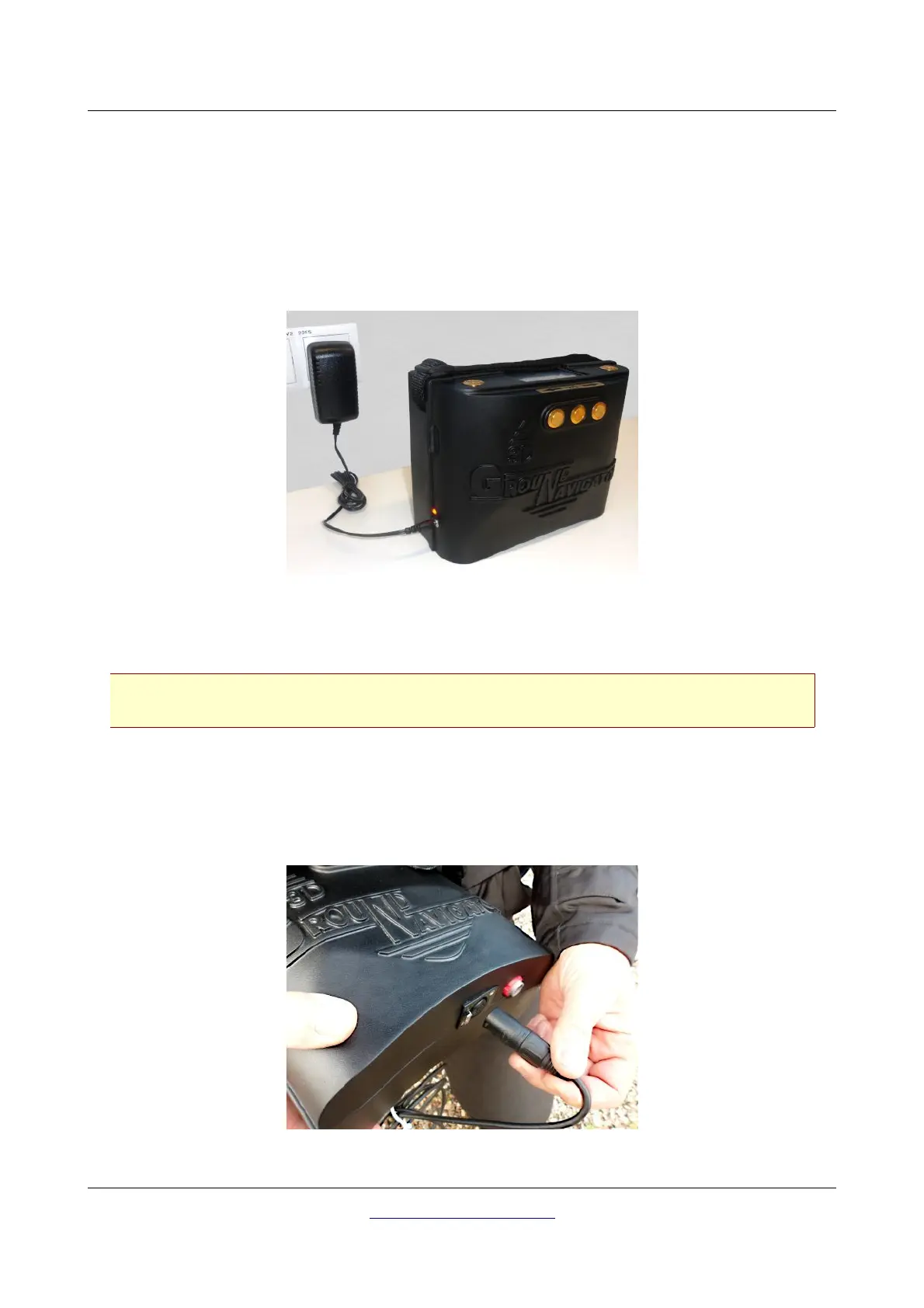
Switch off the device, connect the original charger with the charge socket of the detector and plug it in
into a power socket as shown in figure 6.1.
Now the Charge-LED will shine orange until the battery has been charged completely. After the battery
is fully charged, the Charge-LED turns off.
Only use original OKM chargers for recharging the internal battery!
Otherwise the battery may be damaged or explode.
6.2 Preparing the Control Unit
The Super Sensor is used to measure the underground values and should be connected to the socket on
the bottom of the unit. Avoid hard impact or other damages. Plug in the connector of the Super Sensor
until it locks into place (press the small release lock to detach the probe from the socket).
OKM GmbH
www.okmmetaldetectors.com



 To Next Page