48 Operating modes
7.2.2 Conducting a Pin Pointer scan
After the data transfer to the computer has been established according to step 5, you are ready to start
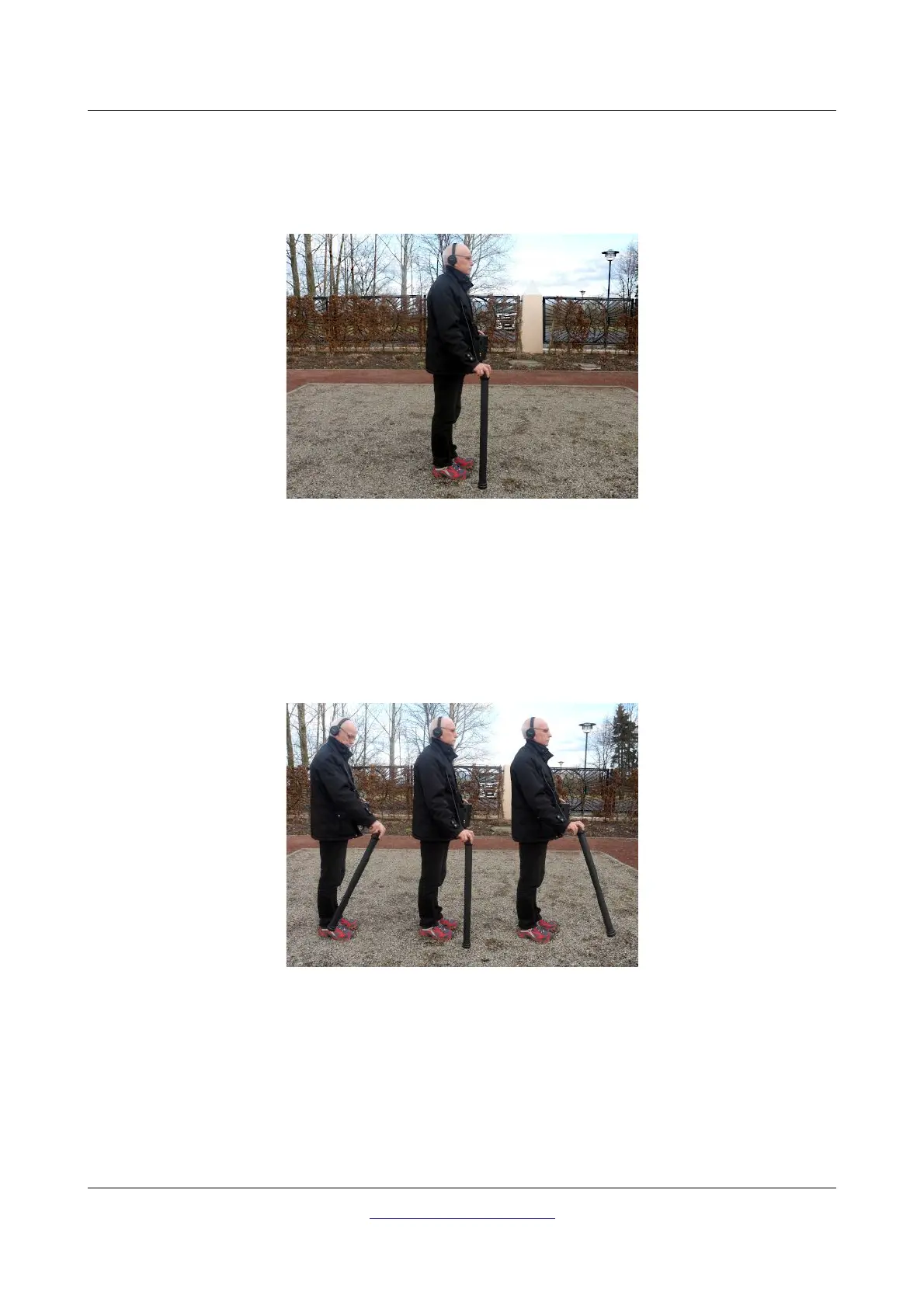
your measurement. Figure 7.4 shows how to hold the Super Sensor during the measurement correctly.
Push the start button to start scanning the underground. You should slowly move the Super Sensor from
one side to another above the possible object. Please try to capture the complete object, which means
you should measure beyond the edges of the object. Repeat this measurement a few times to get a clear
signature of the object.
During this procedure the Super Sensor should point vertical towards the ground. It should not be
turned or pivoted.
You may push the start button from time to time to repeat ground balancing the metal detector. To quit
the operating mode "Pin Pointer" and return back into the main menu you just have to push one of the
arrow buttons or .
OKM GmbH
www.okmmetaldetectors.com



 To Next Page