Operating modes 47
Step 4
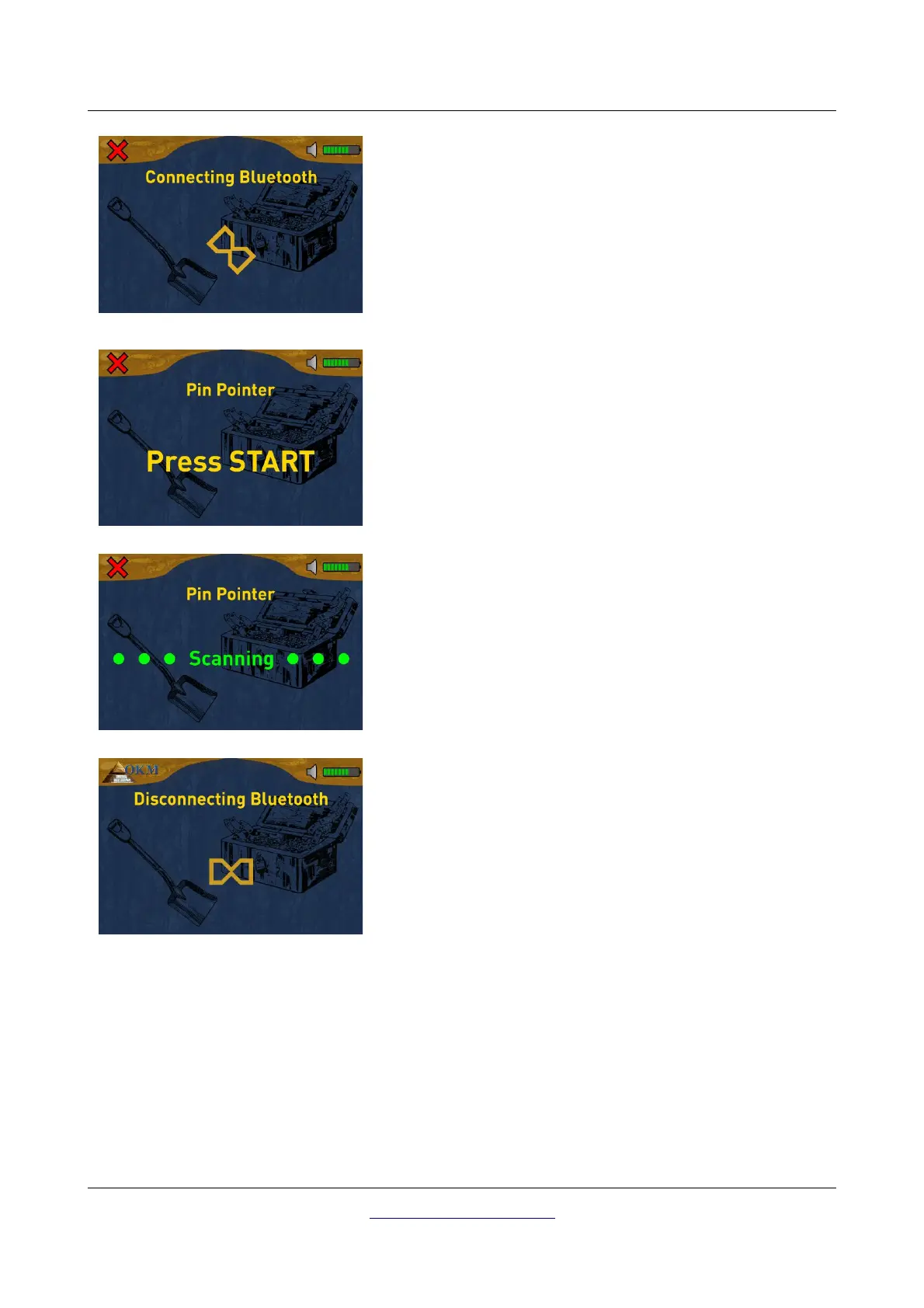
The 3D Ground Navigator is trying to connect to your Bluetooth
dongle that must be present at a free USB port on your
computer.
Step 5
After the Bluetooth connection has been established, the
detector is ready to measure. Now push the start button of the
detector to start recording.
Step 6
The display now shows the active Pin Pointer screen. You can
repeat the ground balance at any time by pushing the start
button.
If you are going to cancel this operating mode, simply push one
of the arrow buttons or .
Step 7
After canceling the Pin Pointer screen, the device also exits the
wireless data connection before returning back to the main
menu.
OKM GmbH
www.okmmetaldetectors.com



 To Next Page