Operating modes 55
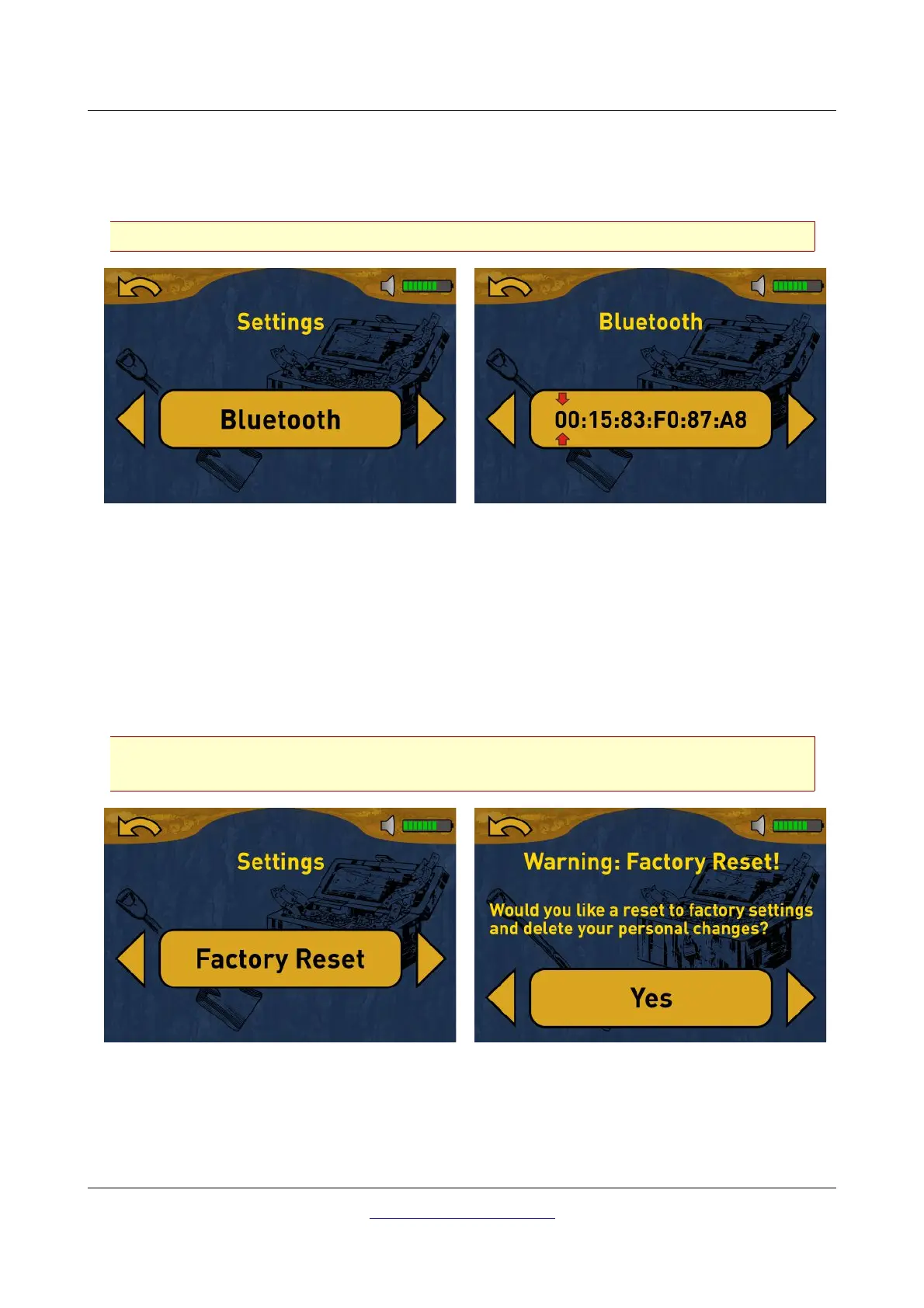
7.5.3 Bluetooth
By default this value is already correctly set in the factory and must not be changed. This is the place
where you can change the Bluetooth address in case you purchased a new Bluetooth dongle.
Any unprofessional changes to this value may result in a corrupted data transfer.
Use arrow buttons or to select a specific digit and then change its value with the OK button. If all
digits has been adjusted correctly, select the “Back” option and push the OK button to confirm the
change. You will return back to the settings menu.
7.5.4 Factory Reset
This option will reset all configurations back to factory defaults. For safeness purposes an additional
question pops up to avoid accidental factory resets.
Running the factory reset will clear all personal configuration changes. If you individually
changed the Bluetooth address also this setting will be cleared.
Use arrow buttons or to select the “Yes” option and push the OK button to start the factory reset. If
you do not want to reset your device select the “No” option instead.
OKM GmbH
www.okmmetaldetectors.com



 To Next Page