Operating modes 53
Step 3
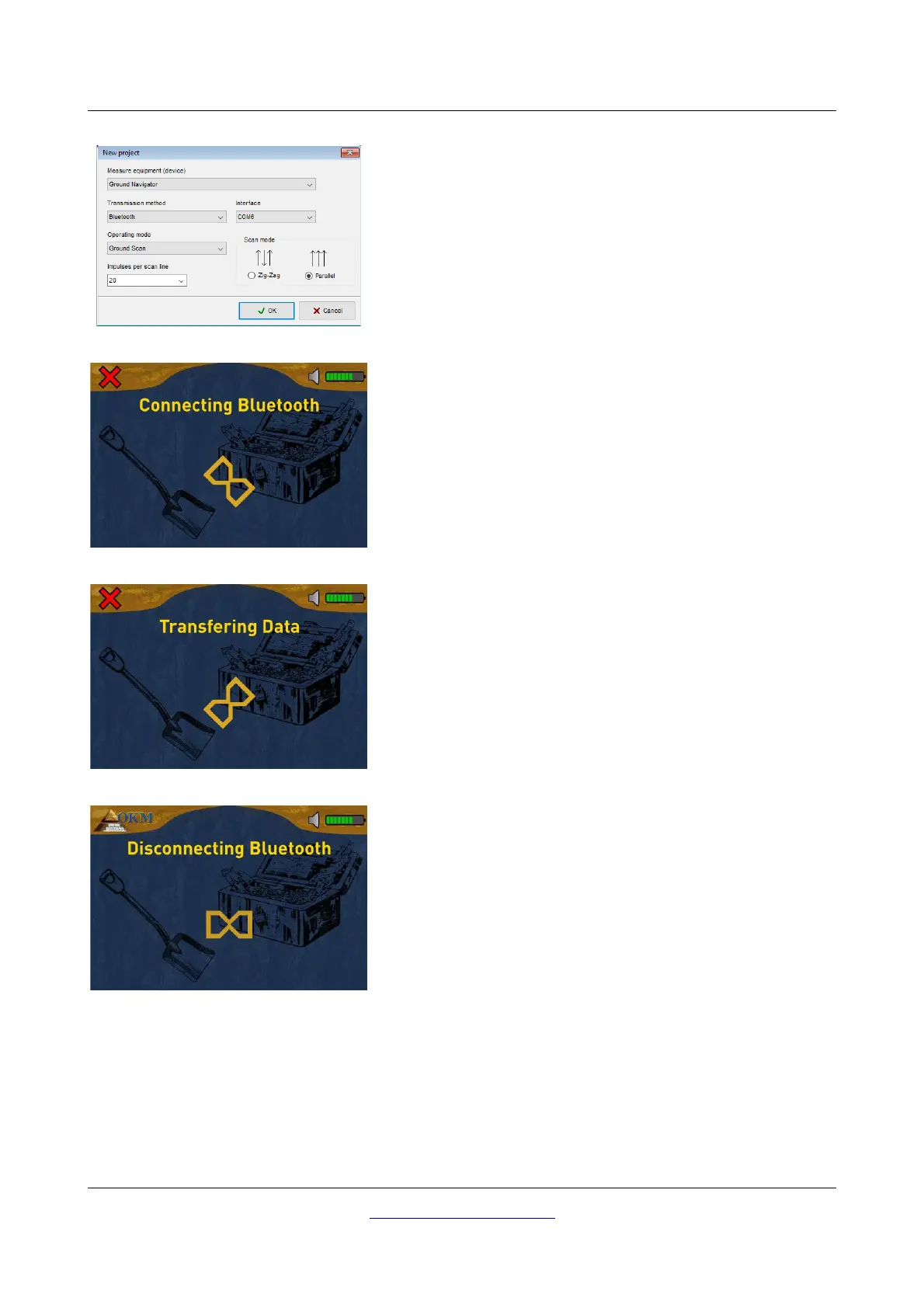
Enter all settings according to your saved measurement. Also
adjust the Com-Port number according to your local Bluetooth
installation and click the "OK" button.
Step 4
The device is connecting with the PC and tries to establish a
valid Bluetooth connection.
Step 5
Now the device transfers all data from internal memory to your
computer. Simultaneously you should see incoming measure
values in Visualizer 3D.
Step 6
After all data has been transferred, the Bluetooth connection
gets disconnected and you will get back to the main menu.
OKM GmbH
www.okmmetaldetectors.com



 To Next Page